

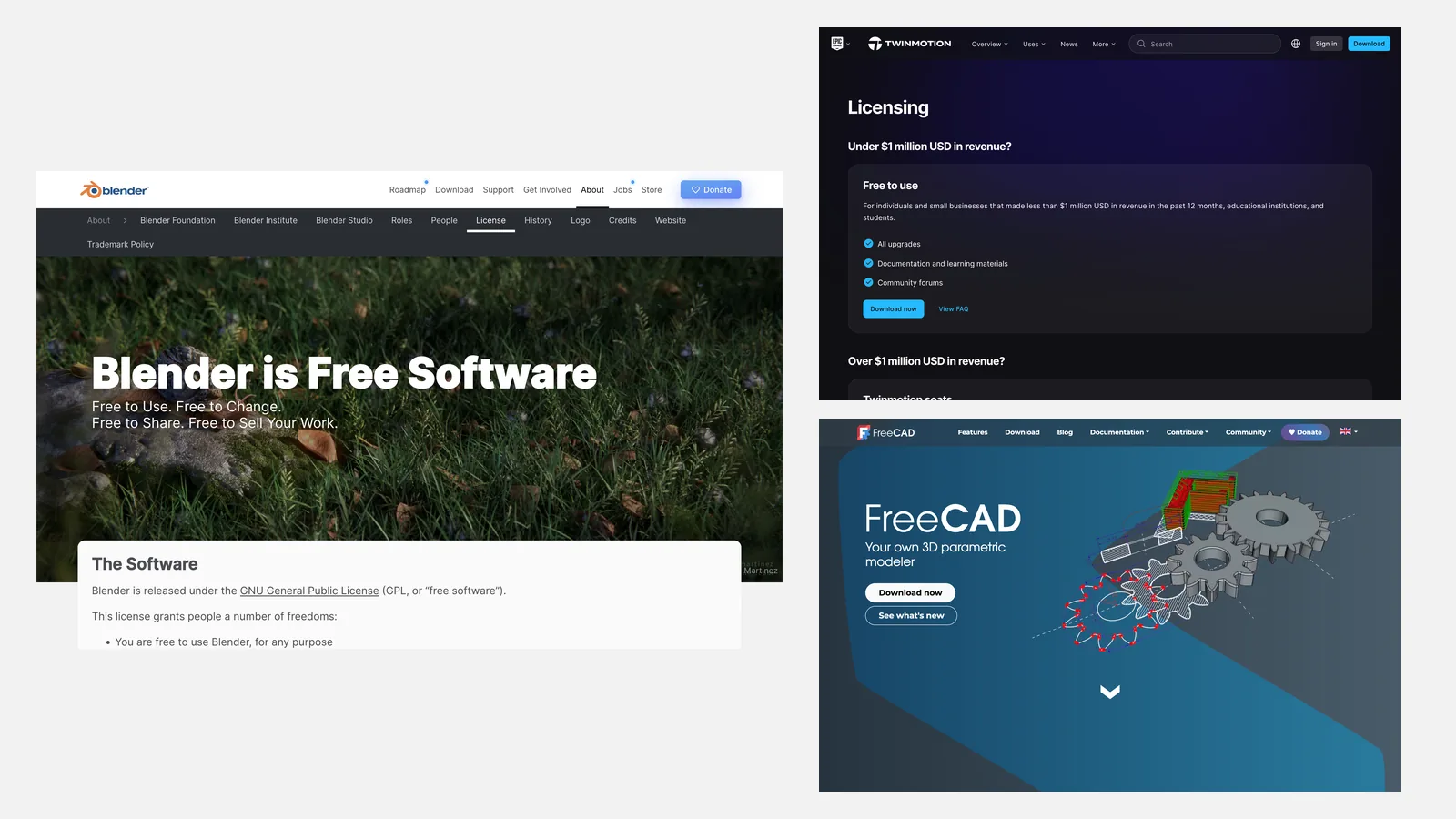
The best free architecture software in 2026 is Blender with the Bonsai add-on and FreeCAD if you want programs that stay free with no conditions, SketchUp Free if you are a beginner, and LibreCAD for 2D drafting. For a quick render of a free model, MeltFlex AI turns a SketchUp or Blender screenshot into a photorealistic image; the first render is free, and free renders carry a watermark.
Twinmotion is free for firms under $1 million in yearly revenue and D5 Render has a free plan for rendering. Revit, AutoCAD, Archicad and Vectorworks are free only on education licenses; everyone else gets a trial.
Among AI tools, TechDraw AI, AIBIM Tool and MeltFlex AI, made by the team behind this site, each have a free tier: a DWG viewer, a first BIM model and watermarked renders.
“Free” covers four very different deals, and most lists mix them up. A program can be open source and free forever, free up to a revenue limit, free only while you are a student, or free for 15 to 90 days.
We read the license, pricing or education page of every tool below on 18 November 2026 and wrote down what each one actually gives away and where the catch is. Nothing here was installed and tested by us, so this guide compares terms, not performance.
The short version
- Free forever, no conditions: Blender, Bonsai, FreeCAD, LibreCAD, Sweet Home 3D.
- Easiest start: SketchUp Free in the browser. Exports SKP, PNG and STL only.
- Free rendering: Twinmotion under $1 million in revenue; D5 Render Community.
- Students: Revit, AutoCAD, Archicad and Vectorworks on education licenses. SketchUp is $55 a year for college students.
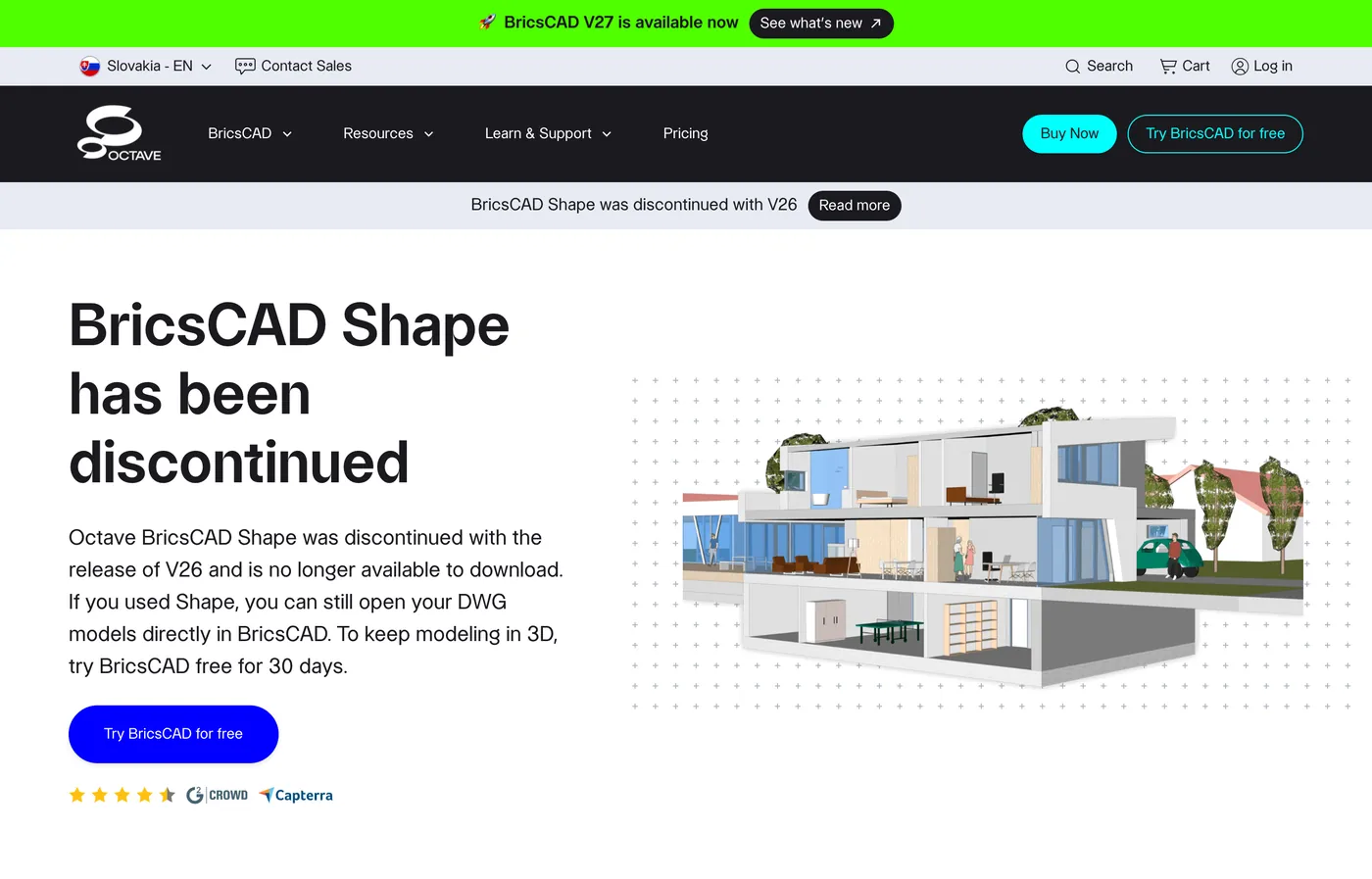
- Not free anymore: BricsCAD Shape, discontinued with BricsCAD V26.
What Is the Best Free Architecture Software in 2026?
The best free architecture software depends on the job: Blender and FreeCAD for 3D and BIM, LibreCAD for 2D, SketchUp Free for a first model, Twinmotion and D5 Render for images. This table lists 17 tools, what each gives away, the limit that matters, and the page we read it on.
| Tool | What is free | Limits | Best for | Source |
|---|---|---|---|---|
| Blender | Everything; open source (GNU GPL) | No architectural objects or drawings without an add-on | 3D modeling and rendering | blender.org license page |
| Bonsai (Blender add-on) | Everything; open source | Blender’s learning curve first; community documentation | Native IFC BIM | bonsaibim.org |
| FreeCAD | Everything; open source, no sign-up | Built for objects first; steep start | Parametric modeling, BIM Workbench, 2D drawings | freecad.org |
| LibreCAD | Everything; open source (GPLv2) | 2D only; macOS builds need volunteers | 2D drafting | librecad.org |
| SketchUp Free | Browser modeler, 10 GB cloud storage | Imports SKP, JPG, PNG; exports SKP, PNG, STL only | A first 3D model | SketchUp Free page |
| Sweet Home 3D | Everything; open source (GNU GPL) | Interior and house plans, not construction drawings | Furnished house plans in 3D | sweethome3d.com |
| Floorplanner Basic | 5 projects, 3 floors each | SD exports (960 × 540) with a watermark; 10-minute export cooldown | A quick floor plan in the browser | Floorplanner pricing |
| Twinmotion | Full product under $1M revenue; students and schools | Seats above $1M; Twinmotion Cloud needs a seat | Real-time rendering and walkthroughs | Twinmotion licensing |
| D5 Render Community | Unlimited projects, stills up to 16K, video up to 4K | 50 AI trial credits, 2,100+ assets, 1 panorama tour | Real-time rendering | D5 pricing |
| Revit, AutoCAD (education) | One year of access, renewable | Eligible students, educators and school IT only | Learning the office standard | Autodesk education |
| Archicad (education) | Full software for study or teaching | Education only; 30-day trial for everyone else | BIM on a Mac | Graphisoft trial page |
| Vectorworks (education) | Design Suite license | Students and educators in select markets | BIM plus landscape | Vectorworks education |
| Rhino 9 evaluation | All of Rhino 9 for 90 days | After 90 days, saving and plug-ins need a license | Complex form, Grasshopper | Rhino downloads |
| Autodesk Viewer | Viewing DWG, RVT, STEP and more | Free sign-up to upload; a viewer, not an editor | Opening a consultant’s file | viewer.autodesk.com |
| TechDraw AI | DWG viewer; drawings free to start | Viewer is not an editor; AI drawings are for objects and details | Opening DWGs; a sketch to a DXF | techdrawai.com FAQ (read 18 Nov 2026) |
| AIBIM Tool | First building; IFC and BCF viewers | Starter from $49 a month billed yearly after that | A first BIM model from a brief | aibimtool.com FAQ (read 18 Nov 2026) |
| MeltFlex AI | Renders without an account to start | Free renders carry a watermark | A render from a SketchUp screenshot | meltflexai.com FAQ (read 18 Nov 2026) |
Source: Each vendor’s licence, pricing or education page, captured 18 November 2026; prices re-read 23 November 2026.
None of these replaces Revit or Archicad for a permit set in an office that trades models with engineers. Our guide to the best software for architects covers the paid programs, with prices.
What Does “Free” Mean for Architecture Software?
Four kinds of “free” show up in architecture software, and they carry different risks for a practice.
- Open source. Blender, Bonsai, FreeCAD, LibreCAD and Sweet Home 3D. No account, no time limit, commercial use allowed. Blender’s license page puts it plainly: “You are free to use Blender, for any purpose,” and “What you create with Blender is your sole property.” The cost is time: support comes from forums and volunteers.
- Free tier or free under a threshold. SketchUp Free, Floorplanner Basic, D5 Render Community, Twinmotion under $1 million in revenue, and the free tiers of AI tools. The vendor can change these terms, and D5’s pricing page already carries a notice about “upcoming changes to D5 plans and pricing.”
- Education licenses. Revit, AutoCAD, Archicad and Vectorworks are free to eligible students and teachers. They are the full programs, given for learning and teaching.
- Trials. 15 days for AutoCAD and AutoCAD LT, 30 days for Revit, Revit LT, Archicad, AutoCAD Web and BricsCAD, 90 days for Rhino 9. Useful for one real project, not for running an office.
The free tier that disappears is the one to watch. BricsCAD Shape was a free 3D modeler until Bricsys discontinued it: its page now says it “was discontinued with BricsCAD V26” and “there is no longer a free Shape download.” Open-source tools cannot vanish that way, because the code stays public.
What Is the Best Free Architecture Software for Beginners?
SketchUp Free is the best free architecture software for beginners, because it runs in a browser, needs no install, and is the quickest way to learn to think in 3D.
Trimble calls it “the simplest free 3D modeling software on the web.” From there, move to FreeCAD to learn that a wall is an object with properties, which is the idea behind every BIM program. If you want houses with furniture rather than buildings, Sweet Home 3D is easier still.
SketchUp Free: the easiest start
What is free: Browser modeler, 10 GB of Trimble Connect storage, 3D Warehouse models
SketchUp Free runs SketchUp’s core modeler in a web browser. The free plan gives 10 GB of Trimble Connect cloud storage and access to 3D Warehouse, the library of user and manufacturer models. It imports SKP, JPG and PNG files and exports SKP, PNG and STL.
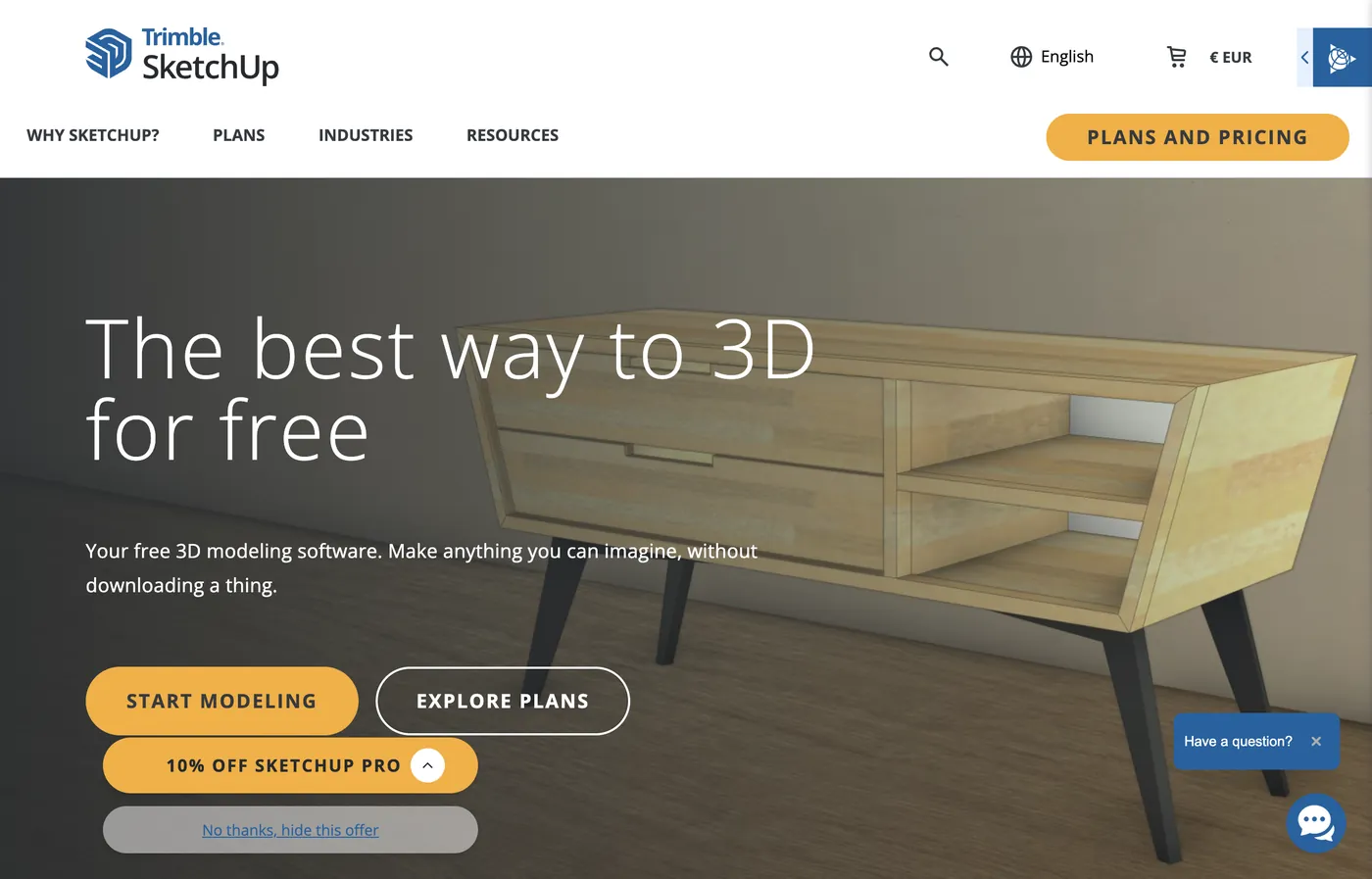
The catch: no DWG import or export, no desktop app, no LayOut for drawings. Those start with Pro at $33.25 a month billed annually; the browser-and-iPad Go plan is $10.75 a month billed annually. SketchUp Free is for learning and sketching, not for documents.
For a tour of free architecture apps beyond SketchUp, from 2D drafting to rendering, this overview walks through the options a beginner meets first:
What Architecture Software Is Free for Students?
Architecture students can use almost every professional program for free. Autodesk, Graphisoft and Vectorworks give their full software to eligible students and educators; Twinmotion and Unreal Engine are free for students and schools; D5 Render has an education plan you apply for. SketchUp is the exception: college students pay.
| Program | Student terms on the vendor’s page |
|---|---|
| Revit, AutoCAD, 3ds Max, Forma | Free educational access for students, educators and school IT administrators; one year, “renewable as long as you remain eligible” |
| Archicad | “Free Archicad EDU license” for anyone “studying or teaching architecture” |
| Vectorworks Design Suite | Free educational license for students and educators “in select global markets”; 50% off three years of a subscription after graduation (student2PRO) |
| Twinmotion | Free for educational institutions and students |
| Unreal Engine | Free for educators and schools, with no revenue limit |
| D5 Render | “D5 for Education” for students, educators and academic institutions, by application |
| SketchUp | $55 a year for students; SketchUp for Schools free for K–12 with a Google Workspace for Education or Microsoft Education account |
Source: Autodesk, Graphisoft, Vectorworks, Epic, D5 and SketchUp education pages, captured 18 November 2026; SketchUp price re-read 23 November 2026.
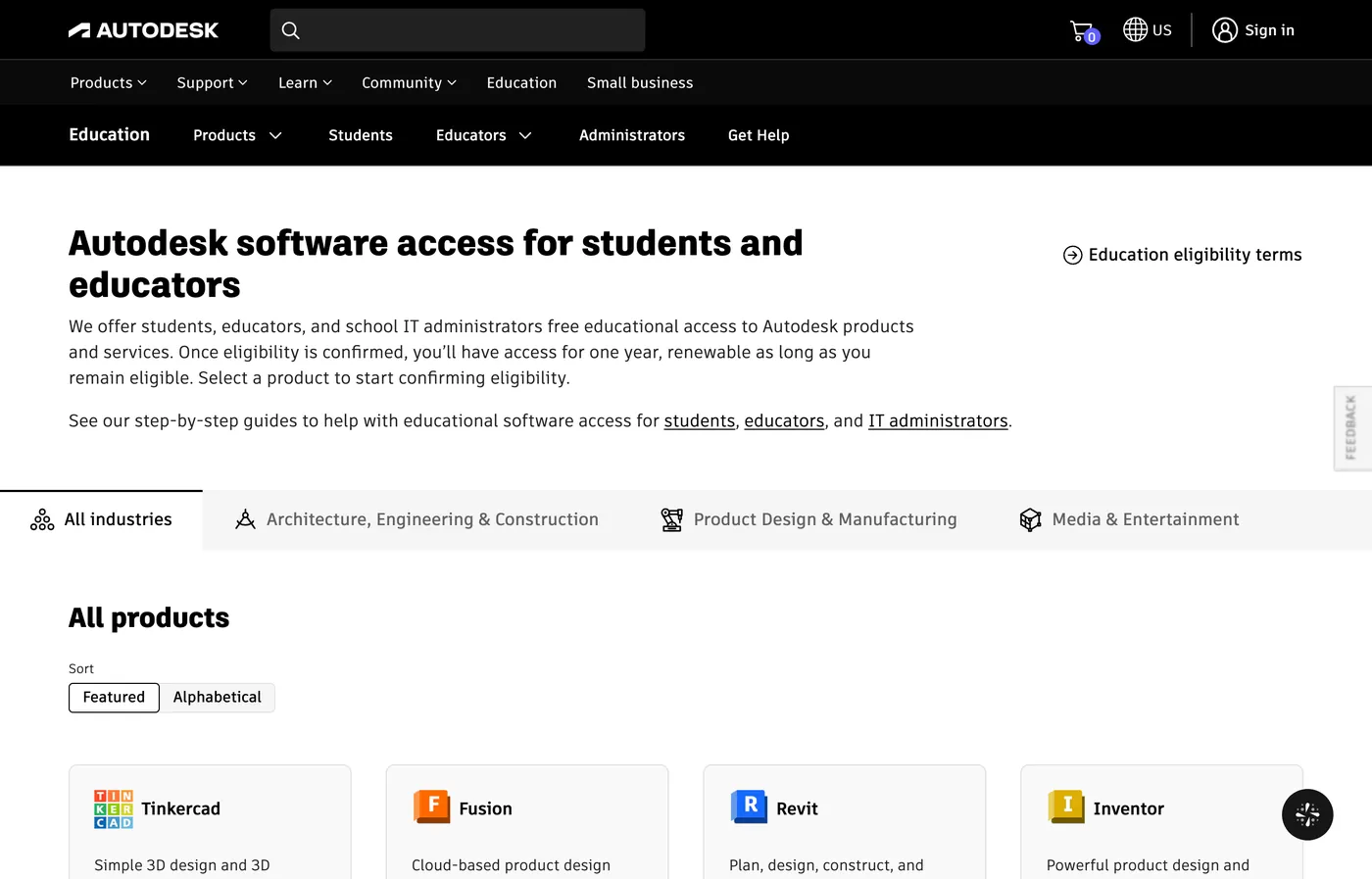
Autodesk checks eligibility through SheerID once a year. Learn on the program your target offices use: Revit for most US firms, Archicad if you work on a Mac.
Education access is given for learning and teaching, so read each vendor’s eligibility terms before you use it on paid work; Blender, FreeCAD and Twinmotion (under its revenue limit) are the free tools you can keep using after you graduate. Our BIM software guide compares Revit and Archicad in detail.
What Is the Best Free CAD Software for Architects?
LibreCAD is the best free 2D CAD software for architects, and FreeCAD the best free CAD program if you also want 3D and drawings cut from a model. Both are open source. For DWG files from consultants, a free viewer is often enough, and AutoCAD itself is free only to students.
LibreCAD: free 2D drafting
What is free: Everything; open source under GPLv2, Windows, macOS and Linux
LibreCAD is a 2D CAD program that grew out of the community edition of QCad. Its site promises “no worries about trials, subscriptions, license costs or annual fees,” and it is translated into more than 30 languages.
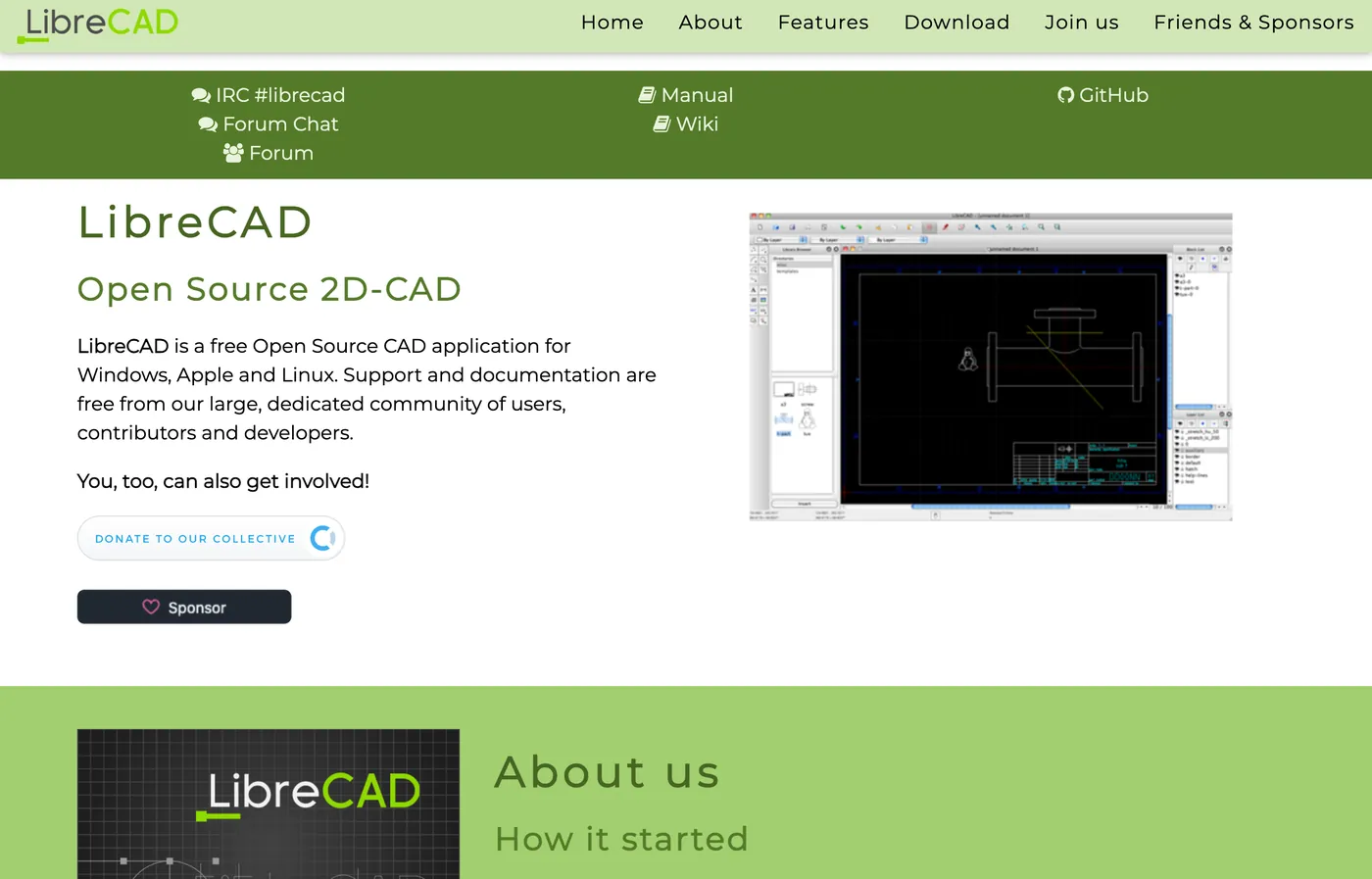
The catch: 2D only, and its own site says “help is needed for macOS deployment,” so Mac builds can lag. It does not replace AutoCAD in an office that lives in DWG.
FreeCAD: free parametric CAD with drawings
What is free: Everything; open source, no account
FreeCAD is a parametric 3D modeler for Windows, Mac and Linux with “no licensing fees, no vendor lock-in” and “no sign-up, no paywall, no restrictions.” You sketch constrained 2D shapes, build 3D from them, and extract drawings back out.
It reads and writes STEP, IGES, STL, SVG, DXF, OBJ, IFC, DAE and other open formats, and a dedicated BIM workbench adds architectural objects.
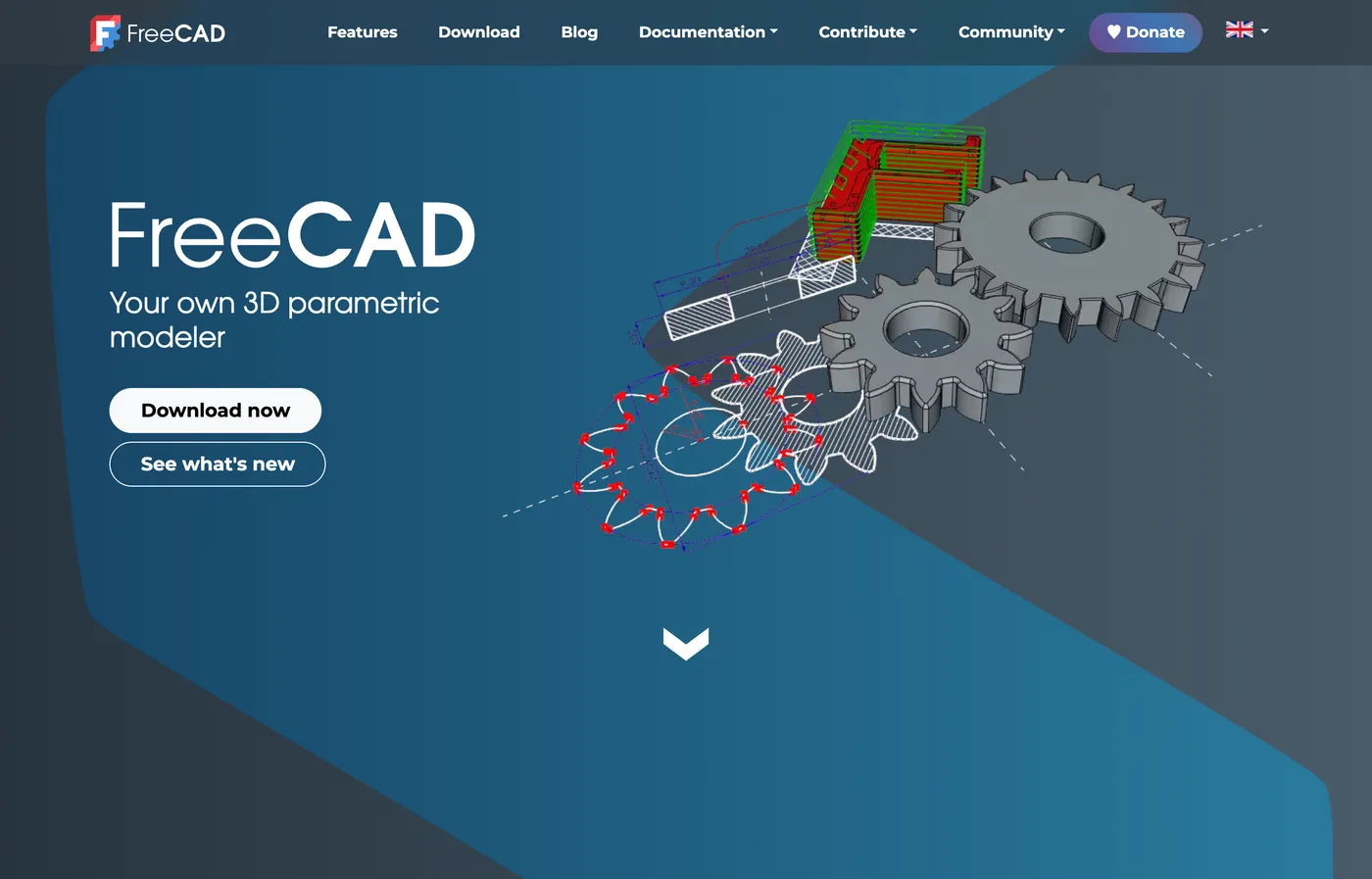
The catch: FreeCAD describes itself as “made primarily to design real-life objects,” so buildings come through a workbench rather than the core, and the learning curve is steep.
Opening a DWG without AutoCAD. Autodesk Viewer is free and opens DWG, RVT, STEP, DWF and SolidWorks files in a browser after a free sign-up.
TechDraw AI’s DWG viewer opens DWG files from R14 to 2018 and later without an account and without uploading them, and saves the drawing as DXF, DWG, SVG, PDF or STL (a free account is needed to download). Neither is an editor.
For light editing, AutoCAD Web starts at $9 a month after a 30-day trial.
What Is the Best Free 3D Modeling Software for Architecture?
Blender is the best free 3D modeling software for architecture visualization, SketchUp Free the easiest, and FreeCAD the best for precise, parametric models that turn into drawings. If you need Rhino specifically, its 90-day evaluation is the longest full trial of any program here.
Blender: free modeling, rendering and animation
What is free: Everything; open source under the GNU GPL
Blender calls itself “the free and open source 3D creation suite,” and the current release is Blender 5.3. Its license allows use “for any purpose,” no registration is needed, and the Cycles render engine is available under Apache 2.0.
The license page draws the line itself: your work stays yours, “in contrast to trial or ‘educational’ versions of commercial software that will forbid your work in commercial situations.”
The catch: Blender has no walls, doors or drawing sheets out of the box. For architecture you add Bonsai (below) or use it for visualization only.
Rhino 9: a 90-day evaluation
What is free: All of Rhino 9 for 90 days, Windows or Mac, no credit card
McNeel’s download page offers “all of Rhino 9, free for 90 days.” After that, “saving files and loading plug-ins need a license.”
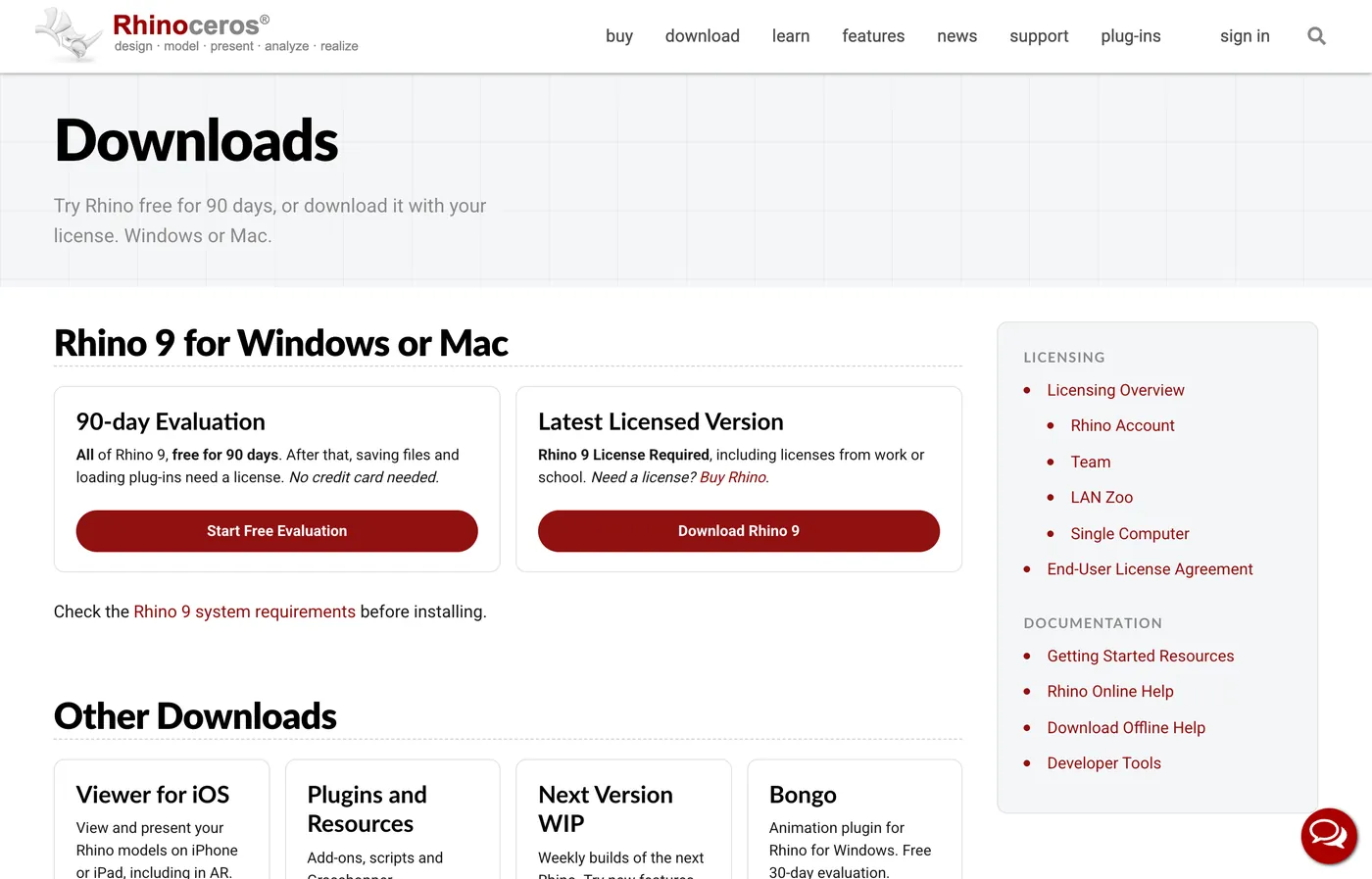
The catch: it is a trial. Once it ends, saving files and loading plug-ins stop, so plan a real project into those 90 days.
Is There Free BIM Software?
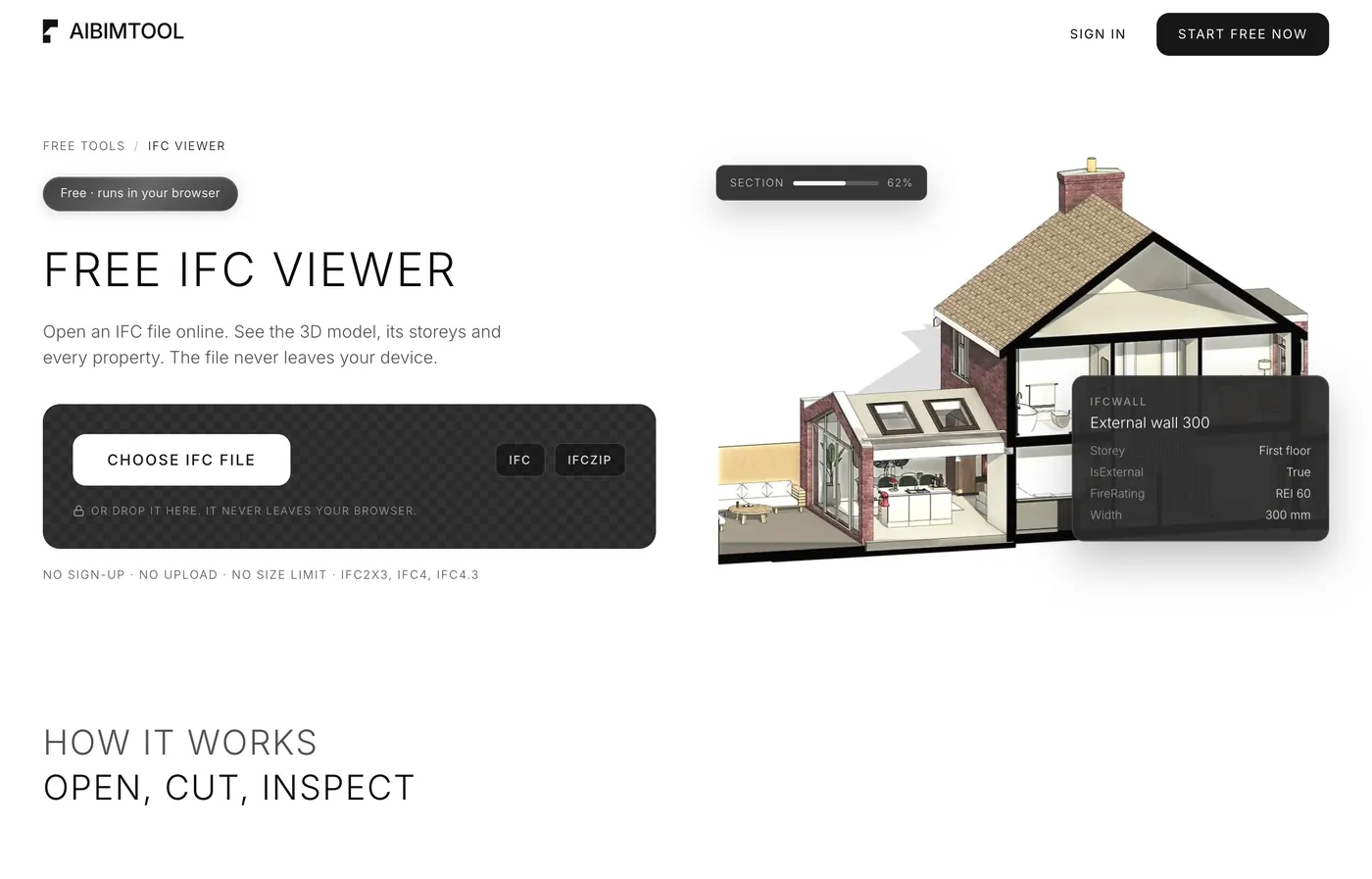
Yes. Bonsai, the BIM add-on for Blender, is the most complete free BIM software, and FreeCAD’s BIM workbench is the other open-source option. Both write IFC, the open format that Revit and Archicad read. Free IFC viewers cover the rest: AIBIM Tool’s IFC viewer runs in the browser with “no sign-up, no upload, no size limit” for IFC2x3, IFC4 and IFC4.3, and its first generated building is free.
Bonsai: free native IFC authoring
What is free: Everything; open source
Bonsai describes itself as “a family of open source apps for authoring, reviewing, and sharing IFC models, with no lock-in and no proprietary formats, ever.” It runs inside Blender and is built on IfcOpenShell, the open-source IFC toolkit.
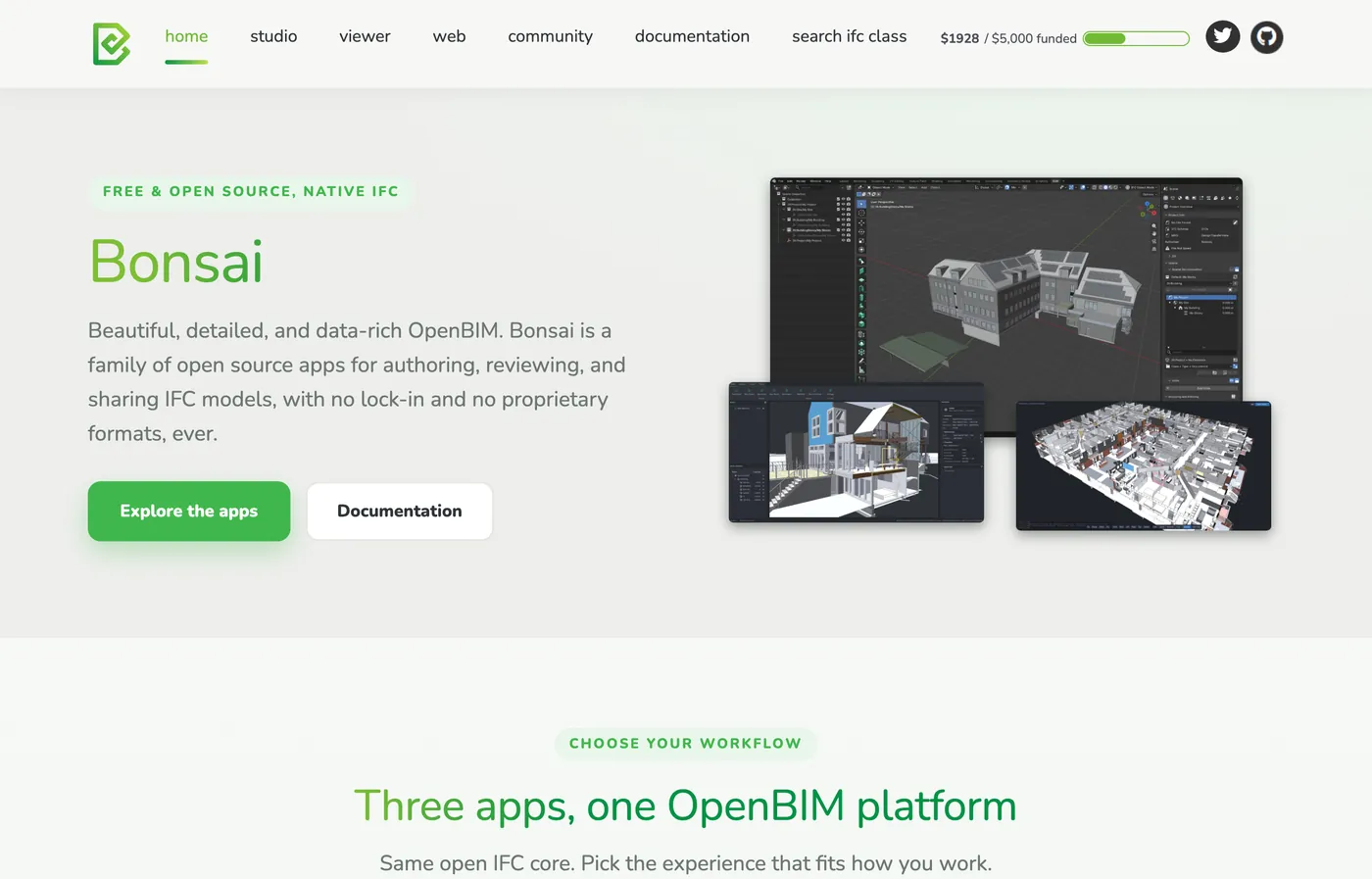
The catch: you learn Blender first and BIM second. Our BIM guide covers Bonsai, FreeCAD and the paid BIM programs side by side, so we do not repeat it here.
What Is the Best Free Rendering Software for Architects?
Twinmotion is the best free rendering software for small firms, because the full product is free for individuals and companies under $1 million in yearly revenue. D5 Render’s Community plan is the best free option above that threshold, and Blender’s Cycles renders for free with no limits but more setup.
Twinmotion: free under $1 million in revenue
What is free: The full product, all upgrades, for individuals and firms under $1M in the past 12 months, schools and students
Epic’s licensing page says Twinmotion is free for “individuals and small businesses that made less than $1 million USD in revenue in the past 12 months, educational institutions, and students.” Above that, its FAQ lists $445 per seat per year; the page we were shown priced seats at €522.13.
Unreal Engine follows the same $1 million line for individuals and small businesses and is free to schools with no revenue limit.
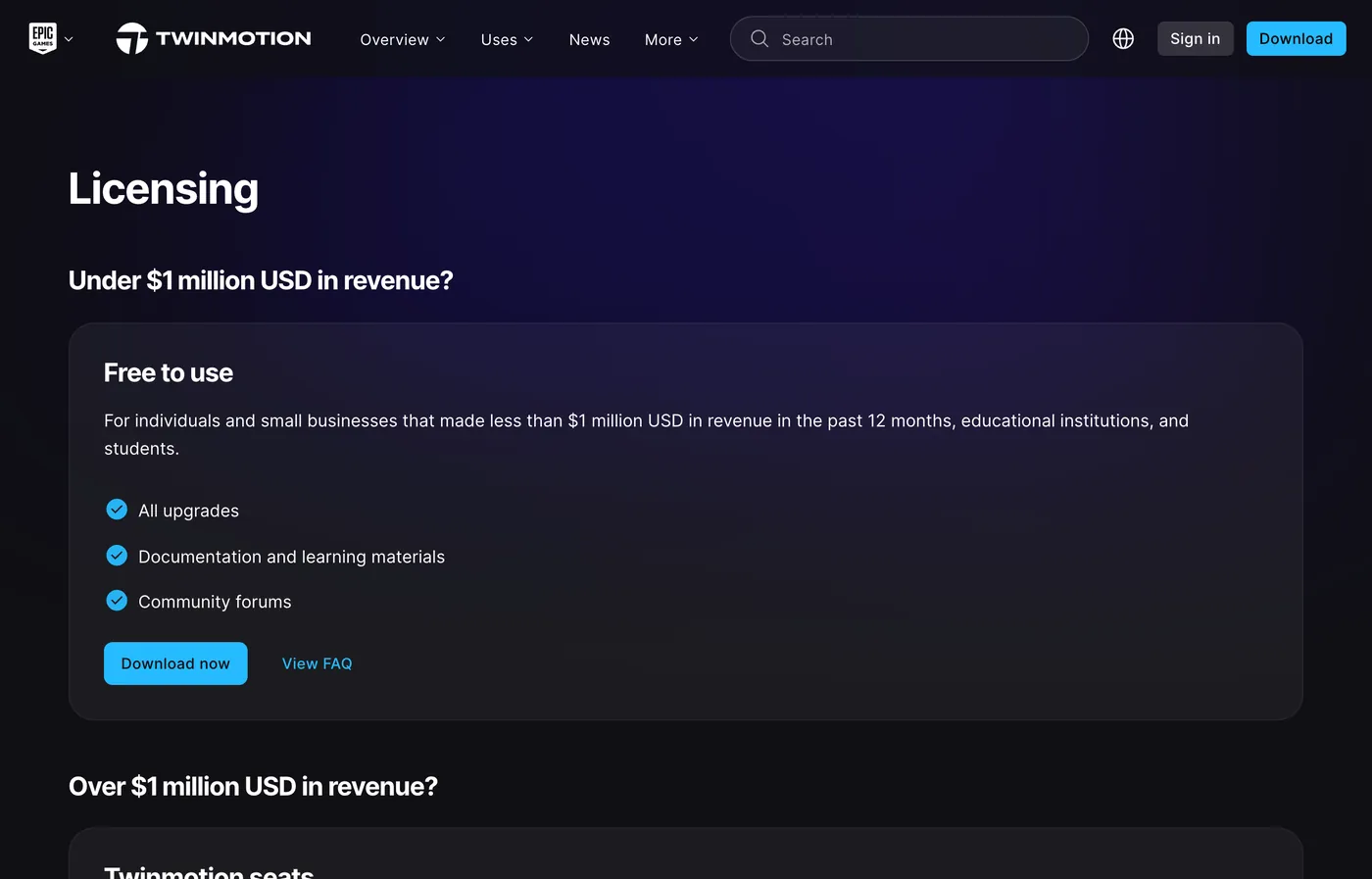
The catch: Twinmotion Cloud needs a paid seat, and a growing firm has to start paying once revenue passes the line.
D5 Render Community: a free plan with limits
What is free: Unlimited projects, stills up to 16K, video up to 4K, 2,100+ assets
D5’s free Community plan includes unlimited projects, LiveSync with modeling programs, image, panorama and video rendering, and a local asset library. Pro adds unlimited AI features, VR and 16,000+ assets for $360 a year.
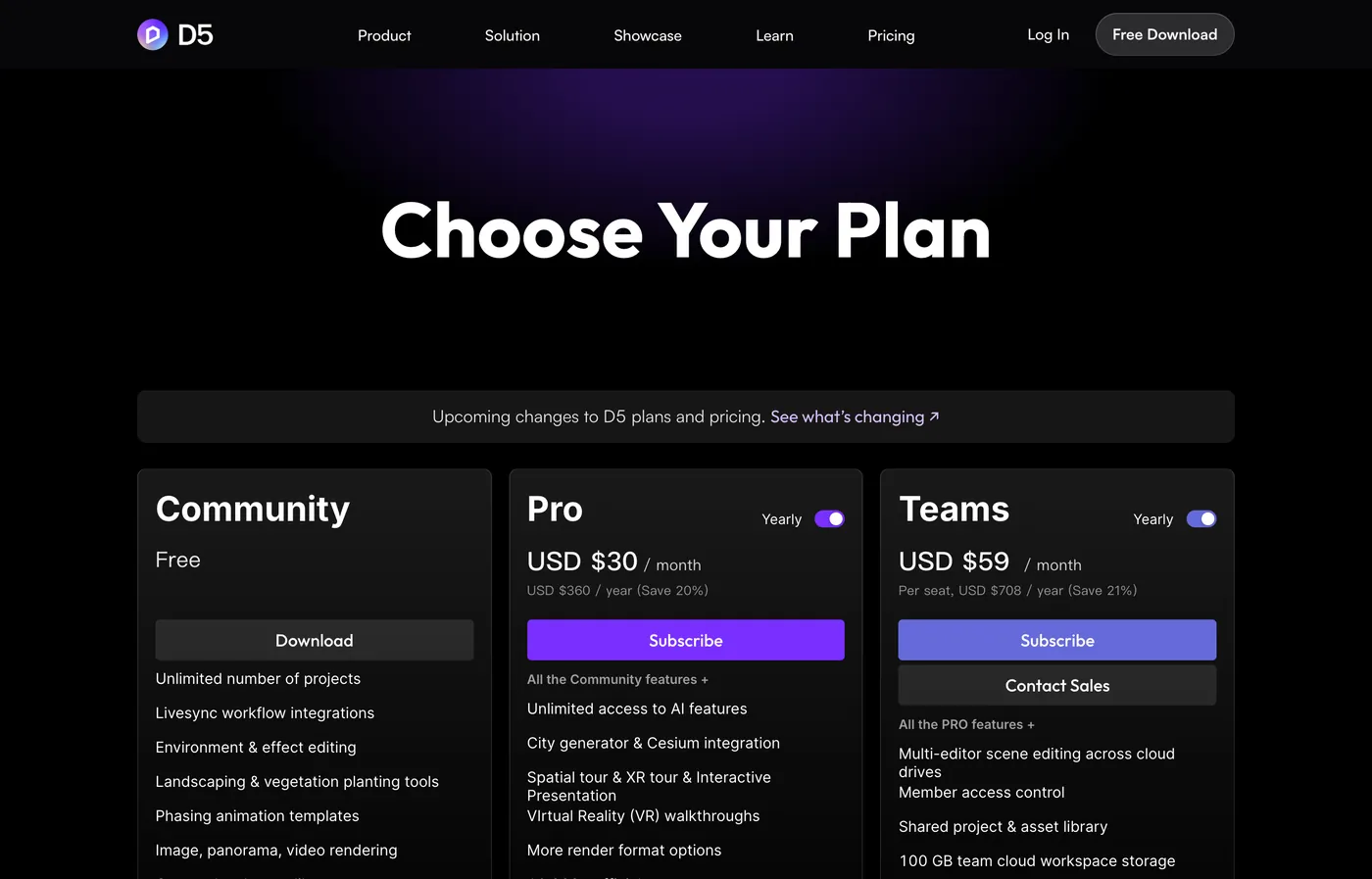
The catch: AI features are a 50-credit trial on the free plan, panorama and spatial tours are limited to one, and the pricing page warns that plans are about to change.
We could not read Enscape’s trial terms: both Chaos pages we tried returned a 404 on the day, so Enscape is not in the table.
What Is the Best Free Floor Plan Software?
Sweet Home 3D is the best free floor plan software, because it has no limits at all: open source under the GNU GPL, more than 10,000 models and 400 textures in the full download, and versions for Windows, macOS, Linux, iOS and Android plus a browser version.
Floorplanner’s free Basic plan is the easiest in a browser, with 5 projects of up to 3 floors, but its free exports are 960 by 540 pixels and watermarked.
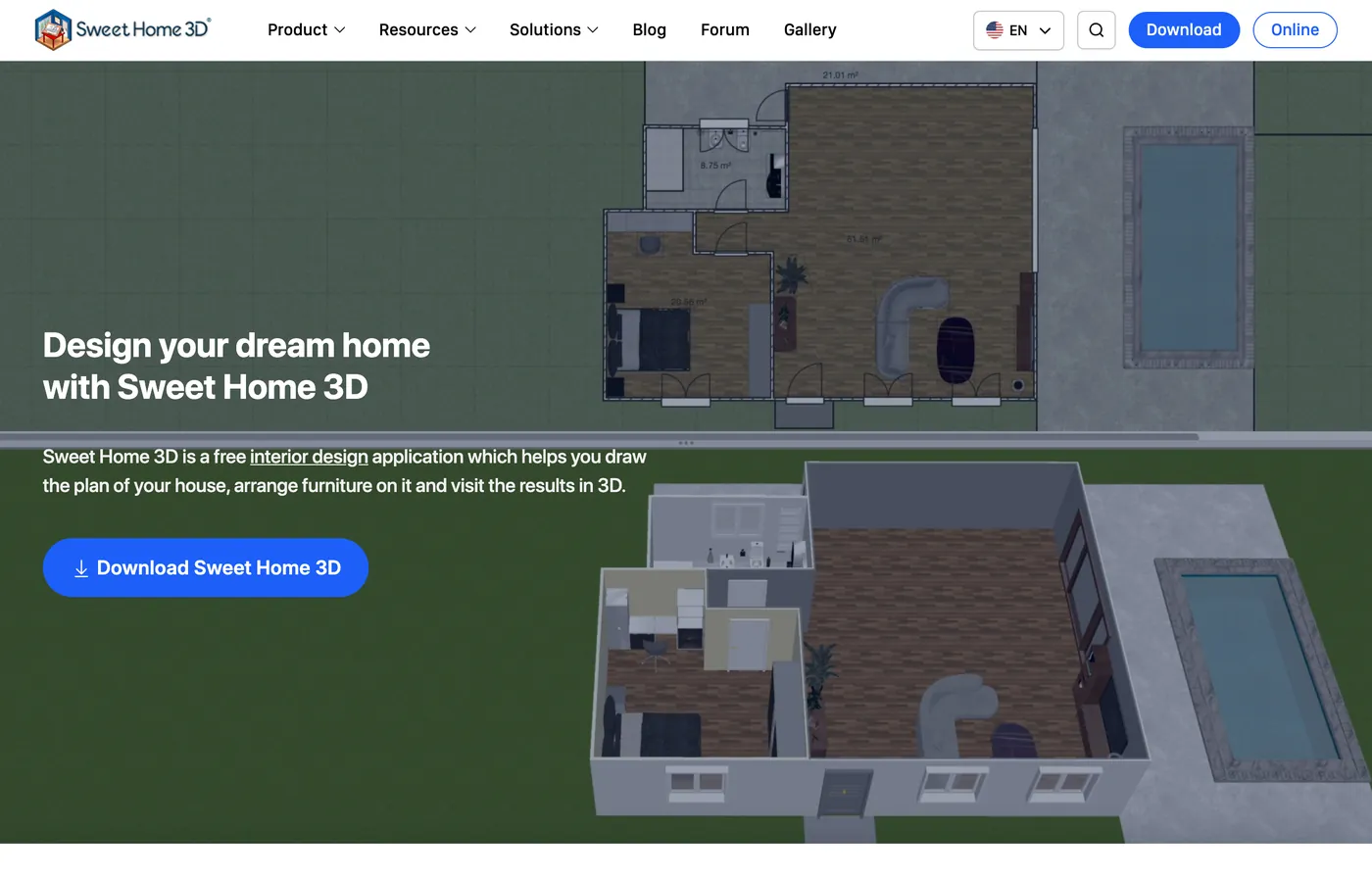
Floor plan tools draw plans for clients and homeowners, not permit sets. We compared 13 of them, free and paid, in our floor plan software guide.
Which AI Architecture Tools Have a Free Tier?
Three AI tools for architects have a free tier that their own pages state today. All three are made by the team behind this site; the limits below are from their FAQs, read on 18 November 2026.
TechDraw AI: free DWG viewer, drawings free to start
What is free: DWG viewer with no watermark and no file limit; AI drawings free to start, no credit card
TechDraw AI turns a photo, sketch or scan into a dimensioned technical drawing that exports as DXF or DWG. Its FAQ says you can start “for free, with no credit card and no CAD license required.” The DWG viewer is free “with no watermark and no file limit,” runs in the browser, and needs an account only to download a converted file.
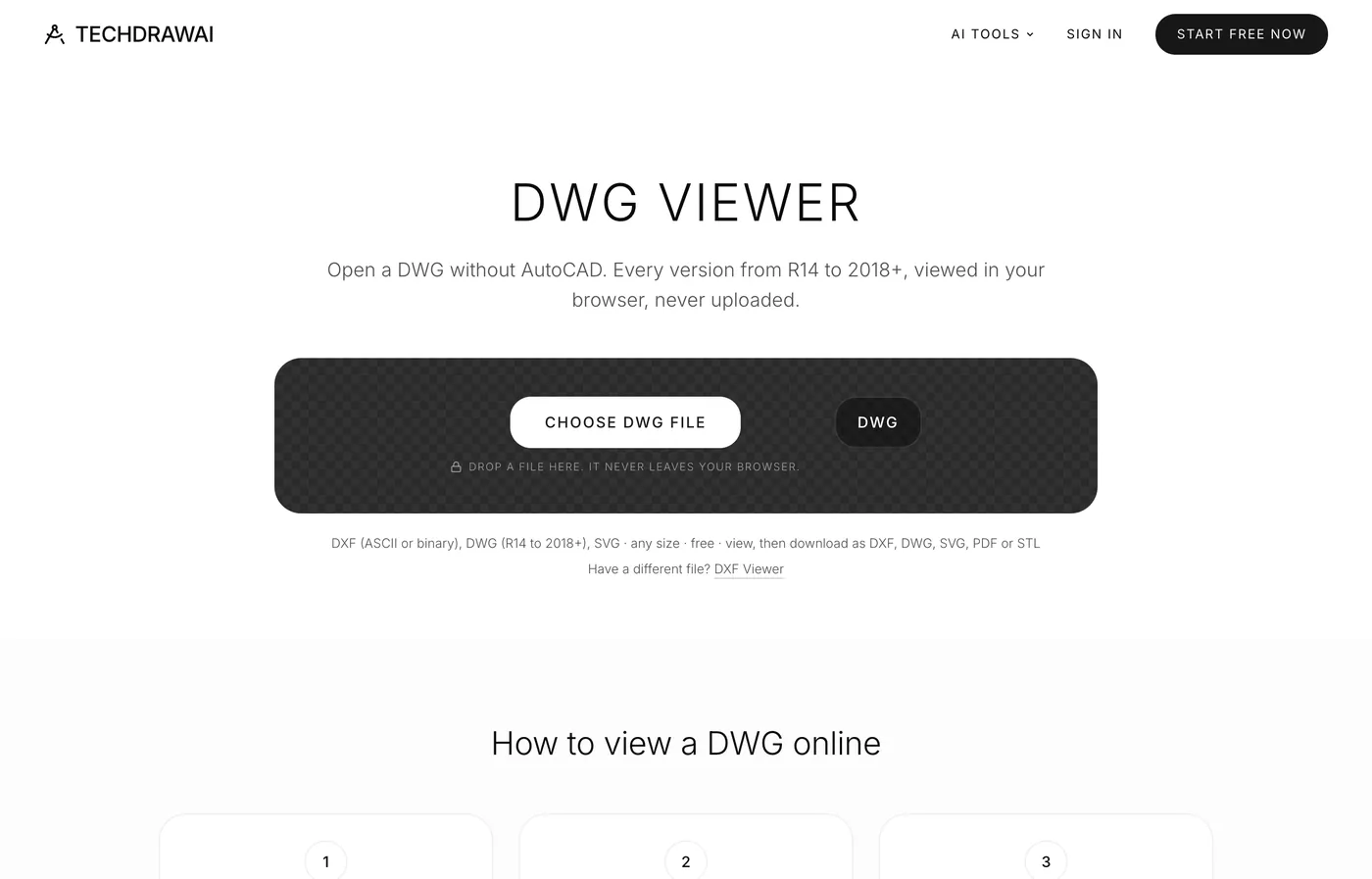
The catch: the AI drawing side is built for objects (furniture, woodworking, machine parts, sheet metal), so for an architect it fits details and built-ins, not floor plans of buildings. The viewer views and converts; it does not edit. Paid plans are inside the app; its pricing URL returned a 404 for us.
AIBIM Tool: the first building free
What is free: First building (brief, program and BIM model); free IFC and BCF viewers
AIBIM Tool turns a written brief and a site into a room program, massing and an editable BIM model with floor plans, exported as IFC4 for Revit or Archicad. Its FAQ: “Your first building is free, brief, program and BIM model included.” Starter is $49 a month billed yearly ($89 monthly), and the free plan’s credits cover 3 projects.
The catch: it is a concept-stage tool. When we read three of its IFC files in our BIM guide, they came without materials, wall types or standard property sets, so the model has to be finished in a BIM program.
MeltFlex AI: free renders with a watermark
What is free: Photo or SketchUp screenshot to render, no account needed to start
MeltFlex AI turns a SketchUp screenshot, a grey 3D draft, a sketch or a photo into a photoreal render in the browser. Its FAQ says you can “generate a photorealistic render for free” with “no account required to get started.”
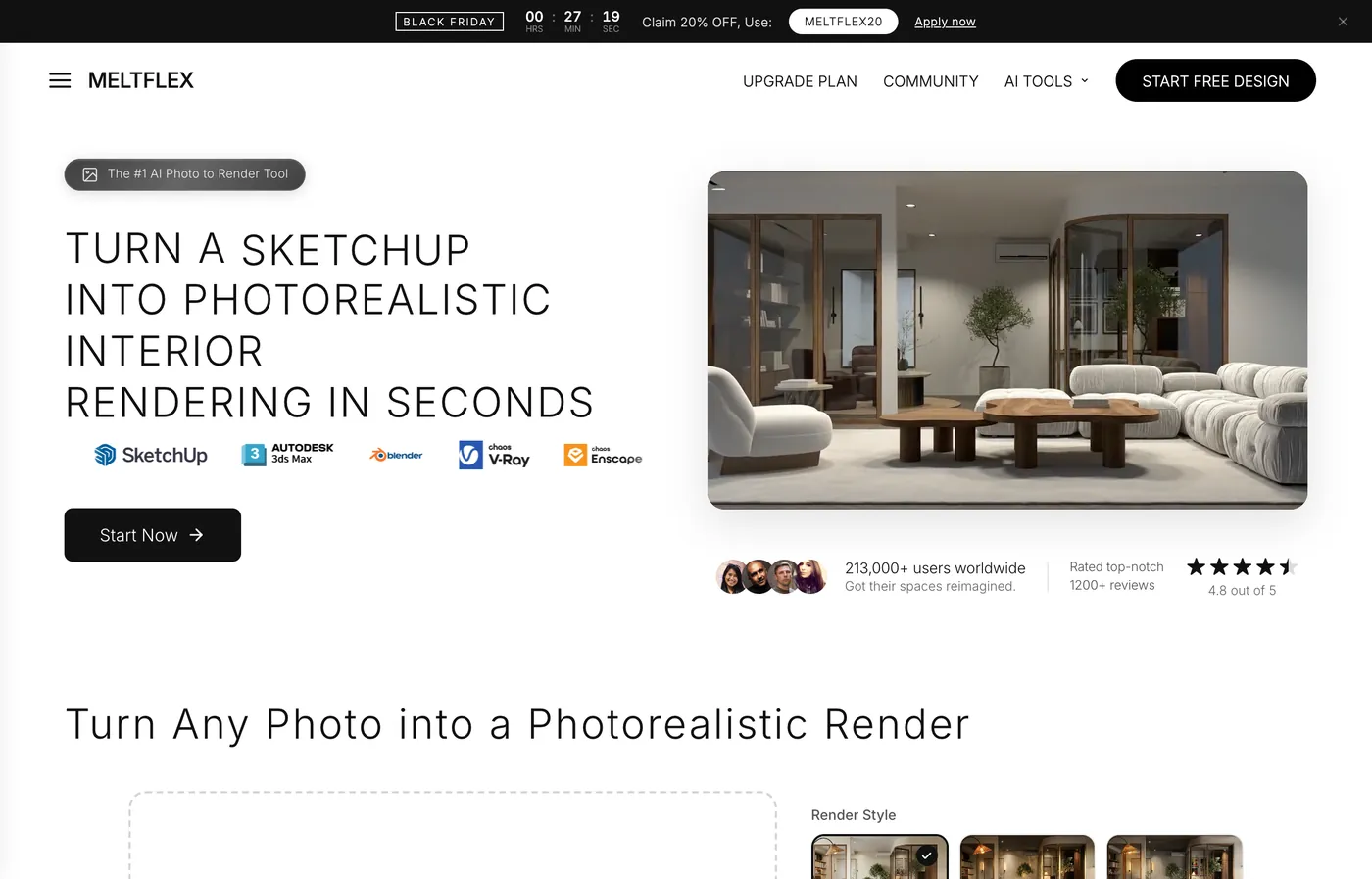
The catch: “free renders carry a small MeltFlex watermark.” On 23 November 2026 the page we were shown listed Standard at €12 a month billed yearly (€144). The AI chooses the materials and light, so the result is a concept image, not a material study.
Is There a Free Version of Revit, AutoCAD, SketchUp, Archicad or Rhino?
None of the big five has a free version for professional work. Each has a student license, a trial, or a cut-down product, and only SketchUp has a permanent free tier.
| Program | Free version? | Students | Trial |
|---|---|---|---|
| Revit | No | Free, 1 year renewable | 30 days (Revit LT also 30) |
| AutoCAD | No; Autodesk Viewer opens DWGs free | Free, 1 year renewable | 15 days; AutoCAD Web 30 days |
| SketchUp | SketchUp Free, browser only | $55 a year; free for K–12 schools | Not on the pages we read |
| Archicad | No | Free EDU license | 30 days |
| Rhino | No | Not on the pages we read | 90 days |
Source: Autodesk free trials, SketchUp plans, Graphisoft trial and Rhino download pages, captured 18 November 2026.
Free alternatives for each: Bonsai or FreeCAD for Revit, LibreCAD for AutoCAD drafting, SketchUp Free or Blender for SketchUp Pro, and Blender for Rhino-style modeling, with Grasshopper’s visual scripting being the hardest part to replace.
A Free Software Setup for a One-Person Practice
A one-person practice can run on free tools for a while, as long as nobody asks for a native Revit file. This is the setup we would assemble from the tools above:
- Design and 3D: SketchUp Free to sketch massing, Blender or FreeCAD for the model you keep.
- BIM and IFC: Bonsai to author IFC, and a free browser IFC viewer to check what consultants send.
- 2D drafting: LibreCAD for drawings; a free DWG viewer for consultant files.
- Client images: Twinmotion under the revenue line, or D5 Render Community.
- When a project pays for it: a Revit or Archicad trial timed to that project, then a paid seat.
The bill comes back as time, not money. If time tracking and billing are the next gap, our project management software guide covers them.
Frequently Asked Questions
What is the best free architecture software?
For software that stays free with no conditions, Blender (with the Bonsai add-on for BIM) and FreeCAD are the best, with LibreCAD for 2D drafting and Sweet Home 3D for house plans. SketchUp Free is the easiest start in a browser. Twinmotion is free for individuals and firms under $1 million in yearly revenue, and D5 Render has a free Community plan.
Is there a free version of Revit?
Only for education. Autodesk gives eligible students, educators and school IT administrators a year of free access to Revit, renewable while they stay eligible. Everyone else gets a 30-day trial. For free BIM outside education, use Bonsai for Blender or FreeCAD’s BIM Workbench.
Is SketchUp free?
SketchUp Free is a browser version with 10 GB of cloud storage that imports SKP, JPG and PNG and exports SKP, PNG and STL. The desktop program with LayOut is part of SketchUp Pro, listed at $33.25 a month billed annually. College students pay $55 a year; SketchUp for Schools is free for K–12 with a Google Workspace for Education or Microsoft Education account.
Is AutoCAD free for students?
Yes. AutoCAD, AutoCAD LT and AutoCAD Architecture are in Autodesk’s education program: one year of free access for eligible students and educators, renewable. Outside education, AutoCAD and AutoCAD LT have a 15-day trial and AutoCAD Web a 30-day trial, then starts at $9 a month.
What free software do architects use to render?
Twinmotion, free under $1 million in yearly revenue, and D5 Render’s free Community plan are the two free real-time renderers. Blender renders for free with its Cycles engine. AI tools such as MeltFlex AI turn a SketchUp screenshot into a photoreal image in the browser, with a watermark on free renders.
Can I use free architecture software for commercial work?
Blender says so explicitly: it can be used for any purpose and what you make with it is yours. FreeCAD, LibreCAD and Sweet Home 3D are open source too. Twinmotion is free for commercial use until revenue passes $1 million. Education licenses are for study and teaching, so check their terms before paid work.
Sources
Every vendor page was captured on 18 November 2026 and prices were re-read on 23 November 2026; MeltFlex AI, TechDraw AI and AIBIM Tool are made by the team behind this site, and no other vendor paid to be listed.
- Blender: blender.org license page
- Bonsai (Blender add-on): bonsaibim.org
- FreeCAD: freecad.org
- LibreCAD: librecad.org
- SketchUp Free: SketchUp Free page
- Sweet Home 3D: sweethome3d.com
- Floorplanner Basic: Floorplanner pricing
- Twinmotion: Twinmotion licensing
- D5 Render Community: D5 pricing
- Revit, AutoCAD (education): Autodesk education
- Archicad (education): Graphisoft trial page
- Vectorworks (education): Vectorworks education
- Rhino 9 evaluation: Rhino downloads
- Autodesk Viewer: viewer.autodesk.com
- Autodesk free trials
- AutoCAD Web
- SketchUp plans and pricing
- Unreal Engine licensing
- BricsCAD Shape (discontinued)
- TechDraw AI homepage FAQ and DWG viewer FAQ (techdrawai.com)
- AIBIM Tool homepage FAQ and IFC viewer FAQ (aibimtool.com)
- MeltFlex AI photo to render FAQ and subscription page (meltflexai.com)
- inspirationTuts CAD, “Free Architecture Apps for Beginner (and Professionals)” (YouTube)
Related: our guide to the best software for architects, SketchUp alternatives, rendering software and the selection method.
Found a free plan that changed? Write to info@meltflexai.com and we will correct it and the date.