
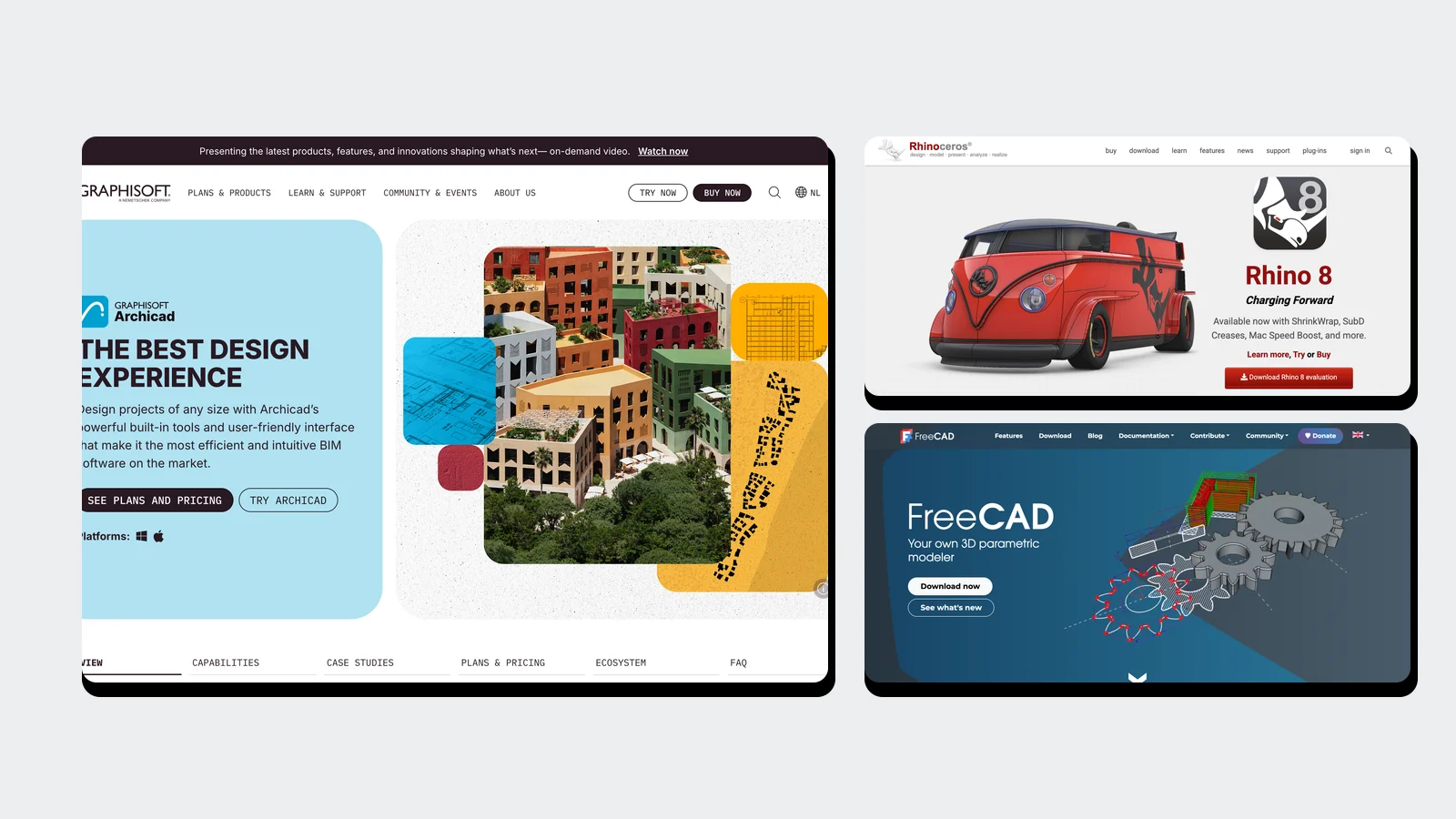
The best SketchUp alternatives for architects are Blender for free modeling and rendering, Rhino for precise or complex geometry, and Archicad or Vectorworks Architect for the BIM and documentation SketchUp lacks. Whichever you switch to, MeltFlex AI, made by the team behind this site, can turn a screenshot of your model into a photoreal concept render, but it does not model, measure or draw.
Among the other options, FreeCAD is free and parametric, Sweet Home 3D handles simple home layouts for free, BricsCAD adds a BIM toolset on a DWG core, and Home Designer is the easy pick for DIY residential work. None is an exact clone of SketchUp’s push-pull modeling, so a switch is really a rebuild.
SketchUp is still a fine tool, and most people leave for a specific reason: the subscription, the limits of its free routes, the lack of real BIM, or geometry it cannot model. We looked at eight programs an architect actually switches to, grouped by that reason.
Every price below was read from the vendor’s own page on 23 November 2026. Where a tool is covered in another of our guides, we link it instead of repeating the detail.
The short version
- Best free alternative: Blender, then FreeCAD.
- Simplest free home design: Sweet Home 3D.
- Most powerful modeling: Rhino with Grasshopper.
- Best for real BIM: Archicad or Vectorworks Architect.
- DWG-native CAD feel: BricsCAD.
- DIY residential: Home Designer.
- Need documents, not just a model? See our BIM software and CAD software guides.
What Is the Best SketchUp Alternative for Architects in 2026?
There is no single best SketchUp alternative, because “best” depends on the job SketchUp was doing for you and the job it could not. These are the eight tools, with the price each vendor showed us on 23 November 2026; SketchUp itself was on a Cyber Week discount that day.
| Software | Best for | Runs on | Price |
|---|---|---|---|
| Blender | Free, open-source modeling plus the Cycles and EEVEE render engines in one package | Windows, macOS, Linux | Free, open source (GNU GPL) |
| FreeCAD | Free parametric modeling with an editable design history | Windows, macOS, Linux | Free, open source |
| Sweet Home 3D | Free, simple room layouts and quick 3D of a home or a flat | Windows, macOS, Linux, browser | Free, open source (GNU GPL) |
| Rhino | Precise, complex and parametric form, with Grasshopper | Windows, macOS | US$995 one-time (permanent licence) |
| Archicad | A full BIM alternative for design-led studios, strong on a Mac | macOS, Windows | Studio €2,151/yr (EUR page) |
| Vectorworks Architect | BIM with strong 2D drawing and landscape work | macOS, Windows | €1,500/yr (EUR page) |
| BricsCAD | DWG-native 2D and 3D CAD, with an optional BIM toolset | Windows, macOS, Linux | Lite from €330/yr (EUR store); 30-day trial |
| Home Designer | DIY residential design with automatic 3D as you draw | Windows, macOS | $396/yr billed annually, or $79/mo |
Source: SketchUp, Rhino (North America), Graphisoft, Vectorworks, BricsCAD store and Home Designer pricing pages, read 23 November 2026. EUR prices are what the vendor showed a visitor from Slovakia, not converted.
The list splits by the reason you are leaving:
- Free: Blender, FreeCAD and Sweet Home 3D.
- Precise, complex form: Rhino.
- Real BIM or CAD documentation: Archicad, Vectorworks and BricsCAD.
- DIY residential: Home Designer.
Why Look for a SketchUp Alternative at All?
SketchUp earns its place: it is the quickest way to push a mass into shape. People leave it for four reasons:
- Price. On 23 November 2026, SketchUp listed Go at $129 a year, Pro at $399 and Studio at $859, with students at $55; SketchUp for Schools is free with an education account.
- The free ceiling. Go, Pro and Studio are all subscriptions, so anyone who wants a full free tool for commercial work looks elsewhere.
- Documentation. SketchUp is not BIM: it does not produce coordinated drawings, schedules and sections that update with the model.
- Geometry. Its surface modeling struggles with complex curves and true parametric work, which is where Rhino and FreeCAD come in.
If price is your reason, this short roundup walks through the free options and the catch in each before you commit to one:
The 8 SketchUp Alternatives, Reviewed
Each entry lists what the tool is best for, where it runs, what it costs and where it falls short. We lead with the three free tools, because the subscription is the most common reason people look for a SketchUp alternative.
1. Blender: The Most Capable Free Alternative
Best for: Free, open-source modeling plus the Cycles and EEVEE render engines in one package · Runs on: Windows, macOS, Linux · Price: Free, open source (GNU GPL)
Blender is free and open-source software under the GNU GPL; its About page puts it plainly: “Blender is Free and Open Source software, forever.” It runs on Windows, macOS and Linux.
It is a full 3D suite: modeling, the Cycles and EEVEE render engines and animation in one package with no subscription. For an architect leaving SketchUp over price, it is the most powerful free landing spot, and it can do push-pull-style modeling once learned.
Where it falls short: a general 3D and VFX tool, not an architecture program, so there is no native BIM, no IFC-first workflow and no construction documents. The interface is a real step up in complexity. It anchors our free architecture software guide.
2. FreeCAD: Free, and Properly Parametric
Best for: Free parametric modeling with an editable design history · Runs on: Windows, macOS, Linux · Price: Free, open source
FreeCAD calls itself “your own 3D parametric modeler,” open source on Windows, Mac and Linux, with “no sign-up, no paywall, no restrictions.”
The key difference from SketchUp is parametric history: go back into the model, change a parameter, and the geometry updates. It suits architects who want precise, rule-based geometry for free, and it reads and writes CAD and BIM formats including IFC.
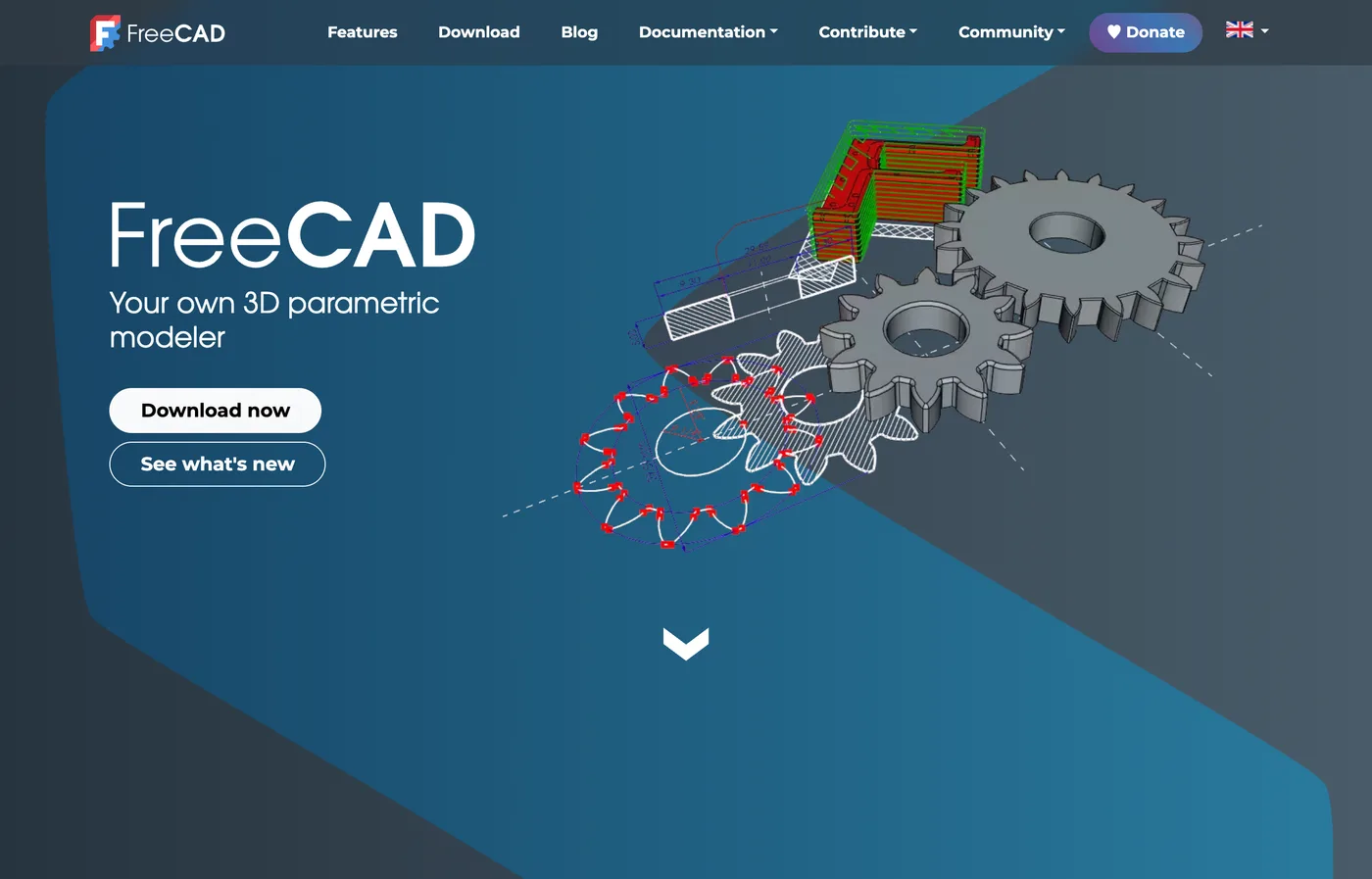
Where it falls short: less polished than commercial CAD, with a steeper learning curve; its BIM workbench is capable but not an Archicad or Revit replacement on a large job. It also appears in our CAD software guide.
3. Sweet Home 3D: The Simplest Free Home Design Tool
Best for: Free, simple room layouts and quick 3D of a home or a flat · Runs on: Windows, macOS, Linux, browser · Price: Free, open source (GNU GPL)
Sweet Home 3D is “a free interior design application which helps you draw the plan of your house, arrange furniture on it and visit the results in 3D.” It is open source under the GNU GPL, on Windows, macOS, Linux or in a browser, with 10,000-plus models.
You draw walls in 2D and watch a 3D view build alongside, then walk the result: the gentlest on-ramp here for quick residential layouts.
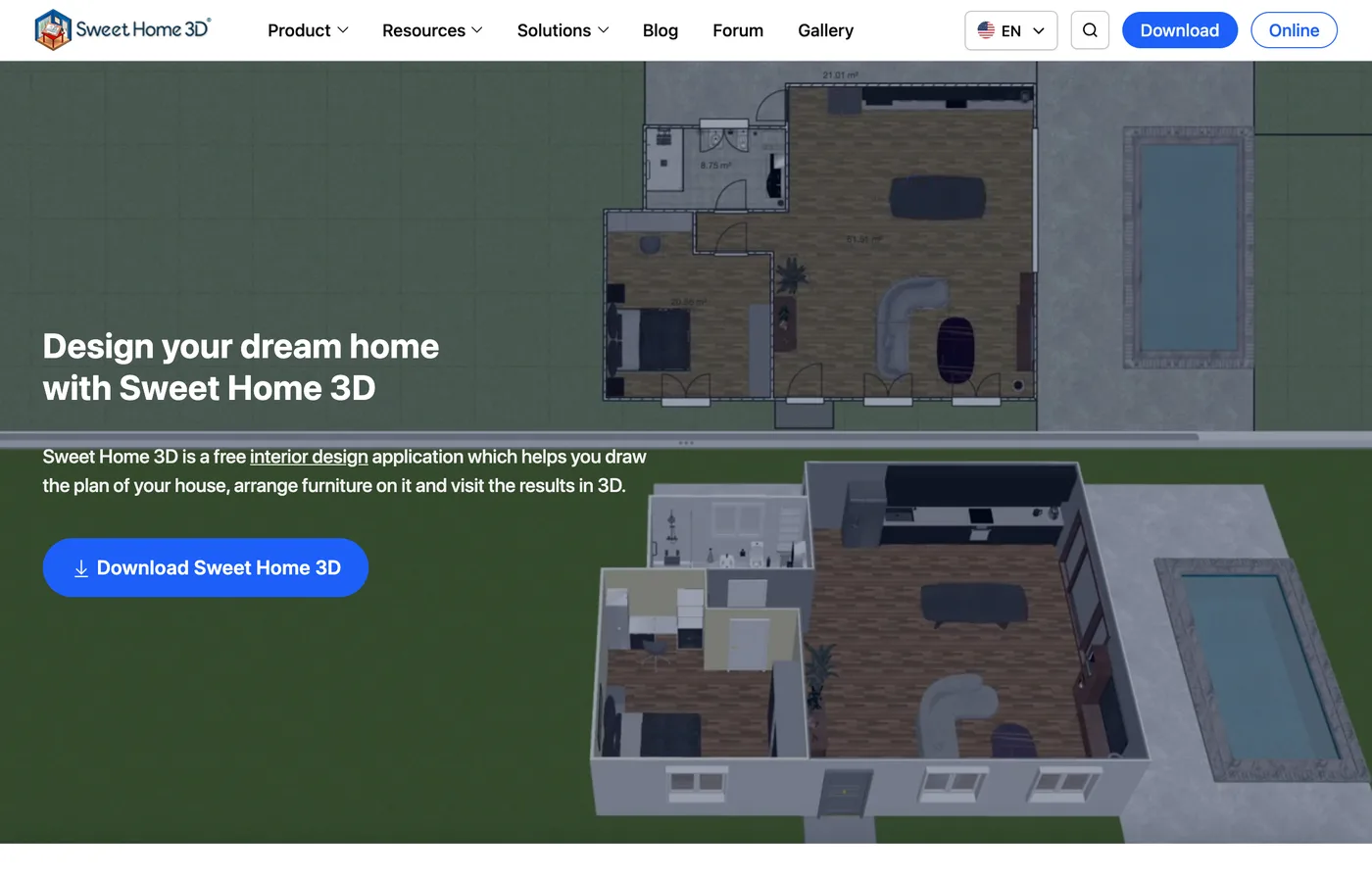
Where it falls short: built for home interiors, not whole buildings, so it has no BIM, limited precision and basic output. A practice outgrows it fast beyond a flat or a small house.
4. Rhino: The Power-User Modeler, One-Time Price
Best for: Precise, complex and parametric form, with Grasshopper · Runs on: Windows, macOS · Price: US$995 one-time (permanent licence)
Rhino is the modeler architects reach for when SketchUp cannot make the shape. It handles complex, precise NURBS geometry, and with Grasshopper it adds the node-based parametric design behind a lot of contemporary architecture. It runs on Windows and macOS.
On 23 November 2026, a Rhino 9 commercial licence was US$995, with an upgrade at US$595 (US$395 on a promotion to 1 March 2027). These are permanent licences: “all purchased licenses are permanent and do not expire.”
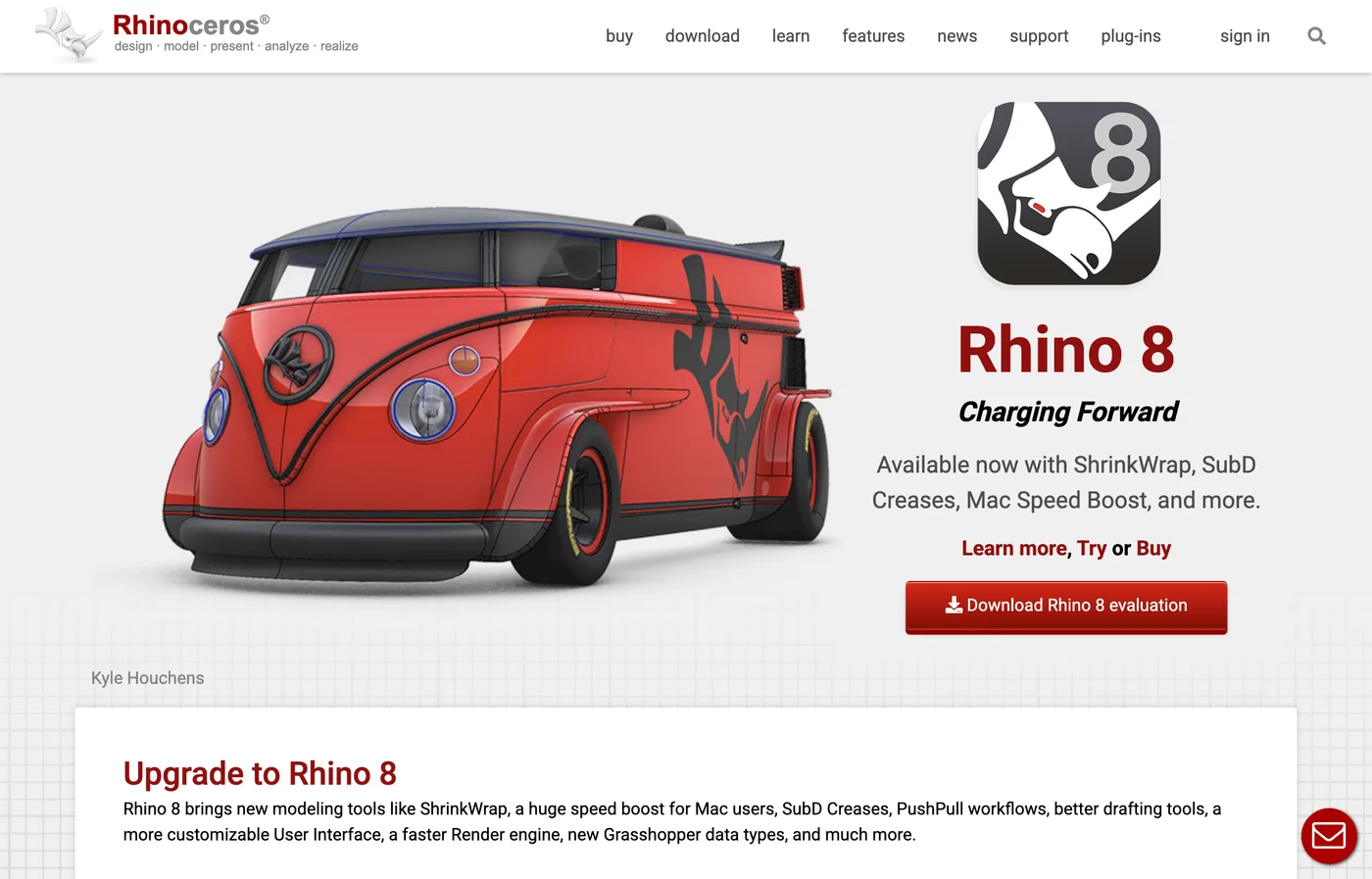
Where it falls short: a surface and solid modeler, not BIM, so documentation needs plug-ins (VisualARQ) or another program, and Grasshopper has a learning curve. For escaping subscriptions, it is the most architect-friendly paid option here.
5. Archicad: A Full BIM Alternative, Strong on a Mac
Best for: A full BIM alternative for design-led studios, strong on a Mac · Runs on: macOS, Windows · Price: Studio €2,151/yr (EUR page)
If you are leaving SketchUp for real building information modeling, Archicad from Graphisoft is the design-led choice: “design, model, visualize, document, and collaborate on projects of any size.” It runs natively on macOS and Windows, the default BIM in Mac studios.
The model carries data, and drawings, sections and schedules update with it over OpenBIM and IFC. The European plans page starts Archicad Studio at €179 a month with a yearly upfront payment of €2,151.
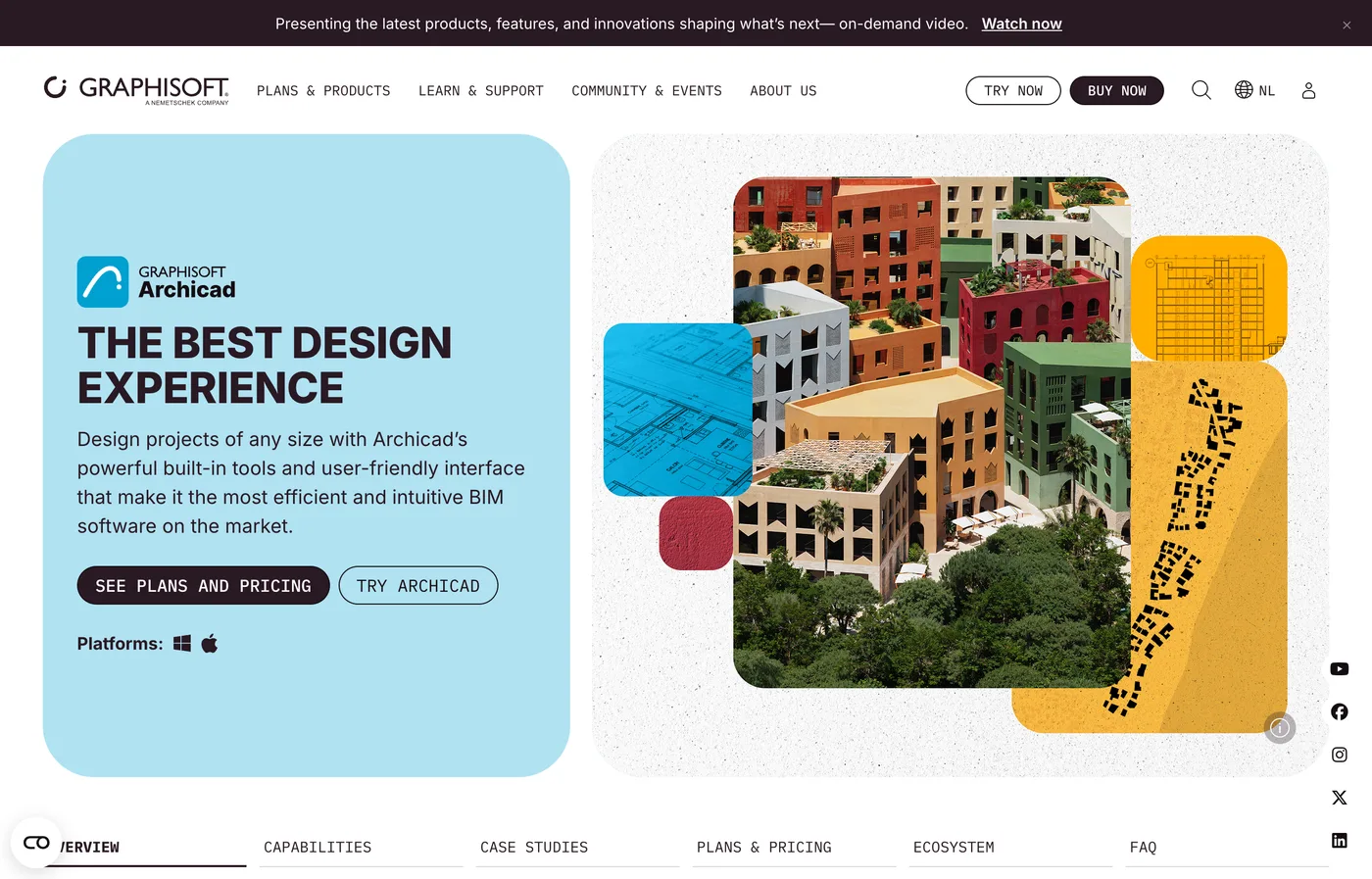
Where it falls short: a far bigger, more expensive program than SketchUp, with a real learning curve. For a practice that needs coordinated documents, that is the trade. More in our BIM software guide.
6. Vectorworks Architect: BIM With the Best 2D Drawing
Best for: BIM with strong 2D drawing and landscape work · Runs on: macOS, Windows · Price: €1,500/yr (EUR page)
Vectorworks Architect bills itself as “the ultimate BIM software for architecture design,” letting you “sketch, draw, and model in a fully integrated BIM workflow.” It is strong on 2D drawing, landscape and site tools, with openBIM and IFC support.
It runs on macOS and Windows. The EUR store lists €1,500 a year (€125 a month billed annually) or €167 month to month.
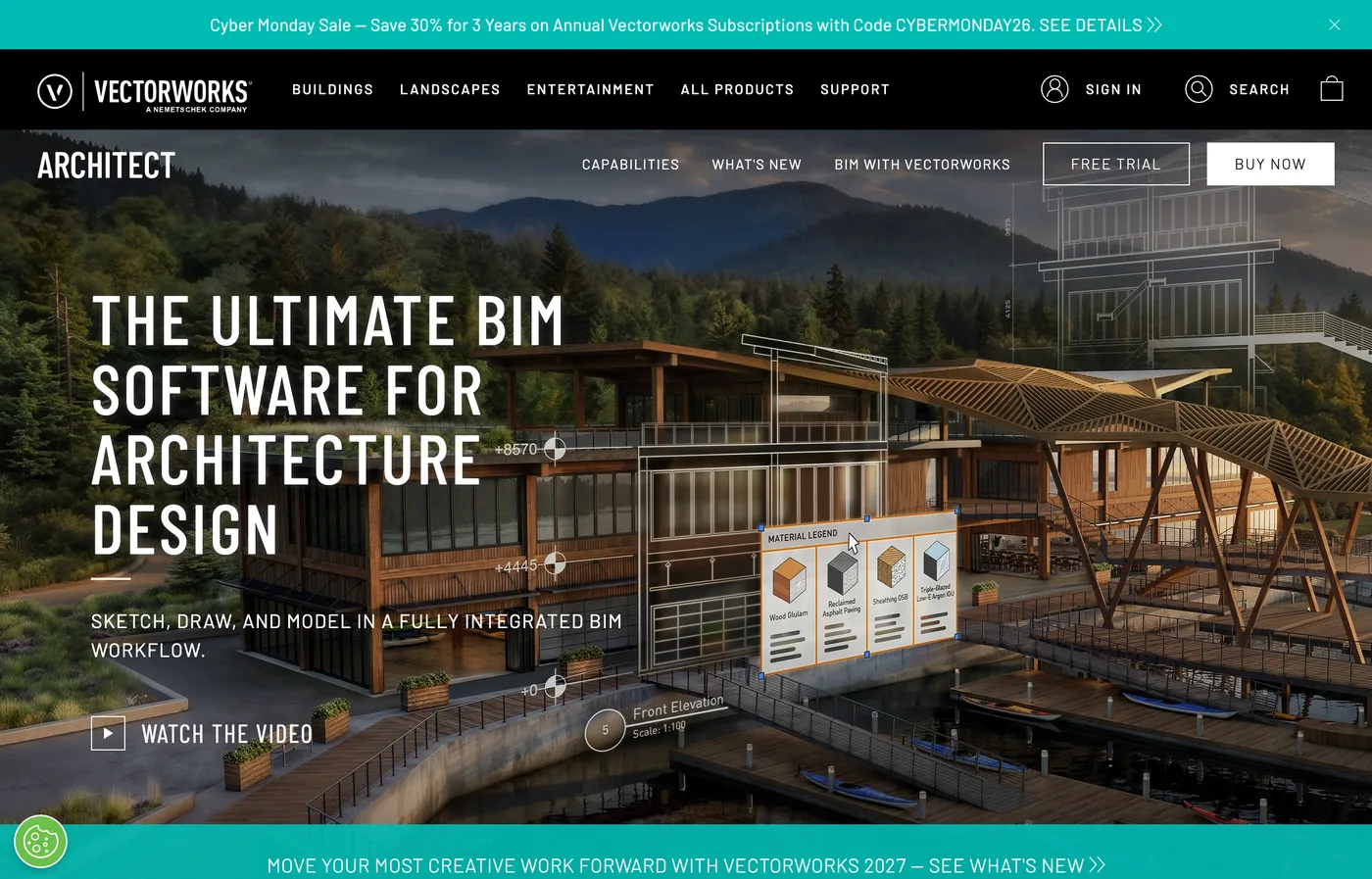
Where it falls short: a full professional BIM package, so the cost and learning curve are a long way from SketchUp. It sits beside Archicad in our BIM guide.
7. BricsCAD: DWG-Native CAD, With a BIM Toolset
Best for: DWG-native 2D and 3D CAD, with an optional BIM toolset · Runs on: Windows, macOS, Linux · Price: Lite from €330/yr (EUR store); 30-day trial
BricsCAD positions itself as “the true CAD alternative,” DWG-based software for architects who want a precise CAD environment rather than loose surface modeling. It runs on Windows, macOS and Linux.
It comes in levels. The EUR store (excl. tax) lists Lite (2D) at €330 a year, Pro (2D and 3D) €710, BIM with native IFC classification €1,060 and Ultimate €1,176, with a 30-day free trial.
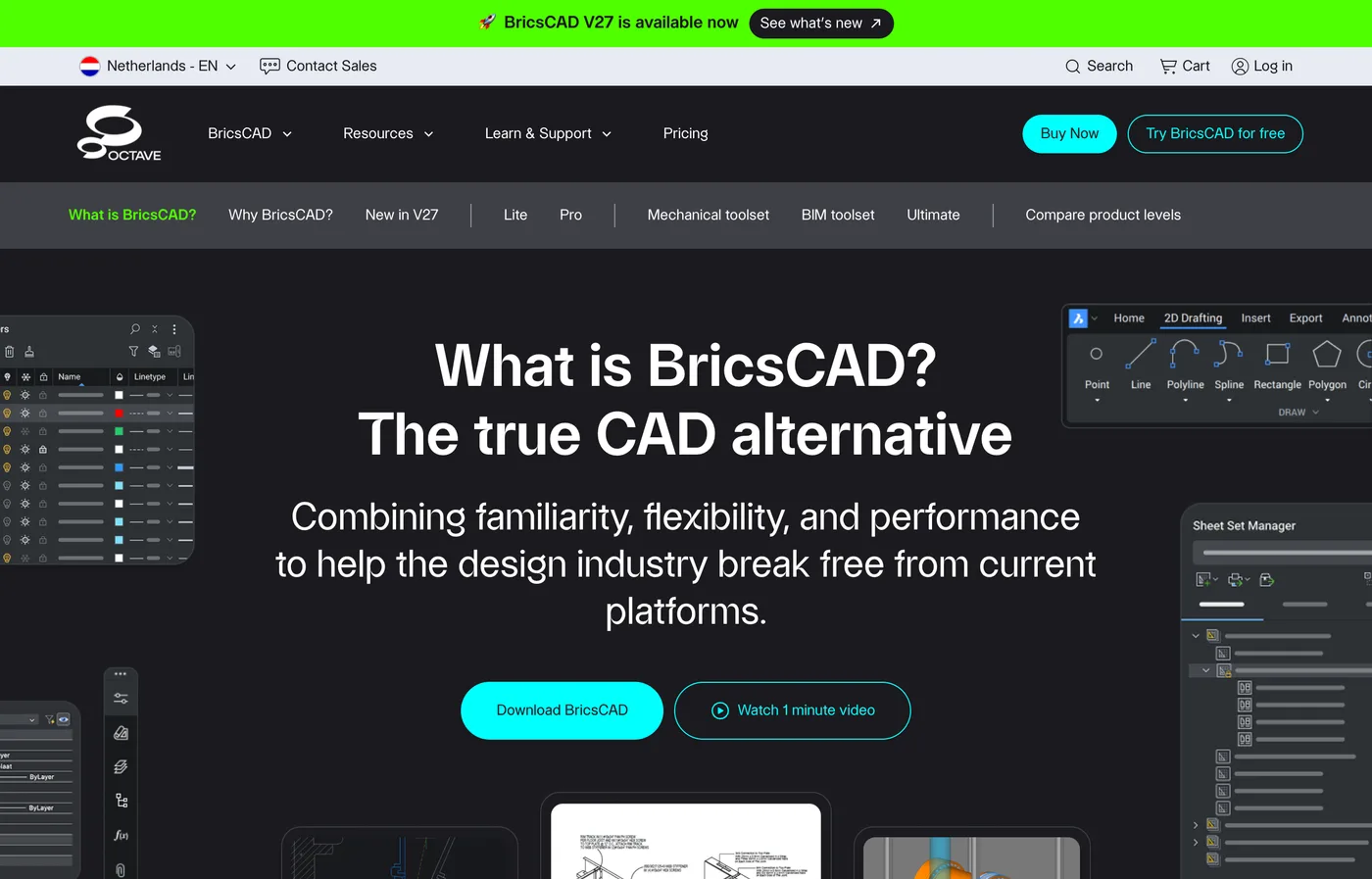
Where it falls short: CAD-first, so the quick, intuitive massing that makes SketchUp fun is not its strength. It features in our CAD guide.
8. Home Designer: The Easy Choice for Residential Design
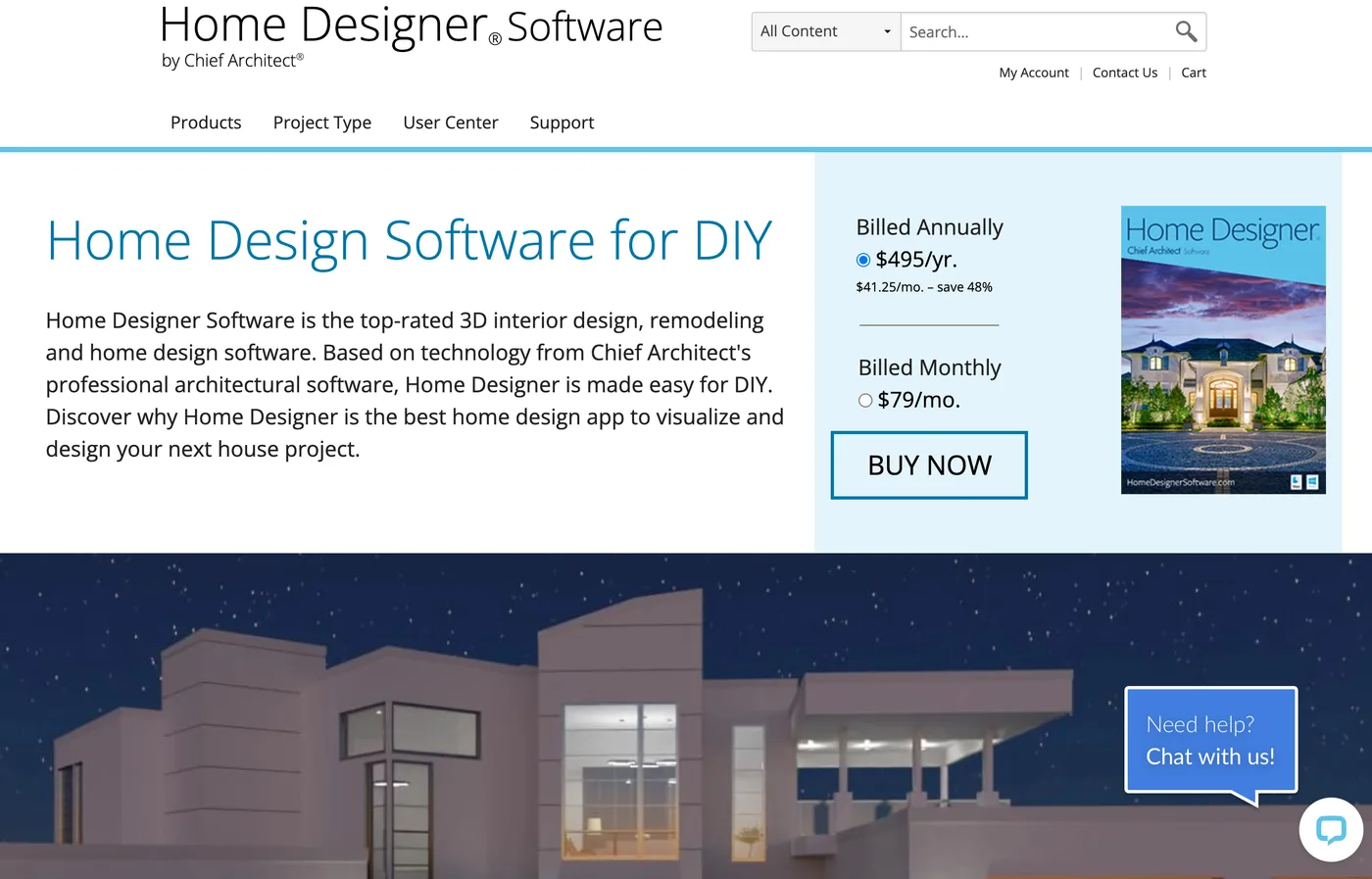
Best for: DIY residential design with automatic 3D as you draw · Runs on: Windows, macOS · Price: $396/yr billed annually, or $79/mo
Home Designer, by Chief Architect, is built on the firm’s professional technology but “made easy for DIY.” As you draw walls it builds the 3D model, inserts doors and windows, and updates the roof, foundation and framing when you move things.
On 23 November 2026 it listed $396 a year billed annually ($33 a month, list price $495), or $79 month to month, on Mac or PC.
Where it falls short: aimed at homeowners and remodelers, residential only and less open than a general modeler. For commercial work you want Chief Architect’s professional line or a BIM tool.
What Is the Best Free SketchUp Alternative?
Three of these are free, and the choice is about how much tool you want:
- Blender: the most capable, modeling plus two render engines, no limit on commercial use, but the hardest to learn.
- FreeCAD: free and parametric, better than SketchUp for rule-driven geometry, and it reads IFC.
- Sweet Home 3D: the simplest, for quick room layouts in 2D and 3D.
None is a crippled demo. Our free architecture software guide goes through what every free plan, trial and education licence includes, including the student licences for Revit and Archicad.
Which Alternatives Add the BIM SketchUp Lacks?
The biggest thing SketchUp does not do is BIM: a model that carries data and generates coordinated drawings, sections and schedules. Three tools here cover it, in different styles.
| Tool | BIM style | Runs on | Price we were shown |
|---|---|---|---|
| Archicad | Full BIM, design-led | macOS, Windows | Studio €2,151/yr |
| Vectorworks Architect | BIM plus best-in-class 2D | macOS, Windows | €1,500/yr |
| BricsCAD BIM | DWG CAD with a BIM toolset | Windows, macOS, Linux | €1,060/yr |
Source: Graphisoft, Vectorworks and BricsCAD EUR store pages, read 23 November 2026; prices excl. VAT.
Archicad and Vectorworks are true architectural BIM and the natural step up for a practice that needs documents; BricsCAD suits offices that exchange DWG all day. For Revit and the free Bonsai route, see our BIM software guide.
Which Is Best for Precise or Parametric Modeling?
The other common push off SketchUp is geometry. Rhino is the answer most reach for, NURBS plus Grasshopper as a one-time US$995 licence. FreeCAD is the free parametric option, and BricsCAD gives exact, dimension-driven CAD.
Where Do AI Tools Fit After You Switch?
None of these alternatives is an AI tool, but AI is where a lot of the time after modeling now goes, in three jobs. The first is the client image.
MeltFlex AI is a browser tool whose page says to “upload a photo, 3D draft, or SketchUp screenshot to render it photorealistically,” the first render free; it lists SketchUp and Blender screenshots among its inputs and says it “preserves your exact layout, furniture, architecture, and camera angle.”
The limit: it works on the image, not the model, so it does not change geometry, check dimensions or give you a file your modeler opens. The materials it shows are an impression for a client, not a specification.
The second job is the drawing: TechDraw AI turns a photo or sketch into a dimensioned drawing. The third is the model: AIBIM Tool turns a written brief into a first BIM model and exports IFC. Neither replaces the modeling you do; see our rendering software guide for render options.
How Much Do SketchUp Alternatives Cost?
Cost is the most common reason to leave, so here is what each tool cost on 23 November 2026, with SketchUp’s own plans at the top for comparison.
| Software | Price | Notes |
|---|---|---|
| SketchUp (the baseline) | Go $129/yr; Pro $399/yr | What you may be leaving; Studio $859/yr. Pro $299.25 on a Cyber Week price to 4 Dec |
| Blender | Free | Open source (GNU GPL); free for any use, including commercial |
| FreeCAD | Free | Open source; "no sign-up, no paywall, no restrictions" |
| Sweet Home 3D | Free | Open source (GNU GPL); desktop or in the browser |
| Home Designer | $396/yr, or $79/mo | DIY residential; $33/mo billed annually (list $495); Mac or PC |
| Rhino 9 | US$995 one-time | Permanent licence; upgrade US$595, or US$395 on a promo to March 2027 |
| BricsCAD | Lite €330/yr; Pro €710; BIM €1,060 | Ultimate €1,176/yr; EUR store, excl. tax; 30-day free trial |
| Vectorworks Architect | €1,500/yr | €125/mo billed annually, €167 month to month; EUR page |
| Archicad Studio | €2,151/yr | €179/mo with yearly upfront payment; EUR page |
Source: SketchUp, Rhino (North America), Graphisoft, Vectorworks, BricsCAD store and Home Designer pricing pages, read 23 November 2026. EUR prices are what the vendor showed a visitor from Slovakia, not converted.
If price is the issue, the three free tools cover it. If you want to own a licence rather than rent, Rhino’s one-time US$995 stands out. The BIM programs sit at the top because they do far more than SketchUp set out to.
How to Choose: Five Questions Before You Switch
Five questions settle most of it:
- Why are you leaving SketchUp? Price → a free tool; no documents → a BIM tool; complex geometry → Rhino.
- Do you need BIM and construction documents? If yes, Archicad, Vectorworks or BricsCAD BIM; if no, a modeler is enough.
- What is your budget? Blender, FreeCAD and Sweet Home 3D are free; Rhino is a one-time US$995; Home Designer $396 a year; Vectorworks €1,500 and Archicad Studio €2,151 a year.
- Mac or Windows? All eight run on a Mac; Archicad and Vectorworks are especially strong there.
- How will you make the client image? Blender renders itself; the others pair with a renderer or an AI tool like MeltFlex AI.
Frequently Asked Questions
What is the best SketchUp alternative for architects in 2026?
It depends on what pushed you off SketchUp. For a free tool, Blender is the most capable, with FreeCAD for parametric work and Sweet Home 3D for simple layouts. For complex form, Rhino with Grasshopper. For the BIM SketchUp never had, Archicad or Vectorworks Architect, with BricsCAD adding BIM on a DWG core. For DIY houses, Home Designer.
Is there a free SketchUp alternative?
Yes, three good ones. Blender is free and open source with no limit on commercial use; FreeCAD is a free parametric modeler with "no sign-up, no paywall, no restrictions"; and Sweet Home 3D is a free interior-design app on desktop or in a browser. SketchUp’s Go, Pro and Studio plans are paid subscriptions.
What is the closest thing to SketchUp?
There is no exact clone of SketchUp’s push-pull modeling. For quick, forgiving 3D a beginner can pick up, Sweet Home 3D is closest in spirit. For more power, Rhino covers most of what SketchUp does and adds geometry it cannot handle, while BricsCAD gives a familiar CAD feel. Blender can push-pull once you learn its interface.
Can these tools open my SketchUp files?
Do not assume a direct .skp import; support varies by tool and version. The reliable route is to export from SketchUp as DWG, OBJ, FBX or, for BIM, IFC, and import that. Treat a switch as rebuilding the working model, and keep SketchUp installed until the new workflow is proven.
Do I still need a render tool after switching from SketchUp?
For a client-ready image, usually yes, because these are modeling tools (Blender is the exception, with Cycles built in). Add a dedicated renderer, or for a quick concept image, MeltFlex AI turns a screenshot from any of these modelers into a photoreal render in the browser, the first one free.
Sources
All prices were read on the vendors’ own pages on 23 November 2026; MeltFlex AI, AIBIM Tool and TechDraw AI are made by the team behind this site, and no other vendor paid to be listed.
- Blender
- FreeCAD
- Sweet Home 3D
- Rhino
- Archicad
- Vectorworks Architect
- BricsCAD
- Home Designer
- SketchUp plans and pricing
- Rhino North America sales page
- The Lever Lab, “Free SketchUp Alternative (2026): 5 Options, 1 Catch Each” (YouTube)
Related: our guide to the best software for architects, free architecture software, 3D interior design software and the selection method.
Found a price that changed? Write to info@meltflexai.com and we will correct it and the date.