

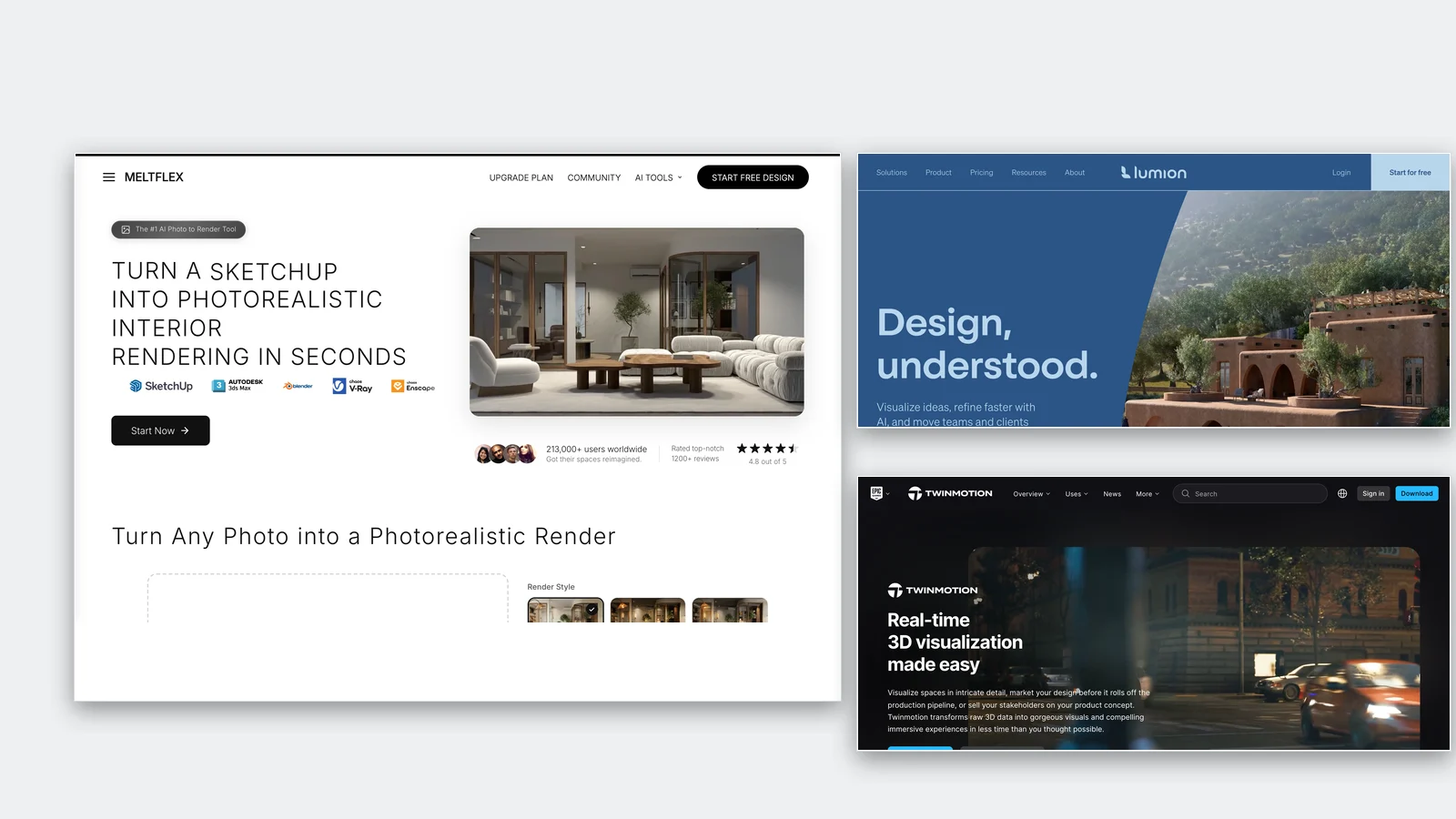
There is no single best rendering software for architects, because the tools trade speed against realism. For a quick concept image from a photo or a SketchUp view, MeltFlex AI renders one in the browser, the first free; for real-time walkthroughs while you model, Enscape, D5 Render and Twinmotion lead.
Lumion is the fastest standalone scene builder. For the most photorealistic final stills, V-Ray is the quality ceiling, with Corona the simpler, cheaper Chaos option. Blender is the strongest free tool, and KeyShot is for product and detail shots rather than buildings.
Rendering is where a model becomes a picture a client understands. The choice is really two: a real-time engine that shows a lit view as you design, and a final-frame renderer that takes longer but produces print-quality stills and animation. Some tools do both.
We compared nine programs on how each fits your existing model, how realistic and fast it is, and what it costs. Every price below was read from the vendor’s own page on 23 November 2026.
The short version
- Best live walkthrough in your model: Enscape, then D5 Render.
- Best free real-time: Twinmotion (under $1M revenue) and D5 Community.
- Most photorealistic stills: V-Ray, or Corona for less.
- Fastest standalone scenes: Lumion.
- Best free, all-in-one: Blender with Cycles.
- Quick concept render from a photo: MeltFlex AI in the browser.
- Need the model first? See our BIM software and CAD software guides.
What Is the Best Rendering Software for Architects in 2026?
The best renderer is the one that fits the model you already have and the picture you need. A design review wants a live, walkable view; a competition board one flawless still; a quick client call an image in minutes.
These are the nine tools, with the price each vendor showed us on 23 November 2026. Chaos was still running a Black Friday discount that day, which we note where it applied.
| Software | Best for | Runs on | Price |
|---|---|---|---|
| MeltFlex AI | A photoreal concept render from a photo, 3D draft or SketchUp screenshot, in the browser | Browser | First render free; from €12/mo billed yearly |
| Enscape | Real-time rendering live inside Revit, SketchUp, Rhino, Archicad or Vectorworks | Plugin | Solo €538.80/yr (€44.90/mo) |
| D5 Render | Fast GPU real-time rendering with a genuinely free tier for learning | Desktop | Community free (non-commercial); Pro $360/yr |
| Twinmotion | Free Unreal-powered real-time visualization for small firms | Desktop | Free under $1M revenue; €522.13/seat/yr above |
| Lumion | Fast standalone scene building, stills, videos and 360 panoramas | Windows | Pro $1,149/yr named-user (€999 EUR page) |
| V-Ray | The quality ceiling for final-frame photorealistic stills | Plugin | Solo €474/yr (€39.50/mo) |
| Corona | Simpler, cheaper photoreal stills in 3ds Max or Cinema 4D | Plugin | Solo €375/yr (€300 on promo) |
| KeyShot | Product, furniture and detail shots, not whole buildings | Desktop | Studio from $1,299/yr (subscription) |
| Blender | Free, open-source modeling plus the Cycles and EEVEE render engines | Windows, macOS, Linux | Free, open source |
Source: Chaos (Enscape, V-Ray, Corona), D5 Render, Twinmotion, Lumion, KeyShot and MeltFlex AI pricing pages, read 23 November 2026. EUR prices are what the vendor showed a visitor from Slovakia, not converted.
The list splits by job:
- Real-time engines for design review and walkthroughs: Enscape, D5 Render, Twinmotion and Lumion.
- Final-frame renderers for the highest-quality stills: V-Ray and Corona.
- Blender does modeling and both kinds of rendering in one free package; KeyShot is for furniture and detail shots.
- MeltFlex AI sits apart as a browser tool: it does not read your model, but turns a photo or rough view into a concept image in seconds.
What Is Rendering Software, and How Does It Fit Your Model?
Rendering software turns 3D geometry and materials into a shaded, lit image. The two families work differently:
- A real-time renderer (Enscape, D5, Twinmotion, Lumion) uses the GPU to draw a lit view many times a second, so you move through the model live and export stills or video when it looks right.
- A final-frame renderer (V-Ray, Corona, Blender’s Cycles) traces light ray by ray for physically accurate images; a frame can take minutes, but the result is print-quality.
Rendering is not modeling or BIM. You build the model in Revit, Archicad, SketchUp, Rhino or Blender (see our BIM software guide and the main software guide), and the renderer either plugs into that tool or imports the scene.
That is why “which host app do you use” decides as much as “how realistic is it.” AI tools are a third route: instead of a model, they take a flat image and invent a photoreal version of it.
The 9 Rendering Tools, Reviewed
Each entry lists what the tool is best for, where it runs, what it costs and where it falls short. MeltFlex AI comes first because you can try it in a browser in a minute, for free, and it answers the most common early need: a presentable image before any renderer is set up.
1. MeltFlex AI: A Concept Render From a Photo, in the Browser
Best for: A photoreal concept render from a photo, 3D draft or SketchUp screenshot, in the browser · Runs on: Browser · Price: First render free; from €12/mo billed yearly
MeltFlex AI is a browser tool that turns a photo, a 3D draft or a SketchUp screenshot into a photorealistic render in seconds, with the first render free. You upload the image, pick a style, and it returns a finished-looking interior or exterior.
It works from a rough massing view or a site photo, because it reads geometry and light rather than needing a prepared scene. Its page lists SketchUp, 3ds Max, Blender, V-Ray and Enscape among the workflows it slots beside.
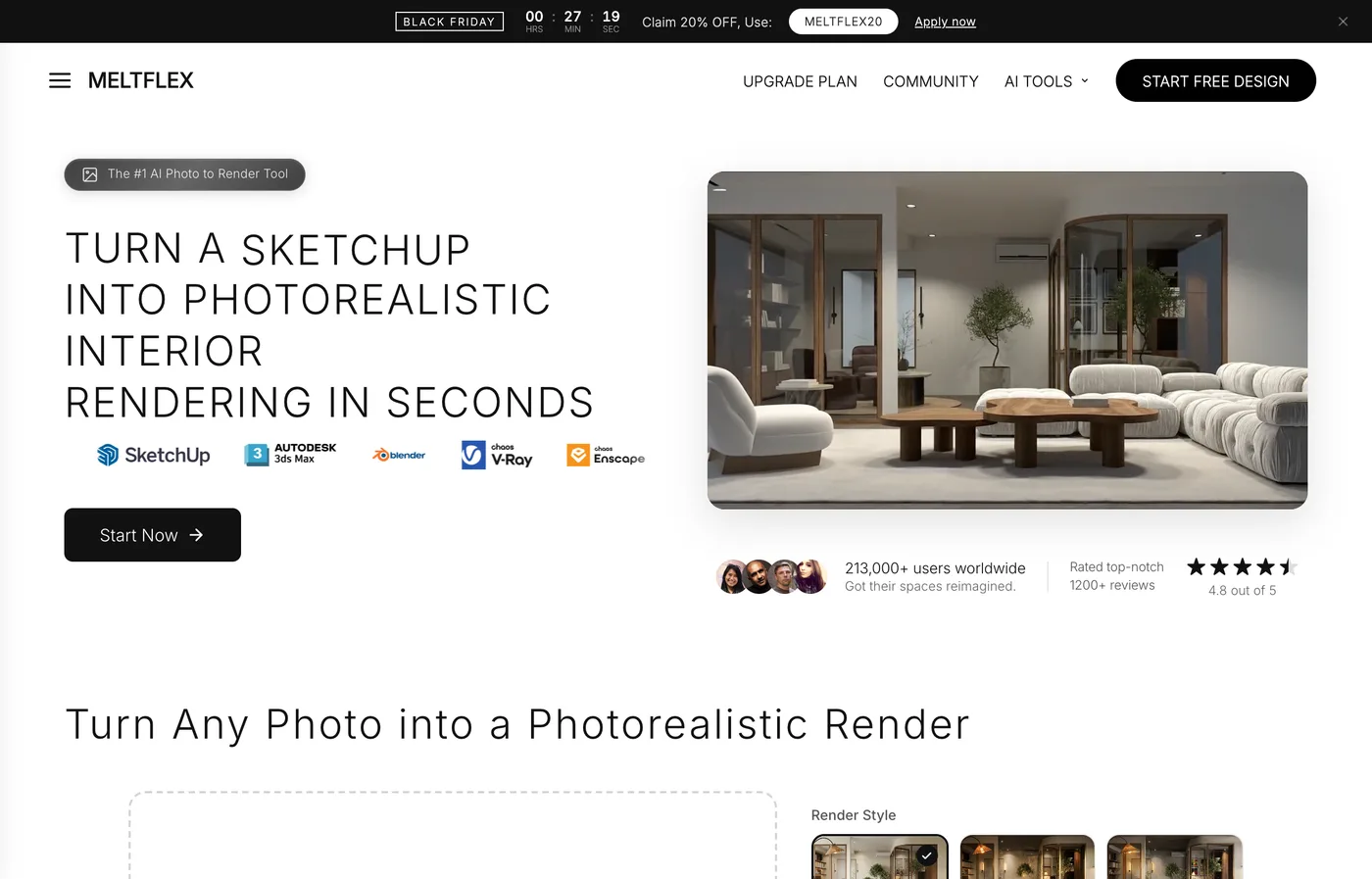
Where it falls short: it does not read your actual model. The AI chooses the finishes, so it is a concept image, not a material study tied to your geometry or a daylighting result.
Free renders carry a watermark; paid plans (from €12 a month billed yearly, €144, on the page we were shown) remove it and allow commercial use.
2. Enscape: Real-Time Rendering Live Inside Your Model
Best for: Real-time rendering live inside Revit, SketchUp, Rhino, Archicad or Vectorworks · Runs on: Plugin · Price: Solo €538.80/yr (€44.90/mo)
Enscape, part of Chaos, is a real-time rendering plugin that runs inside Revit, SketchUp, Rhino, Archicad and Vectorworks. You keep modeling in your own tool and Enscape shows a lit, walkable view in a second window that updates as you change things.
It ships with a large asset library (the page cites up to 6,700 render-ready assets) and includes access to Veras AI. Chaos lists Solo at €44.90 a month, or €538.80 a year; on 23 November 2026 a Black Friday price of €431.04 a year was showing.

Where it falls short: it is a plugin, not a standalone studio, and the real-time image is not quite final-frame V-Ray quality for a hero still. It runs only where its host application does, and the subscription is per seat.
3. D5 Render: Fast GPU Real-Time With a Free Tier
Best for: Fast GPU real-time rendering with a genuinely free tier for learning · Runs on: Desktop · Price: Community free (non-commercial); Pro $360/yr
D5 Render is a standalone GPU renderer for production-level real-time work, with Livesync links back to your modeling tool. It outputs real-time images up to 16K, video up to 8K on the Teams plan, and adds more than ten AI features on its paid tiers.
The Community plan is genuinely free, with unlimited projects, Livesync, environment tools and image, panorama and video rendering. D5 Pro is $30 a month billed yearly ($360); D5 Teams is $59 a month, or $708 a year per seat.
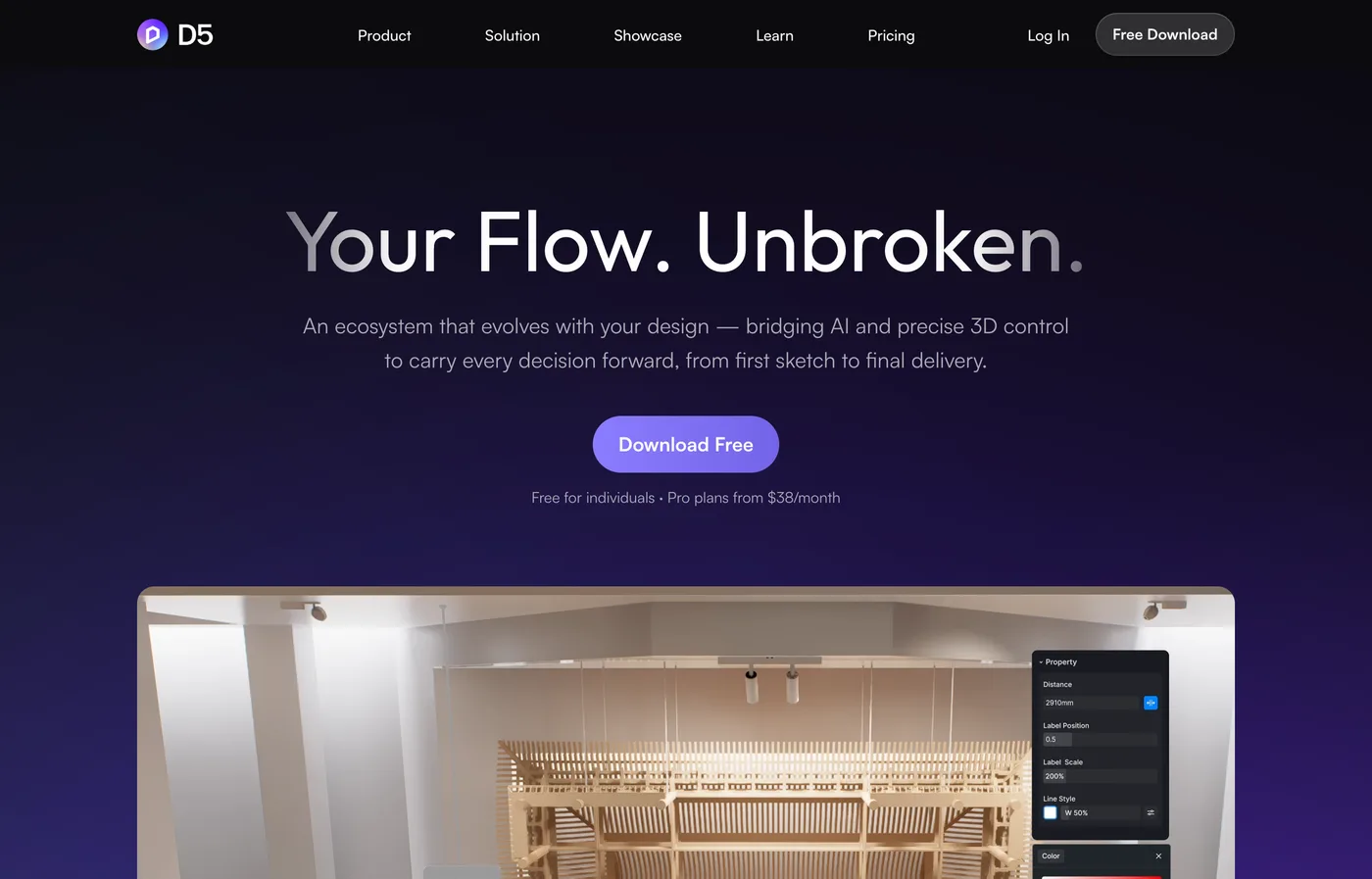
Where it falls short: the free Community licence is non-commercial only (“learning, personal projects, and evaluation”), so paid client work needs D5 Pro. Its real-time quality depends on a capable GPU.
4. Twinmotion: Free Unreal-Powered Real-Time for Small Firms
Best for: Free Unreal-powered real-time visualization for small firms · Runs on: Desktop · Price: Free under $1M revenue; €522.13/seat/yr above
Twinmotion, from Epic Games, is a real-time visualization tool powered by Unreal Engine 5, with a one-click Datasmith sync from 3ds Max, Archicad, BricsCAD, Revit, Rhino, SketchUp Pro, Vectorworks and more. It produces images, videos, 360 panoramas and real-time presentations.
The headline is the licence: free for individuals and businesses that made under $1 million in revenue in the past 12 months, plus students and educators. Above that, a seat is €522.13 a year on the page we were shown ($445 on the US price).
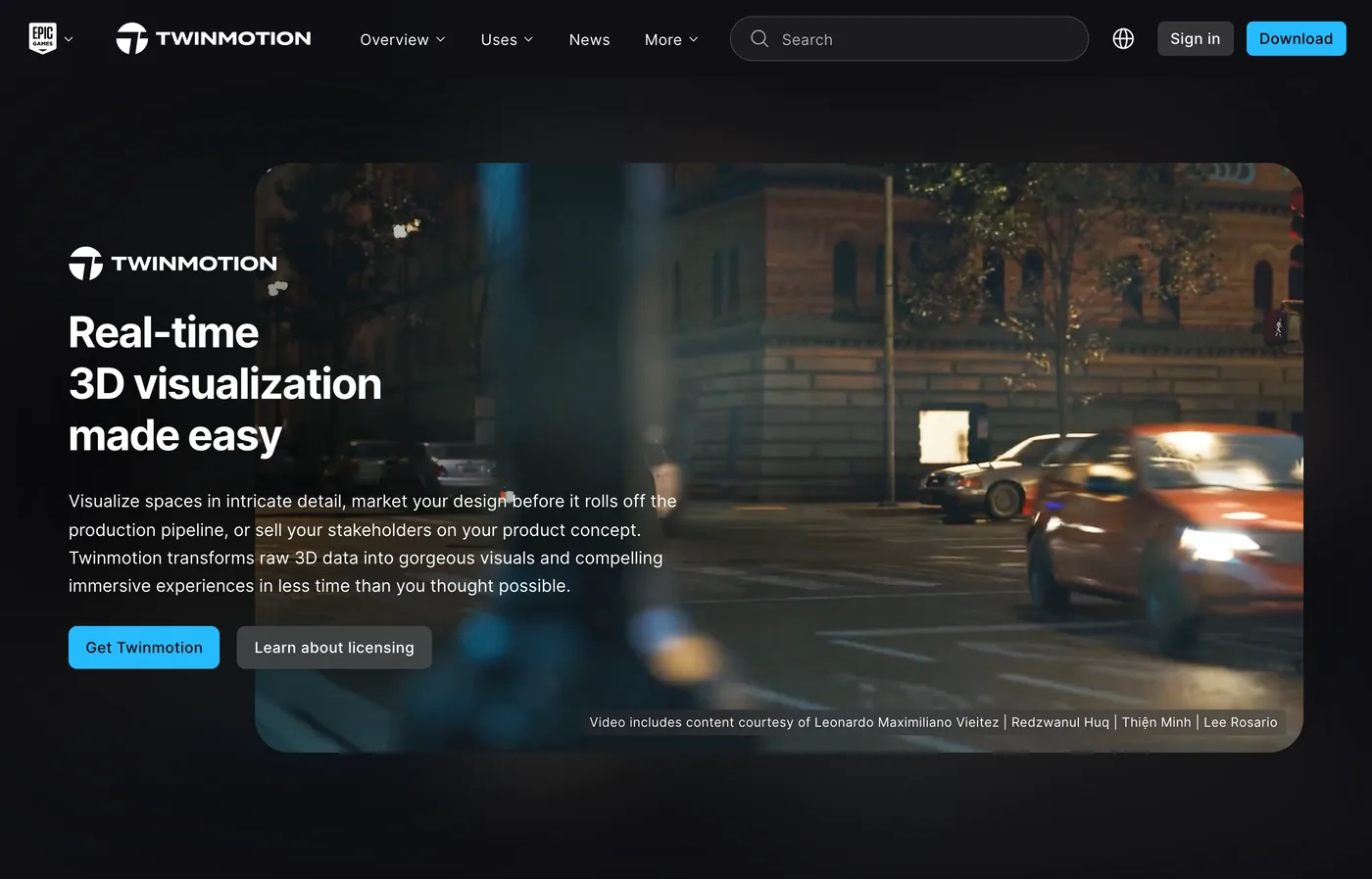
Where it falls short: the free tier is tied to that revenue limit. Unreal’s power comes with a learning curve, and the realism is tuned for speed rather than the last few percent a ray tracer squeezes out.
5. Lumion: Fast Standalone Scene Building and Walkthroughs
Best for: Fast standalone scene building, stills, videos and 360 panoramas · Runs on: Windows · Price: Pro $1,149/yr named-user (€999 EUR page)
Lumion is a standalone real-time renderer built for speed: import a model and visualize it “in real time with full control over context, realism, and output,” as images, videos and 360 panoramas, plus AI tools such as an image enhancer and upscaler.
As its own application, it is good at dropping a building into a rich landscape quickly. Lumion Pro is a named-user licence at $1,149 billed upfront for one year, with Pro Floating at $1,499 (€999 and €1,299 on the EUR page).

Where it falls short: Windows only, it needs a strong GPU, and it is among the pricier tools here. Its free LiveSync plugin keeps a scene updating as you change the model in SketchUp, Revit, Rhino, Archicad, AutoCAD and more.
6. V-Ray: The Quality Ceiling for Photoreal Stills
Best for: The quality ceiling for final-frame photorealistic stills · Runs on: Plugin · Price: Solo €474/yr (€39.50/mo)
V-Ray, from Chaos, is the production standard for physically accurate ray-traced rendering. It is a plugin in Revit, SketchUp, Rhino, 3ds Max, Cinema 4D and Blender, so it meets most architectural pipelines where they already are.
Chaos lists V-Ray Solo at €39.50 a month, or €474 a year, with Premium higher; on 23 November 2026 a Black Friday price of €379.20 a year was showing for Solo.

Where it falls short: the slowest and most demanding route here. Frames take real time to render, and it rewards knowing how to light and tune a scene. For speed you pair it with a real-time tool.
7. Corona: Simpler, Cheaper Chaos Photorealism
Best for: Simpler, cheaper photoreal stills in 3ds Max or Cinema 4D · Runs on: Plugin · Price: Solo €375/yr (€300 on promo)
Corona, also from Chaos, is the approachable photoreal renderer: V-Ray-class realism with fewer settings, popular in 3ds Max-centred studios. It runs in 3ds Max and Cinema 4D.
Chaos lists Corona Solo at €31.25 a month billed annually (€375 a year), shown at €300 on its Black Friday discount, with Premium higher.

Where it falls short: only two host apps, so Revit, SketchUp and Rhino users are better served by V-Ray or a real-time tool. Like any ray tracer it is slower than real-time rendering.
8. KeyShot: Product and Detail Shots, Not Whole Buildings
Best for: Product, furniture and detail shots, not whole buildings · Runs on: Desktop · Price: Studio from $1,299/yr (subscription)
KeyShot is, in its own words, “the industry standard for 3D product visualization.” Architects meet it on the detail end of the work: a chair, a door handle, a facade panel, rendered on a clean studio background.
KeyShot Studio is subscription only: Professional is $108.25 a month ($1,299 a year), Business $1,599 and an education licence $95 a year.
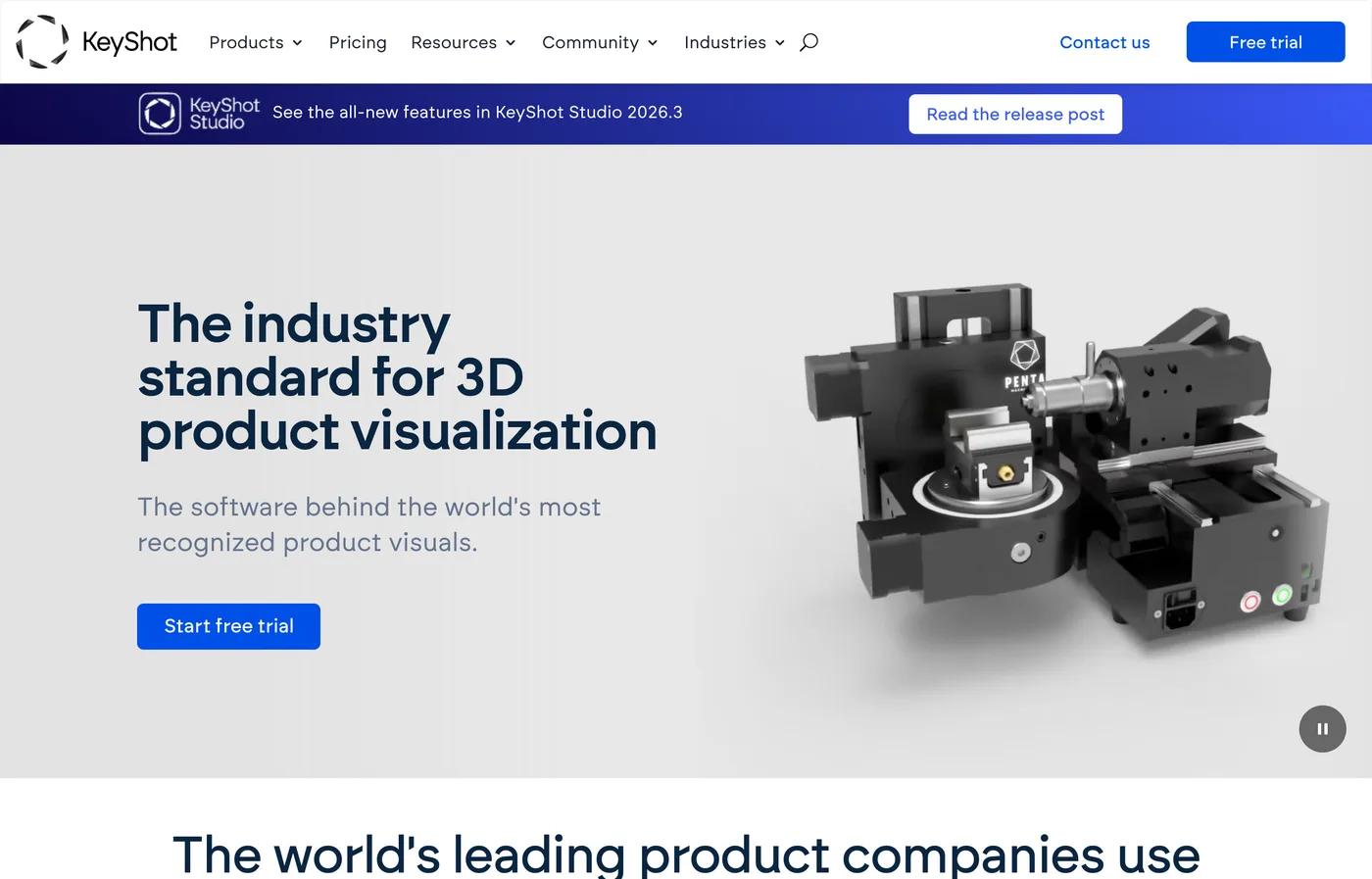
Where it falls short: it is not an architectural renderer. It has no live link to Revit or SketchUp and is not built for buildings in a landscape. We include it because detail and furniture shots are real deliverables.
9. Blender: Free, Open-Source Modeling Plus Cycles and EEVEE
Best for: Free, open-source modeling plus the Cycles and EEVEE render engines · Runs on: Windows, macOS, Linux · Price: Free, open source
Blender is free and open-source software (GPL), and the Blender Foundation is explicit that you are “free to use Blender for any purpose, including commercially or for education.” It runs on Windows, macOS and Linux.
It includes two render engines: Cycles, a production path tracer with GPU rendering on NVIDIA, AMD, Intel and Apple hardware, and EEVEE, a real-time engine. That makes it a complete, no-cost path from model to final render.
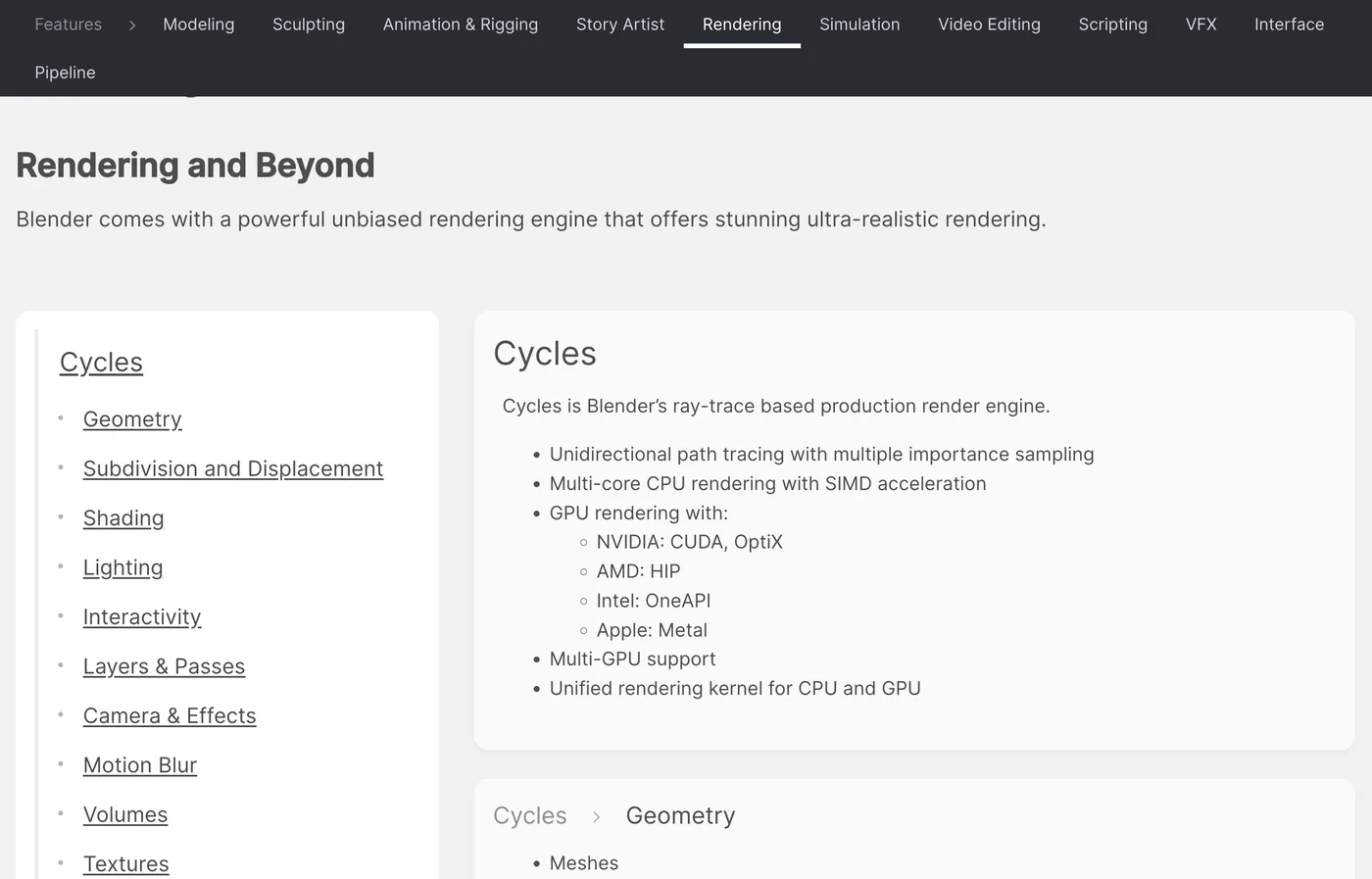
Where it falls short: Blender is a full 3D suite, not an architecture tool, so you learn it from community documentation and it has no native Revit or IFC-first workflow. Cycles rewards a capable GPU.
Which Renderer Is Best for Real-Time Walkthroughs?
Real-time rendering is what most design reviews and client meetings actually need: a lit, walkable view you can move through and export from. Four tools do it, and they differ on whether they live inside your model or stand alone.
| Real-time tool | In your model or standalone | Price we were shown | Note |
|---|---|---|---|
| Enscape | Plugin (Revit, SketchUp, Rhino, Archicad, Vectorworks) | €538.80/yr (€431.04 on promo) | Live view as you model; Veras AI included |
| D5 Render | Standalone + Livesync | Free, or Pro $360/yr | Free tier is non-commercial; GPU-heavy |
| Twinmotion | Standalone + Datasmith | Free under $1M; €522.13/seat above | Unreal Engine 5; million-asset library |
| Lumion | Standalone + LiveSync | $1,149/yr named-user | Windows only; fast lush scenes |
Source: Chaos Enscape, D5 Render pricing, Twinmotion licence and Lumion buy pages, read 23 November 2026.
Want the view to update live as you design? Enscape inside your model is the cleanest answer, with D5 close behind over Livesync. If budget matters most, Twinmotion is free for small firms. For elaborate landscape scenes fast, Lumion is the standalone workhorse.
To see what a first Enscape session looks like, from placing assets to exporting a render, this beginner walkthrough covers the basics:
Which Renderer Gives the Most Photorealistic Stills?
When the deliverable is one perfect image (a competition entry, a hero interior, a marketing still) you want a final-frame ray tracer, and the choice is narrow:
- V-Ray is the ceiling: physically accurate, trusted at high-end studios, in six host apps.
- Corona is the lighter sibling, the same realism with fewer controls, in 3ds Max and Cinema 4D.
- Blender’s Cycles is the free production path tracer, if you are willing to work in Blender.
What Is the Best Free Rendering Software for Architects?
Free rendering is real, with honest routes and a clear boundary in each:
- Blender: free and open source, Cycles for final frames and EEVEE for real-time, no restriction on commercial use. The catch is learning time.
- Twinmotion: free for individuals and firms under $1 million in revenue. The catch is that revenue cap.
- D5 Render Community: free but non-commercial, for learning and evaluation.
- MeltFlex AI: the first render is free in the browser, for a quick concept image.
None is a watered-down demo. Our free architecture software guide goes through what every free plan, trial and education licence includes.
How Do AI Tools Fit Into Rendering?
AI rendering is a different route to a picture. Instead of a prepared 3D scene, these tools take a flat input (a photo, a sketch, a massing view, a SketchUp screenshot) and generate a photoreal version of it.
MeltFlex AI returns a finished-looking interior or exterior from an uploaded image in seconds, the first one free. For the first image of an idea it is faster than any renderer here; for whole rooms see our 3D interior design software guide.
The honest limit is the same for every AI render tool: it does not read your model, so the AI invents the finishes. It sits before the renderers in a workflow, not instead of them. The same team makes AIBIM Tool, which turns a written brief into a first BIM model; see our BIM software guide.
Which Renderer Works With SketchUp, Revit, Rhino or Blender?
Which renderer you can use is decided largely by what you model in, because each one either plugs into specific host apps or imports from them.
| Modeler | Plugs in / syncs with | Imports into |
|---|---|---|
| SketchUp | Enscape, V-Ray, D5 (Livesync) | Twinmotion, Lumion |
| Revit | Enscape, V-Ray, D5 (Livesync) | Twinmotion, Lumion |
| Rhino | Enscape, V-Ray, D5 (Livesync) | Twinmotion, Lumion |
| Archicad | Enscape, D5 (Livesync) | Twinmotion, Lumion |
| 3ds Max | V-Ray, Corona | Twinmotion, Lumion |
| Blender | V-Ray, Cycles (built in) | Twinmotion, Lumion |
Source: Host-app lists on the Chaos, D5, Twinmotion and Lumion product pages, read 20 November 2026.
Enscape and V-Ray cover SketchUp, Revit and Rhino, with D5 syncing over Livesync. In 3ds Max or Cinema 4D, V-Ray and Corona are the plugins. Twinmotion and Lumion take a model from almost anywhere, and Blender renders itself with Cycles.
How Much Does Rendering Software Cost?
Rendering spans from free to over a thousand a year. Here is what each tool cost on 23 November 2026, cheapest first; where a Black Friday discount was showing, both prices are noted.
| Software | Price | Notes |
|---|---|---|
| Blender | Free | Open source (GPL); free for any use, including commercial |
| D5 Community | Free | Non-commercial only: learning, personal projects, evaluation |
| Twinmotion | Free under $1M revenue | €522.13 per seat a year for firms over $1M ($445 on the US price) |
| MeltFlex AI | First render free; from €12 a month | Billed yearly (€144); free renders carry a watermark |
| Corona Solo | €375 a year (€31.25/mo) | 3ds Max or Cinema 4D; €300 on a Black Friday promo |
| V-Ray Solo | €474 a year (€39.50/mo) | Six host apps; €379.20 on a Black Friday promo |
| Enscape Solo | €538.80 a year (€44.90/mo) | Real-time plugin; €431.04 on a Black Friday promo |
| KeyShot Studio | From $1,299 a year | Subscription only ($108.25/mo); Business $1,599; education $95 |
| Lumion Pro | $1,149 a year named-user | Billed upfront for 1 year; Pro Floating $1,499; €999 and €1,299 on the EUR page |
Source: Chaos (Enscape, V-Ray, Corona), D5 Render, Twinmotion, Lumion, KeyShot and MeltFlex AI pricing pages, read 23 November 2026. EUR prices are what the vendor showed a visitor from Slovakia, not converted.
Free tools and small-firm tiers sit at the bottom, the Chaos subscriptions (Corona, V-Ray, Enscape) cluster between €375 and €540, and the standalone studios (Lumion, KeyShot) sit above a thousand a year. Most offices end up with one real-time tool and, if needed, one ray tracer.
How to Choose: Five Questions Before You Buy
Five questions settle most of it:
- What do you model in? Enscape and V-Ray plug into SketchUp, Revit and Rhino; V-Ray and Corona into 3ds Max and Cinema 4D; Twinmotion and Lumion import from almost anywhere; Blender renders itself.
- Live view or final still? For walkthroughs, a real-time engine (Enscape, D5, Twinmotion, Lumion). For the one flawless image, a ray tracer (V-Ray, Corona, Cycles).
- What is the budget? Blender is free; Twinmotion and D5 Community are free for small-firm or non-commercial use; Corona and V-Ray are mid-priced; Lumion and KeyShot are premium.
- How fast do you need the first picture? For a concept image in minutes from a photo or rough view, MeltFlex AI in the browser beats setting up any scene.
- Who signs it off? If a client specifies materials from the image, use a model-accurate renderer, not an AI concept render.
Frequently Asked Questions
What is the best rendering software for architects in 2026?
There is no single best one, because the tools trade speed against realism. For live walkthroughs, Enscape, D5 Render and Twinmotion lead; for photoreal final stills, V-Ray and Corona set the ceiling; Lumion is the fastest standalone scene builder. Blender is the strongest free option. For a quick concept image from a photo, MeltFlex AI renders one in the browser, the first free.
What is the best free rendering software for architects?
Blender is the most capable: free and open source on Windows, Mac and Linux, with the Cycles path tracer and the EEVEE real-time engine, and no limit on commercial use. D5 Render’s free Community tier is non-commercial only. Twinmotion is free for individuals and firms under $1 million in revenue.
What is the best rendering plugin for SketchUp?
Enscape, V-Ray and D5 Render all work with SketchUp. Enscape renders in real time inside SketchUp, V-Ray adds higher-end photoreal stills from the same scene, and D5 syncs over Livesync. Twinmotion imports SketchUp Pro scenes through Datasmith. Pick a live view (Enscape, D5) or final-frame quality (V-Ray).
How much does architectural rendering software cost?
From nothing to over a thousand a year. Blender is free, D5 Community and Twinmotion are free for non-commercial or small-firm use, and MeltFlex AI’s first render is free. Corona Solo is €375 a year, V-Ray Solo €474, Enscape Solo €538.80, KeyShot Studio from $1,299 and Lumion Pro $1,149, read on each vendor’s page on 23 November 2026.
Do I need a separate renderer if my BIM tool already renders?
Often not for early work. Revit, Archicad and SketchUp produce basic images, and for a first concept that may be enough. A dedicated renderer earns its place for photorealism, large print stills, animation or a client walkthrough. Many offices pair one real-time tool for reviews with V-Ray or Corona for final images.
Sources
All prices were read on the vendors’ own pages on 23 November 2026; MeltFlex AI, AIBIM Tool and TechDraw AI are made by the team behind this site, and no other vendor paid to be listed.
- Enscape
- D5 Render
- Twinmotion
- Lumion
- V-Ray
- Corona
- KeyShot
- Blender
- Blender rendering features (Cycles, EEVEE)
- Twinmotion (Unreal Engine, Datasmith)
- Show It Better, “Enscape for beginners / creating architectural renders” (YouTube)
Related: our guide to the best software for architects, 3D interior design software, SketchUp alternatives and the selection method.
Found a price that changed? Write to info@meltflexai.com and we will correct it and the date.