

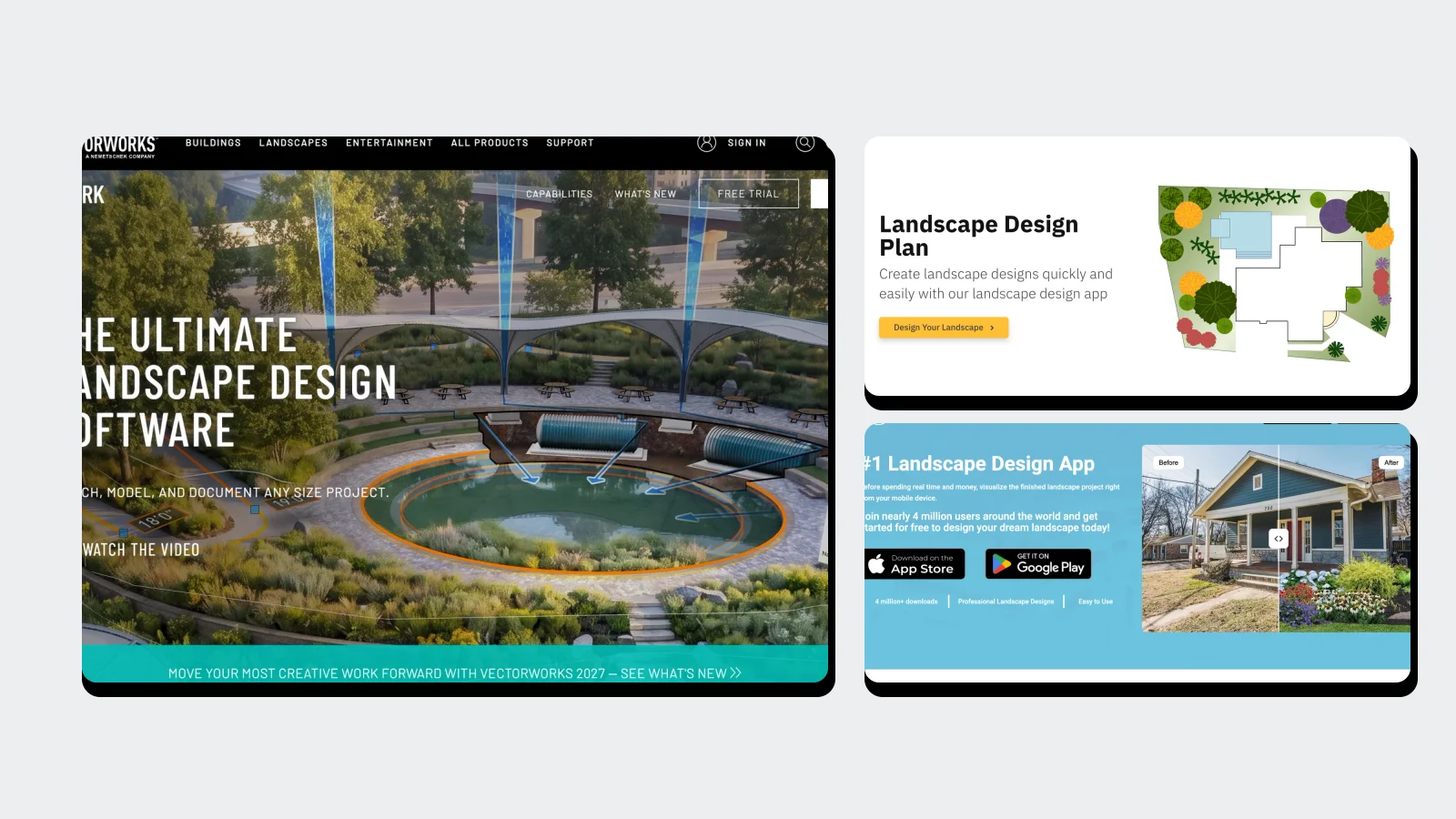
The best landscape design software depends on the job: a measured plan, a 3D model or a quick photo makeover. For a fast, photoreal before-and-after of a yard or patio, MeltFlex AI restyles a single photo in the browser in seconds, though it makes images, not planting plans or scaled drawings.
The fuller picture: Vectorworks Landmark and Land F/X run full landscape BIM and CAD; Realtime Landscaping, SketchUp and Lumion build and render 3D yards; and iScape, SmartDraw, DynaSCAPE and PRO Landscape cover phone apps, quick plans and contractor proposals.
“Landscape design software” covers three very different tools in one phrase: the measured plan a contractor builds from, the 3D picture that sells the design, and the app a homeowner uses to picture their own yard.
We read the pages of ten tools on 25 November 2026 and grouped them by that job and by who uses them. Every price below is what the vendor showed that day; MeltFlex AI is made by the team behind this site.
The short version
- Professional plans: Vectorworks Landmark (BIM) and Land F/X (inside AutoCAD or SketchUp).
- Design-build firms: DynaSCAPE for estimating, PRO Landscape for photo-imaging proposals.
- 3D and renders: Realtime Landscaping, SketchUp and Lumion.
- Homeowners: the iScape app or SmartDraw in the browser.
- A quick client image: MeltFlex AI from one photo.
What Is the Best Landscape Design Software in 2026?
The best tool is the one that produces the deliverable you are missing. A licensed studio filing permit drawings needs CAD or BIM; a design-build crew needs a before-and-after a homeowner will sign; a homeowner just needs to picture the yard.
These are the ten tools, with the job each does and the price its vendor showed on 25 November 2026. SketchUp was running a Cyber Week promotion that day, which we note where it applied.
| Tool | Job | Runs on | Price |
|---|---|---|---|
| Vectorworks Landmark | Pro BIM & CAD | macOS, Windows | €125/mo billed annually (€1,500/yr) |
| Land F/X | Pro plugin | Plugin (needs a CAD host or F/X CAD) | Planting F/X $675/yr; Irrigation F/X $995/yr |
| DynaSCAPE | Design-build | Windows (Design); browser (Creator) | Design $127/mo ($1,517/yr); Creator $96/mo |
| PRO Landscape | Contractor imaging | Windows, Mac, tablet apps | Subscription; price on request |
| Realtime Landscaping | 3D visualization | Desktop (one-time license) | Plus $149, Pro $279, Architect $599 (one-time) |
| SketchUp | 3D modeling | Web, desktop, iPad | Go $129, Pro $399, Studio $859 a year |
| Lumion | Rendering | Windows | $1,149/yr ($96/mo); €999/yr EUR view |
| iScape | Homeowner app | iOS, Android | Free; Pro $29.99/mo or $299.99/yr |
| SmartDraw | Online 2D plans | Browser | Free trial; subscription (no public price) |
| MeltFlex AI | AI render | Browser | First render free; from €12/mo billed yearly |
Source: Vectorworks, Land F/X, DynaSCAPE, PRO Landscape, Idea Spectrum (Realtime Landscaping), SketchUp, Lumion, iScape, SmartDraw and MeltFlex AI pages, read 25 November 2026. EUR prices are what the vendor showed a visitor from Slovakia, not converted; SketchUp showed a Cyber Week promo.
They sort into four groups, and which one you need is the first decision:
- Professional CAD and BIM (measured documents): Vectorworks Landmark, Land F/X.
- Design-build (design plus selling and estimating): DynaSCAPE, PRO Landscape.
- 3D and rendering (the picture): Realtime Landscaping, SketchUp, Lumion.
- Consumer and AI (fast, cheap, visual): iScape, SmartDraw, MeltFlex AI.
How Does Landscape Design Software Work?
Most landscape software does one of three things, and the better tools do more than one. It draws a 2D plan, the scaled top-down document with plant symbols and quantities. It builds a 3D model you can move through. Or it makes a photo or render that shows a client the finished look.
A professional tool like Vectorworks Landmark ties all three together, so a change to the plan updates the model and the schedule. A homeowner app like iScape does the picture only. Deciding which output you actually need saves the most money.
This walkthrough from a working SketchUp teacher shows how a yard and planting come together in a 3D model, and where the fiddly parts are:
The 10 Tools, by Job
Each entry lists the job it does, where it runs, what it costs and where it falls short. The professional CAD and BIM tools come first, then design-build, 3D and rendering, and finally the consumer and AI tools.
1. Vectorworks Landmark: Full Landscape BIM for Professionals
Job: Pro BIM & CAD · Runs on: macOS, Windows · Price: €125/mo billed annually (€1,500/yr)
Vectorworks Landmark calls itself “the ultimate landscape design software.” It is a BIM tool: terrain modeling with cut-and-fill, planting and hardscape objects, sun and shade studies, surface drainage and water budgets, all on one model where a change anywhere updates every drawing and schedule.
It reads and writes more than twenty file formats, including AutoCAD, Revit, SketchUp and Rhino, so it fits a team that works with architects and engineers. It is built for the whole project, from a bubble diagram to construction documents.
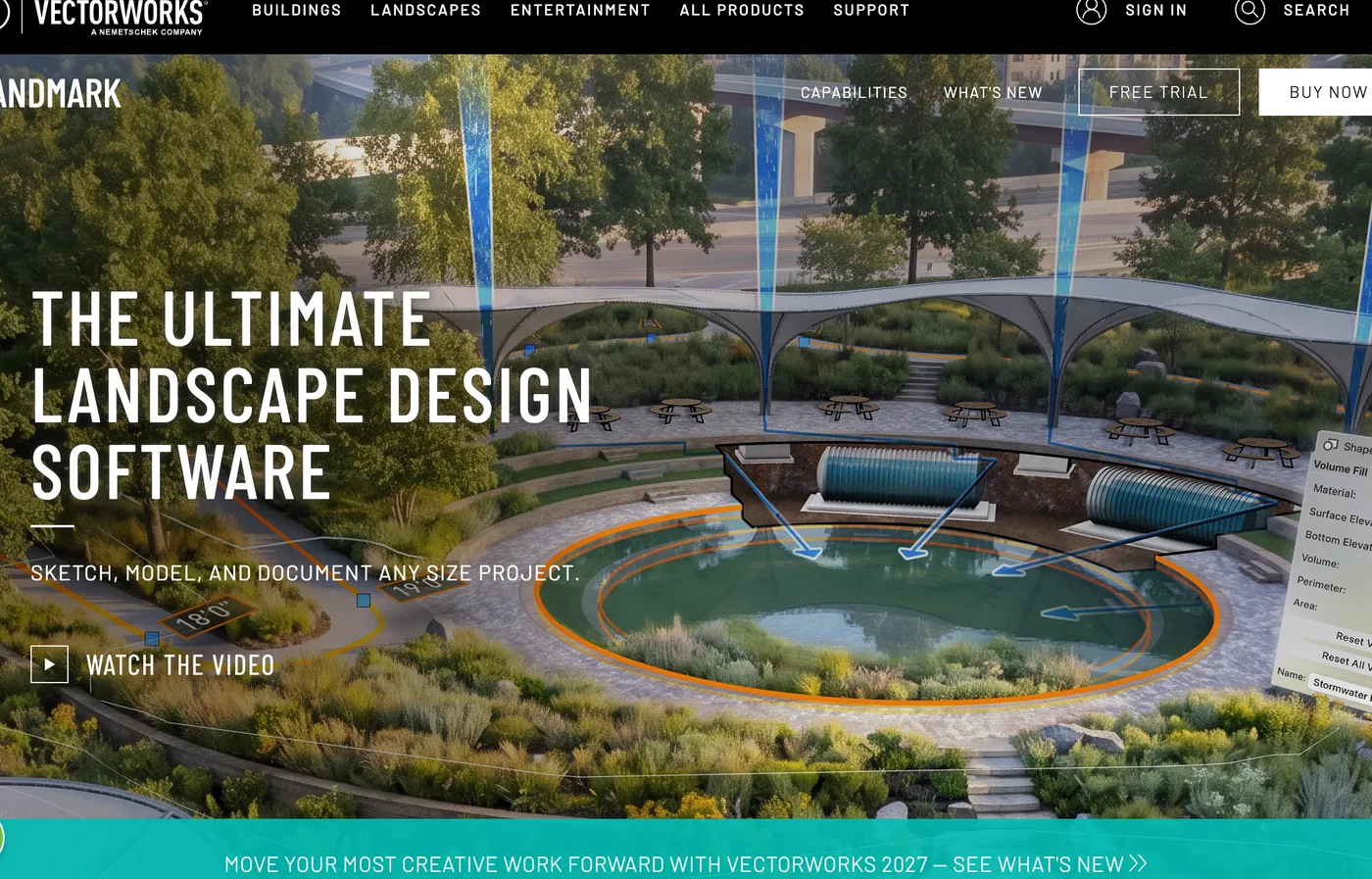
Where it falls short: it is a full professional application with the learning curve to match, and it is one of the priciest options here. The annual plan is €125 a month billed yearly (€1,500 a year) in the European view we saw; the monthly plan is €167.
2. Land F/X: Planting and Irrigation Inside Your CAD
Job: Pro plugin · Runs on: Plugin (needs a CAD host or F/X CAD) · Price: Planting F/X $675/yr; Irrigation F/X $995/yr
Land F/X is not a standalone program; it is a plugin that tailors AutoCAD, Revit, SketchUp or Rhino to landscape work. Planting F/X builds a plant palette from a database of more than 54,000 trees, shrubs and groundcovers, with smart plant blocks, instant labeling, scheduling and error checking.
Irrigation F/X adds equipment from more than thirty manufacturers’ catalogs and sizes pipe automatically with the Hazen-Williams formula for pressure and flow. It is aimed squarely at US landscape-architecture offices that already work in AutoCAD.
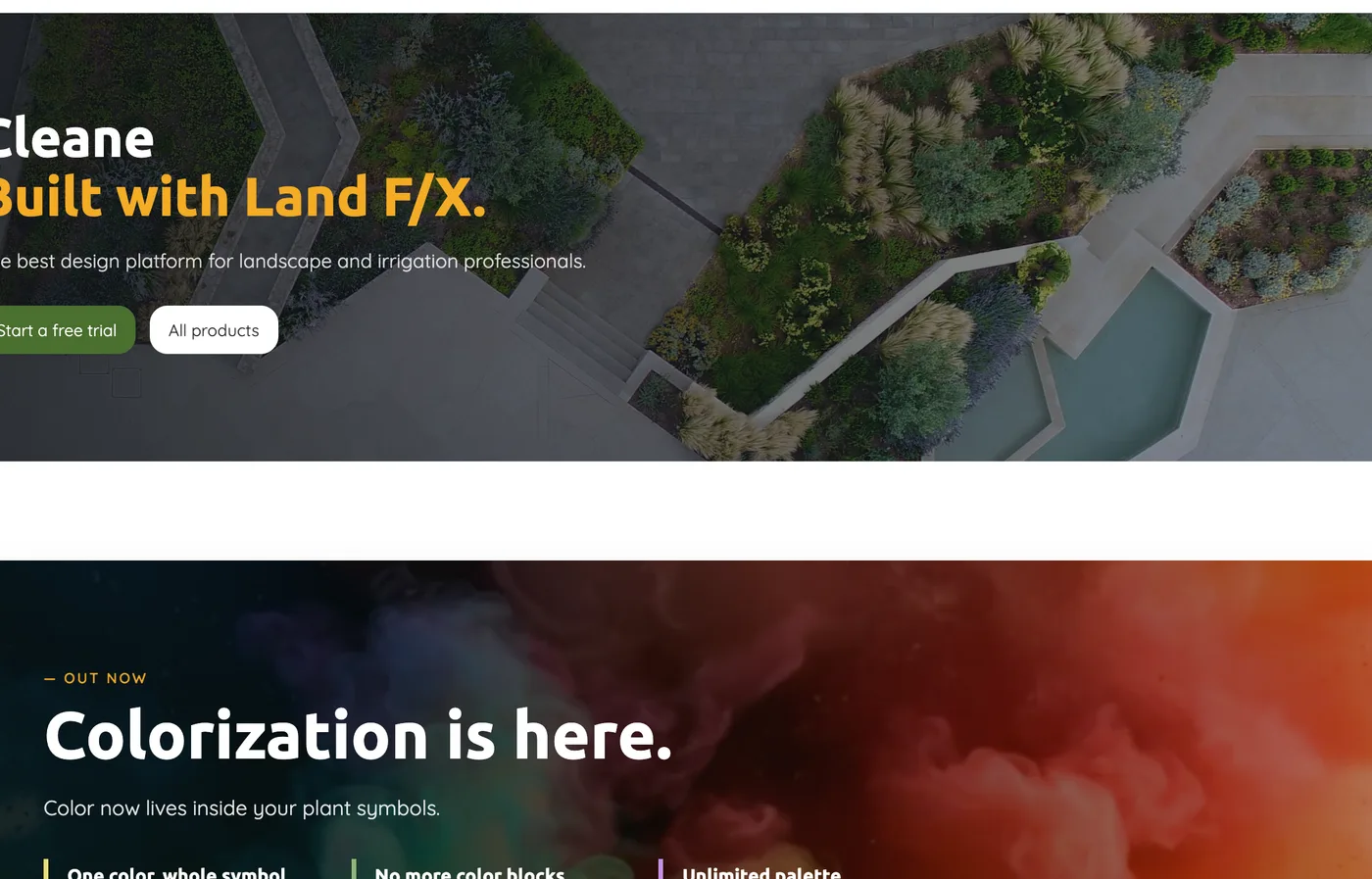
Where it falls short: you also need a CAD license, either your own AutoCAD or its F/X CAD platform, so the real cost stacks. Planting F/X is $675 a year, Irrigation F/X $995 (it includes Planting), and the F/X CAD platform $775; a 30-day trial is offered.
3. DynaSCAPE: Design Plus the Business Side
Job: Design-build · Runs on: Windows (Design); browser (Creator) · Price: Design $127/mo ($1,517/yr); Creator $96/mo
DynaSCAPE pairs a CAD-based design tool with estimating and business management, aimed at design-build firms that want the drawing and the quote in one place. Design is the professional CAD module; Creator is a browser-based, entry-level tool that runs on Mac or PC.
Manage360 handles the business side, from sales and estimating to operations, so a crew can move from a signed design to a booked job. Color and Sketch3D add-ons layer rendering onto the CAD plan.
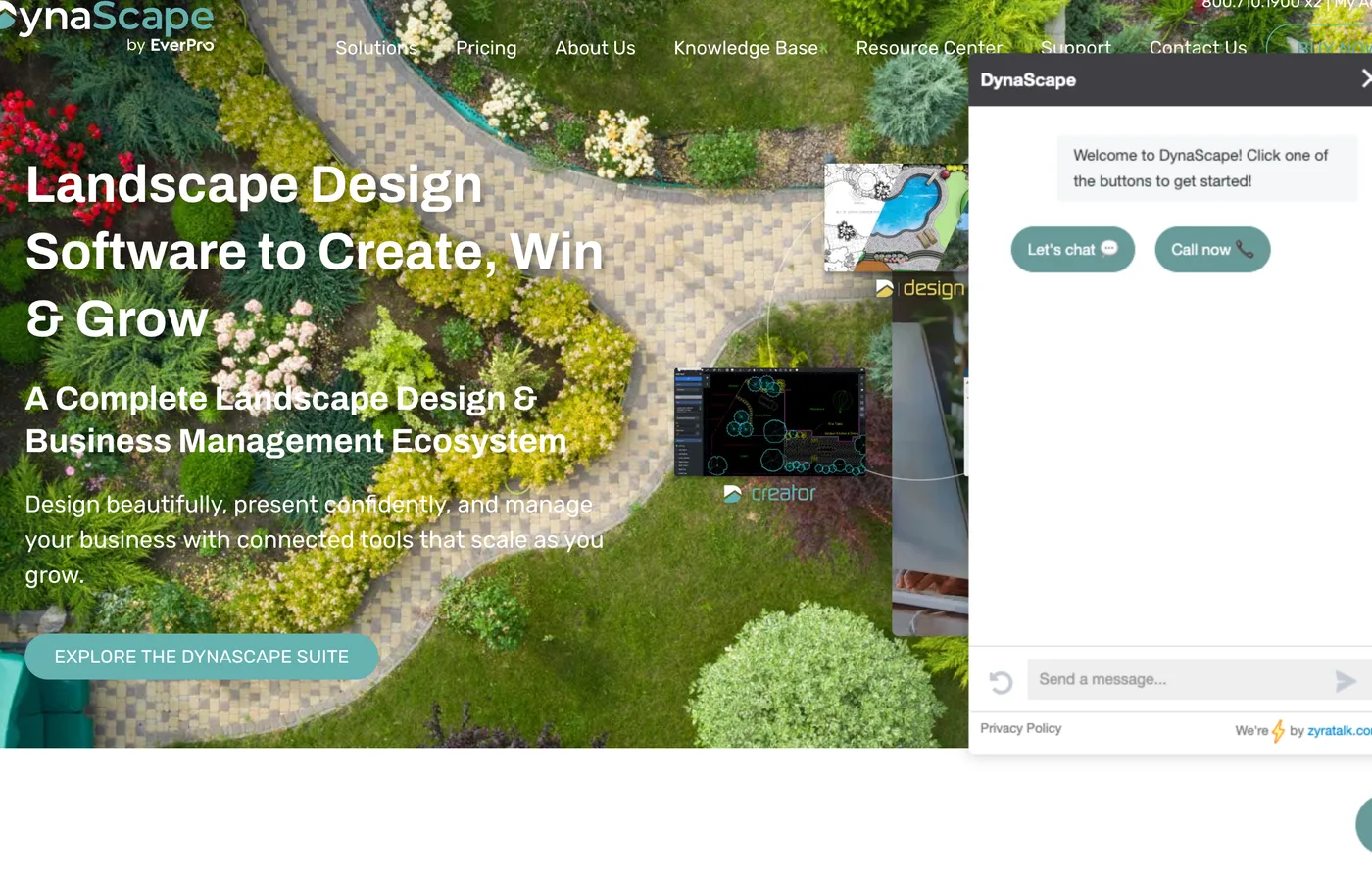
Where it falls short: the full Design module is Windows only and the costs add up across modules. Design is $127 a month ($1,517 a year), Creator is $96 a month, the Color and Sketch3D add-ons are $48 a month each, and Manage360 runs $176 to $288 a month.
4. PRO Landscape: Before-and-After Imaging for Contractors
Job: Contractor imaging · Runs on: Windows, Mac, tablet apps · Price: Subscription; price on request
PRO Landscape by Drafix is built for contractors and designers who sell with pictures. Its core is photo imaging: start from a photo of the real yard and drop in plants, hardscapes and lighting to produce a convincing before-and-after a homeowner can approve.
It also does CAD plans, 3D, night-and-holiday lighting, material takeoffs and proposals, and a free Companion tablet app comes with a subscription. One user license covers a computer and a tablet.

Where it falls short: there is no public price; the page sends you to sales for a subscription quote. Windows is the primary platform, with Mac needing extra setup, so check your hardware before you commit.
5. Realtime Landscaping: Affordable 3D Yards and Walkthroughs
Job: 3D visualization · Runs on: Desktop (one-time license) · Price: Plus $149, Pro $279, Architect $599 (one-time)
Realtime Landscaping by Idea Spectrum builds 2D plans and full 3D models of yards, gardens, decks, fencing, pools and spas, then lets you walk through the result in real time. It is pitched at homeowners and smaller design firms rather than large practices.
The headline is the price model: it is a one-time purchase with no subscription, in three editions. That makes it one of the cheapest ways to get a genuine 3D model rather than a flat picture.
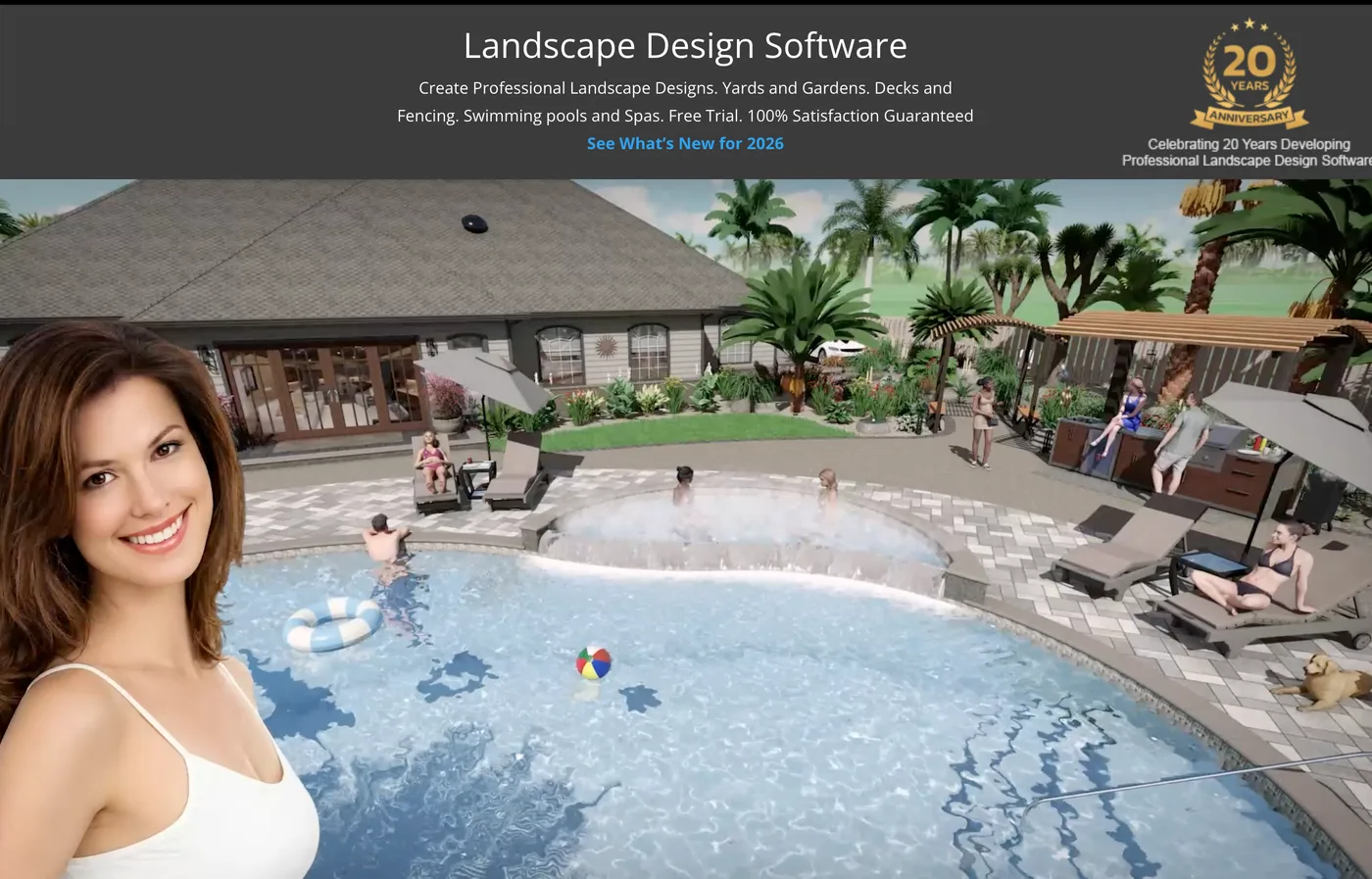
Where it falls short: it is a visualization tool, not a documentation platform, so it will not produce the scheduled, dimensioned plan set a permit office wants. Pricing is one-time: Plus $149, Pro $279 and Architect $599, with a 30-day money-back guarantee.
6. SketchUp: General 3D Modeling for Site Work
Job: 3D modeling · Runs on: Web, desktop, iPad · Price: Go $129, Pro $399, Studio $859 a year
SketchUp is not landscape-specific, but it is one of the most common 3D tools on a designer’s desk, used for massing, grading studies, hardscape and quick 3D concepts. Its large extension library and 3D Warehouse add plants, furniture and site objects.
It pairs well with the rest of this list: Land F/X runs inside it, and Lumion renders its models. For many small practices SketchUp Pro plus a renderer is the whole toolkit.
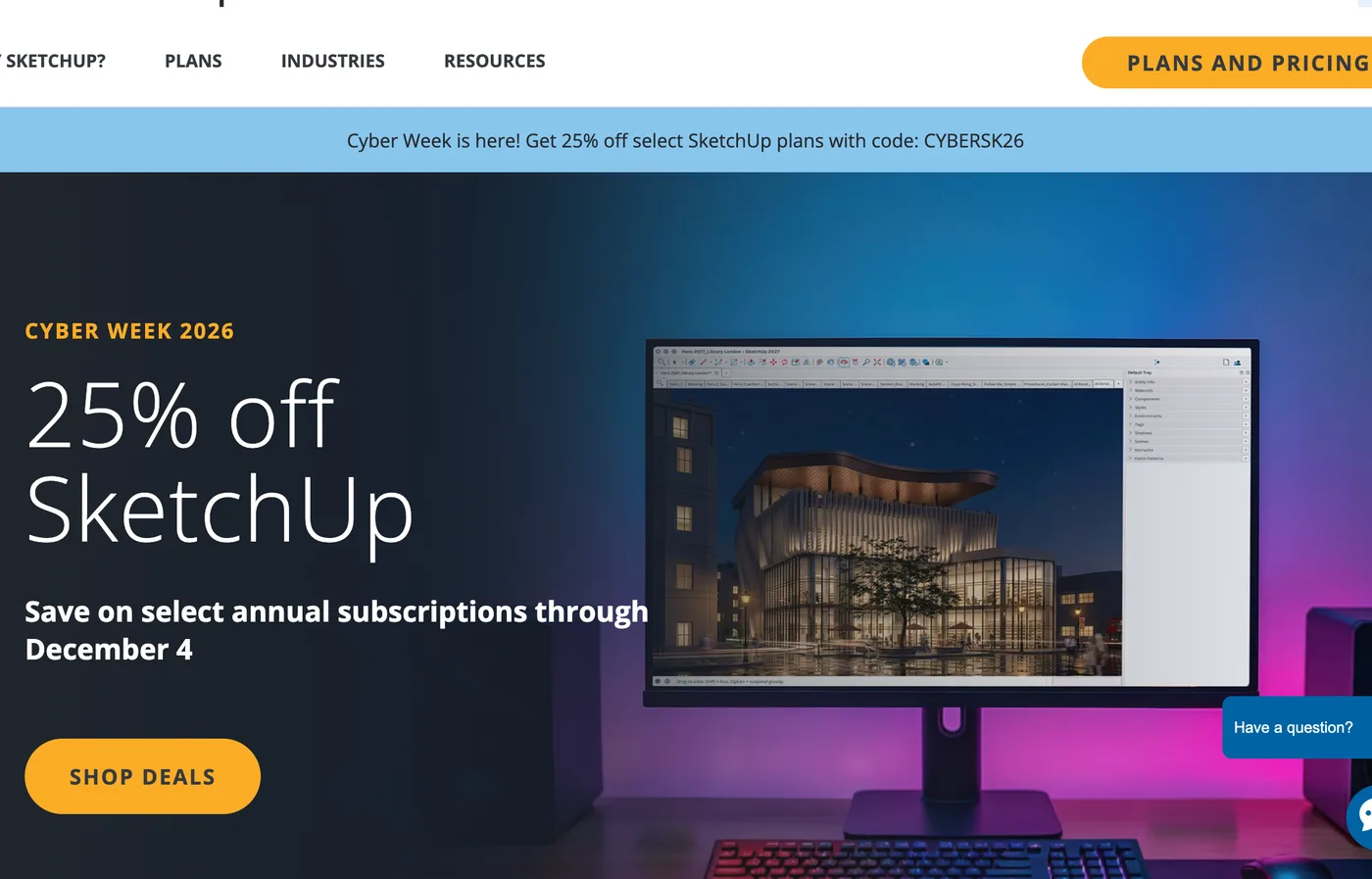
Where it falls short: on its own it has no planting schedules, irrigation or landscape documentation; you add those with plugins. Plans are Go $129 (iPad and web), Pro $399 (desktop) and Studio $859 a year, with a 25% promo running through December 4 on the read date.
7. Lumion: Photoreal Renders With Deep Nature Libraries
Job: Rendering · Runs on: Windows · Price: $1,149/yr ($96/mo); €999/yr EUR view
Lumion is a real-time rendering tool, and its nature and planting libraries make it a favorite for landscape and exterior work. You import a model from SketchUp, Revit, Archicad, Rhino or AutoCAD with a LiveSync plugin and light, populate and render the scene.
It ships with thousands of models and materials, so a bare site model fills with trees, grasses, people and skies quickly. The output is the client-facing image or walkthrough, not the plan.
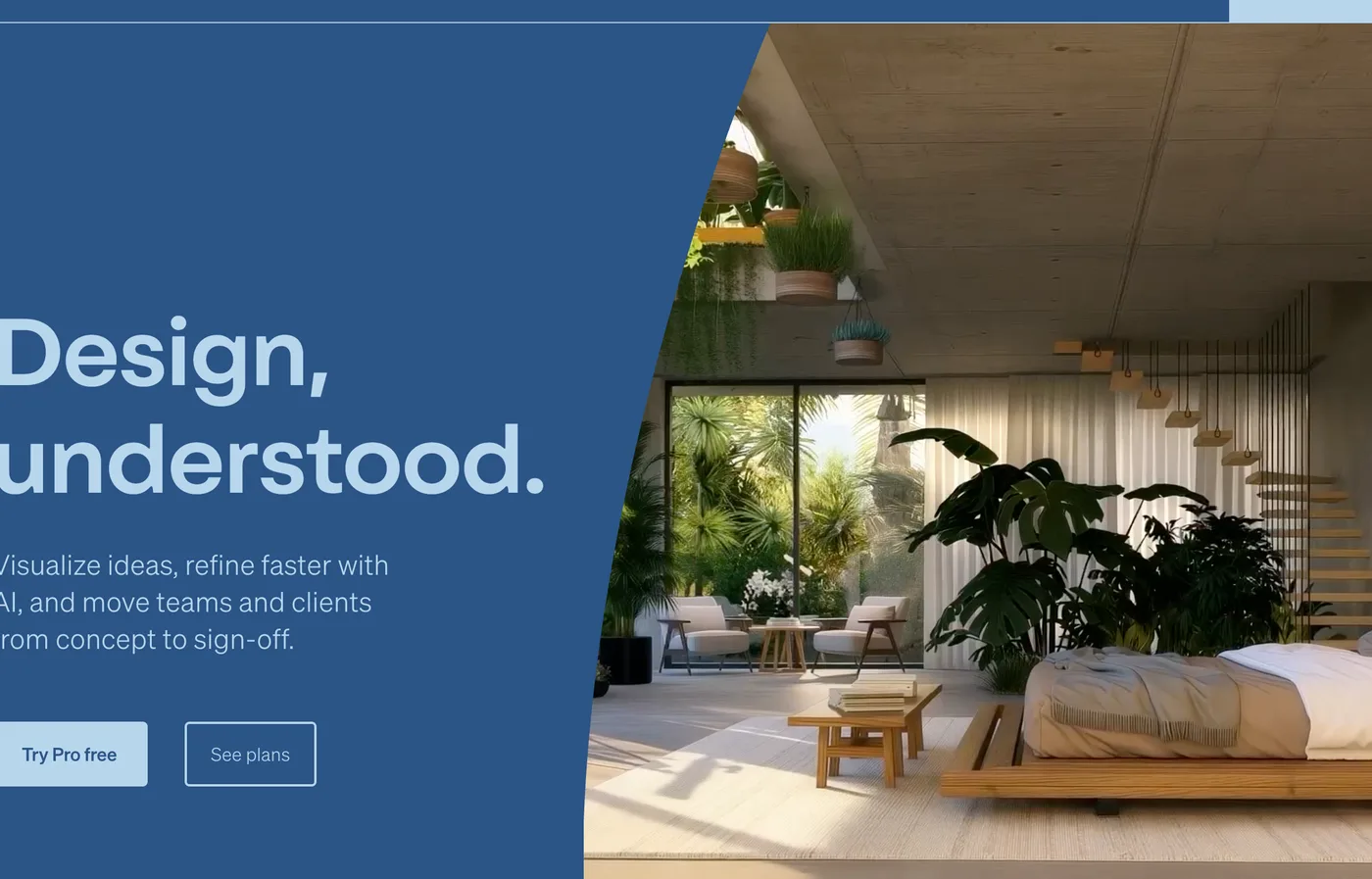
Where it falls short: it renders a model you already have; it does not design the landscape or schedule it, and it is Windows only. Lumion Pro is $1,149 a year ($96 a month), or €999 in the European view, with a Pro Floating seat at $1,499.
8. iScape: DIY Augmented Reality on Your Phone
Job: Homeowner app · Runs on: iOS, Android · Price: Free; Pro $29.99/mo or $299.99/yr
iScape is a phone app built for homeowners and hobbyists. You photograph your yard and overlay plants, hardscapes and furniture in augmented reality, or build a 2D or 3D design, to picture the finished project before spending money.
It runs on iOS and Android, with 3D on iOS, and includes a proposal tool for professionals who want to design on site. The vendor claims close to four million downloads and a 4.6-star rating.
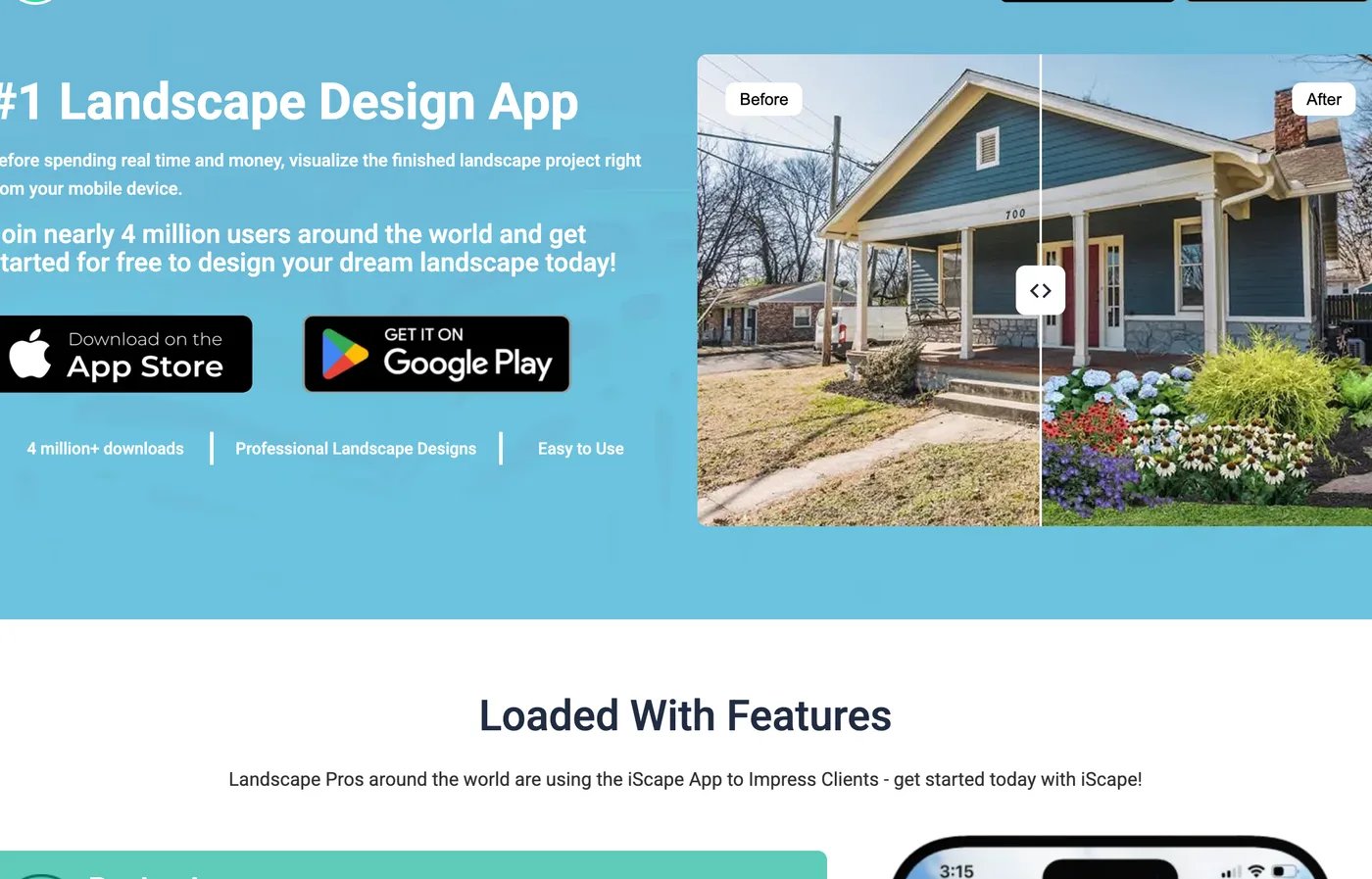
Where it falls short: it is a visualization app, not a documentation tool, and the free tier limits the plant database. Pro is $29.99 a month or $299.99 a year, with an Enterprise tier for teams.
9. SmartDraw: Quick 2D Plans in the Browser
Job: Online 2D plans · Runs on: Browser · Price: Free trial; subscription (no public price)
SmartDraw is a general diagramming tool with a landscape-plan template. It draws a scaled 2D plan in the browser: set the boundary, drop in symbols for plants, trees, paths, furniture and structures, and overlay irrigation or lighting.
It is the fast way to a clean top-down plan without learning CAD, and it runs anywhere a browser does. It suits a simple residential layout or a plan to hand to a contractor.
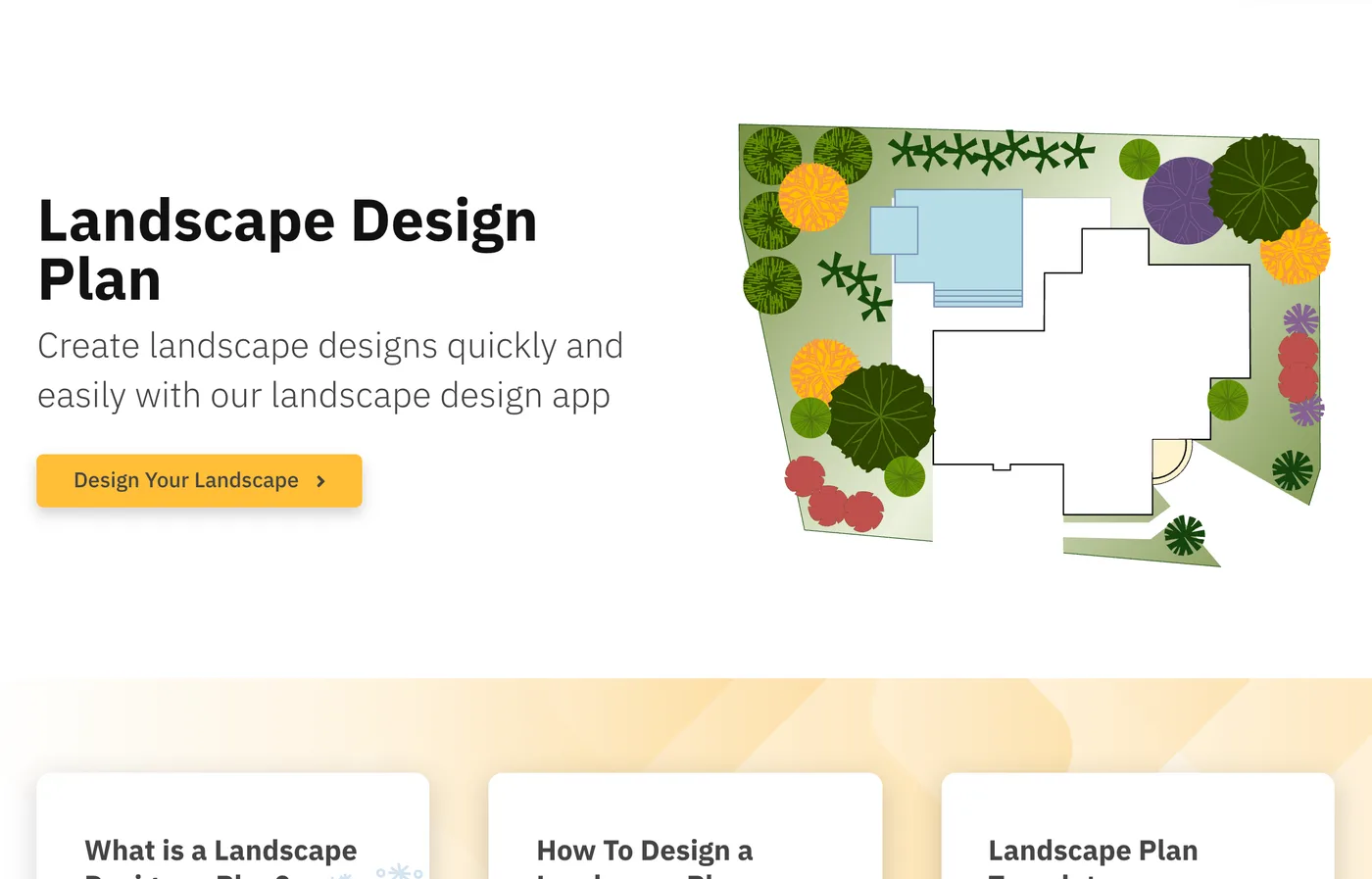
Where it falls short: it is a 2D diagram tool, so there is no real 3D, no planting schedule and no takeoff. The landscape page showed a free trial but no price on the read date; it becomes a paid subscription.
10. MeltFlex AI: A Photoreal Yard From One Photo
Job: AI render · Runs on: Browser · Price: First render free; from €12/mo billed yearly
MeltFlex AI takes a single photo, a SketchUp viewport or a rough 3D draft and returns a photoreal render in under thirty seconds, computed on its servers, so there is no software to install. It works on exteriors as well as interiors, because it reads geometry and light rather than the room type.
You describe the change in plain language and it reworks the materials, planting feel and light already in the image. For a landscape designer it is the fastest way to show a client a before-and-after of a yard, patio or facade.
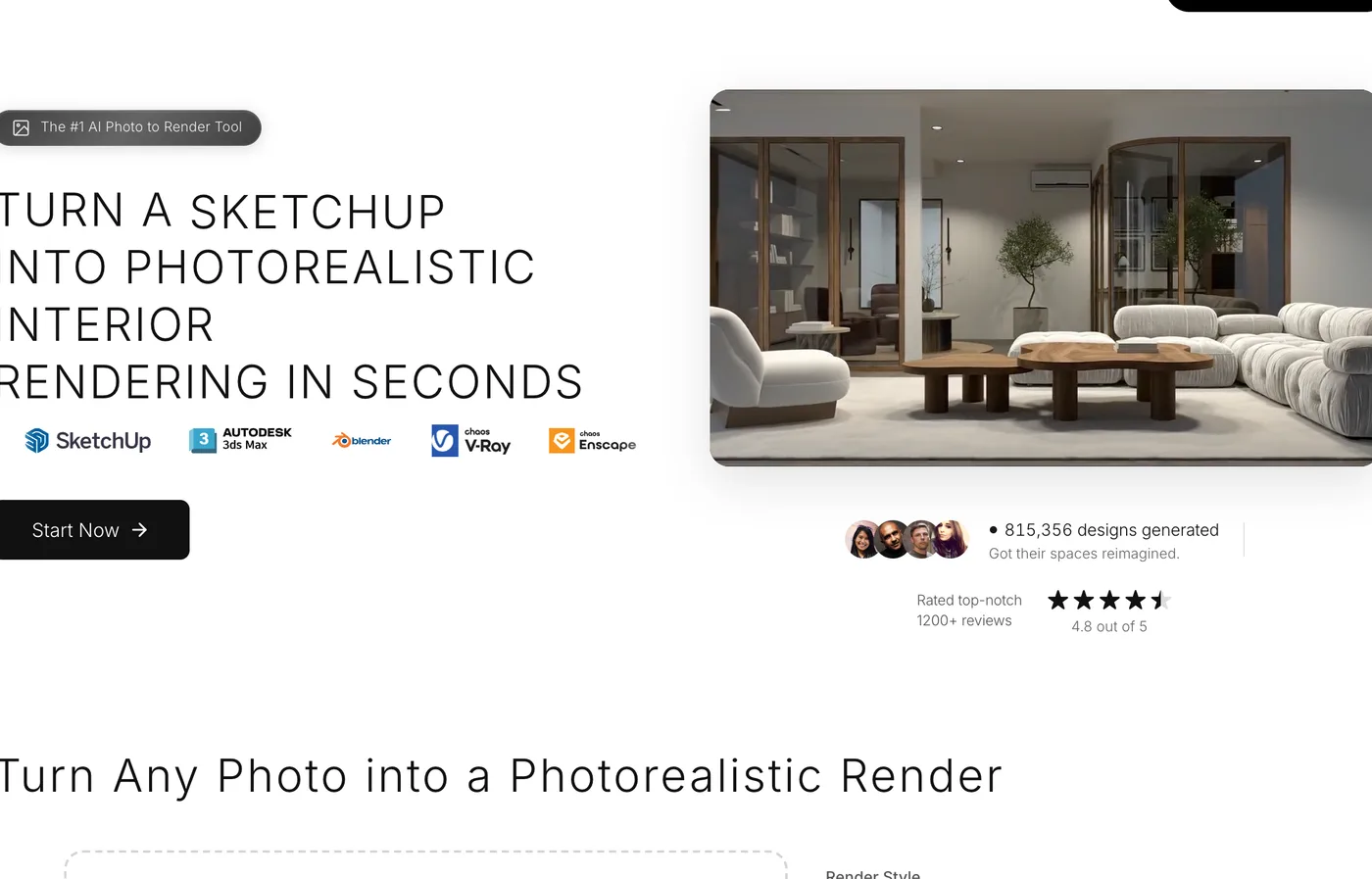
Where it falls short: it makes an image, not a planting plan, a grading design or a measured drawing, and an AI render can move or change a plant, path or feature you did not touch. Use it for the concept picture, then do the real plan in a CAD tool. The first render is free; paid plans start at €12 a month billed yearly.
What Is the Best Free Landscape Design Software?
Genuinely free landscape design is mostly free tiers and trials, each with a line drawn in it:
| Free option | What you get free | The catch |
|---|---|---|
| iScape | Free app tier, no card | Limited plant database; Pro $29.99/mo for the full library and proposals |
| SmartDraw | Free browser trial | Becomes a paid subscription (no public price shown) |
| MeltFlex AI | First render free | Watermarked; paid plans from €12/mo |
| Realtime Landscaping | 30-day money-back | Not free up front: $149 one-time for Plus |
Source: Vectorworks, Land F/X, DynaSCAPE, PRO Landscape, Idea Spectrum (Realtime Landscaping), SketchUp, Lumion, iScape, SmartDraw and MeltFlex AI pages, read 25 November 2026. EUR prices are what the vendor showed a visitor from Slovakia, not converted; SketchUp showed a Cyber Week promo.
For free CAD, BIM and 3D tools that are not landscape-specific but can model a site, our free architecture software guide covers Blender, FreeCAD, SketchUp’s web version and the education licenses.
What Do Professional Landscape Architects Use?
Landscape architecture is a licensed profession: the US Bureau of Labor Statistics reports that all states require landscape architects to be licensed, and the field pays a median of $79,870 a year across about 23,500 jobs, growing 4% through 2035.
At that level the work is measured documents, so most licensed offices run CAD or BIM: Land F/X inside AutoCAD or SketchUp, or Vectorworks Landmark as a full BIM tool. Design-build firms that sell to homeowners add DynaSCAPE for estimating or PRO Landscape for photo-imaging proposals.
The consumer apps and AI renders sit before that work, not inside it. They are for picturing and selling the idea; the licensed plan, grading and irrigation still happen in the professional tools.
How Much Does Landscape Design Software Cost?
Landscape software runs from a free phone app to about €1,500 a year for a professional BIM seat. Here is what each cost on 25 November 2026, grouped by tool; EUR figures are the European view, and the SketchUp promo is noted.
| Tool | Price | Notes |
|---|---|---|
| Vectorworks Landmark | €1,500/yr (€125/mo annual) | Monthly is €167/mo; EUR view shown to a European visitor; BIM with 20+ file formats including AutoCAD, Revit, SketchUp and Rhino |
| Land F/X | Planting F/X $675/yr | Irrigation F/X adds pipe sizing at $995/yr; F/X CAD platform $775/yr; needs an AutoCAD, Revit, SketchUp or Rhino host; 30-day trial |
| DynaSCAPE | Design $127/mo ($1,517/yr) | Creator (browser) $96/mo; Color or Sketch3D add-ons $48/mo each; Manage360 business software $176–$288/mo |
| PRO Landscape | Subscription; price on request | The PRO Landscape Companion tablet app is included; Windows primary, Mac with extra setup; contact sales for the figure |
| Realtime Landscaping | $149–$599, one-time | Plus $149, Pro $279, Architect $599; no subscription; 30-day money-back guarantee |
| SketchUp | $129–$859 a year | Go $129 (iPad & web), Pro $399 (desktop), Studio $859 (Windows); a 25% Cyber Week promo ran through December 4 |
| Lumion | $1,149/yr ($96/mo) | EUR view €999/yr; Pro Floating $1,499/yr; Windows only; LiveSync plugins for SketchUp, Revit, Archicad, Rhino and AutoCAD |
| iScape | Free; Pro $29.99/mo or $299.99/yr | The free tier limits the plant database; Pro adds the full library, custom photo uploads and the proposal tool; Enterprise is custom |
| SmartDraw | Free trial; subscription | Runs in the browser at app.smartdraw.com; no price was shown on the landscape-design page on the read date |
| MeltFlex AI | First render free; from €12/mo | Standard €12/mo billed yearly (€19 month to month); the free render is watermarked; EUR view shown to a European visitor |
Source: Vectorworks, Land F/X, DynaSCAPE, PRO Landscape, Idea Spectrum (Realtime Landscaping), SketchUp, Lumion, iScape, SmartDraw and MeltFlex AI pages, read 25 November 2026. EUR prices are what the vendor showed a visitor from Slovakia, not converted; SketchUp showed a Cyber Week promo.
The cheapest real workflow for a homeowner is a free app plus a one-time 3D tool, under $200 all in. A professional office running CAD or BIM plus a renderer passes €2,000 a seat a year once you add the host CAD, so match the spend to how often you will use each tool.
How to Choose: Five Questions Before You Pick
Five questions settle most of it:
- What do you need to hand over? A measured plan: Vectorworks Landmark or Land F/X. A 3D model: Realtime Landscaping or SketchUp. A picture: Lumion or MeltFlex AI.
- Are you licensed or a homeowner? A professional needs CAD or BIM; a homeowner is better served by the iScape app or SmartDraw.
- Do you already use CAD? If you run AutoCAD or SketchUp, Land F/X and Lumion build on it; if not, a standalone tool avoids a second license.
- Subscription or one-time? Realtime Landscaping is a one-time buy; most professional tools are annual; iScape and MeltFlex AI are monthly.
- How much will you check it? A render or AI image needs verifying against the real plan before anyone builds from it; budget that time.
For the measured tools that produce the drawings, our main software guide and our rendering software guide compare the CAD, BIM and render programs in more depth.
Frequently Asked Questions
What is the best landscape design software in 2026?
There is no single best one, because the tools do different jobs. Vectorworks Landmark and Land F/X are the professional BIM and CAD tools; Realtime Landscaping, SketchUp and Lumion build and render 3D yards; iScape and SmartDraw are quick consumer tools; and MeltFlex AI restyles a yard from one photo. Pick by the deliverable you need: a measured plan, a 3D model or a client image.
What is the best free landscape design software?
Free is mostly free tiers rather than free products. The iScape app has a free tier with no card, SmartDraw offers a free browser trial, and MeltFlex AI gives you the first render free. Each caps something: iScape limits its plant database, SmartDraw becomes a paid subscription, and the MeltFlex free render is watermarked.
What software do professional landscape architects use?
Most licensed landscape architects work in CAD or BIM. Land F/X runs inside AutoCAD, Revit, SketchUp or Rhino to produce planting and irrigation documents, and Vectorworks Landmark is a full BIM tool with terrain, drainage and schedules. Design-build firms often add DynaSCAPE for estimating or PRO Landscape for photo-imaging proposals.
Can I design my own yard without professional software?
Yes. iScape lets you overlay plants and hardscapes onto a phone photo of your yard in augmented reality, SmartDraw draws a scaled 2D plan from templates in the browser, and Realtime Landscaping builds a 3D model you can walk through for a one-time price. For a quick photoreal preview, MeltFlex AI restyles a single photo, though it makes an image, not a planting plan.
What is the difference between 2D and 3D landscape software?
A 2D plan is the measured, top-down document a contractor builds from, with plant symbols, quantities and dimensions. A 3D model or render is the picture that sells the design to a client. Professional tools like Vectorworks Landmark do both; cheaper tools often do one well, so decide whether you need the plan, the picture, or both.
Does landscape design software calculate plants and materials?
The professional tools do. Land F/X builds a plant schedule and sizes irrigation pipe using the Hazen-Williams formula, Vectorworks Landmark tracks areas and water budgets, and DynaSCAPE links the design to estimating. Consumer apps and AI renders show the look but do not produce an accurate takeoff.
Can AI design a landscape?
AI can help with the picture, not the plan. MeltFlex AI turns a photo of a yard into a photoreal render so a client sees the idea, and some tools suggest layouts, but none produces a code-compliant planting plan, a grading design or an irrigation schedule. Treat an AI render as a concept image and let a measured tool and a designer do the build.
Sources
All prices and product claims were read on the vendors’ own pages on 25 November 2026; MeltFlex AI is made by the team behind this site, and no other vendor paid to be listed. EUR prices are the European view, not converted. We could not verify iScape’s download and rating figures (vendor claims), and PRO Landscape and SmartDraw showed no price on the pages we read.
- Vectorworks Landmark
- Land F/X
- DynaSCAPE
- PRO Landscape
- Realtime Landscaping
- SketchUp
- Lumion
- iScape
- SmartDraw
- US Bureau of Labor Statistics, Occupational Outlook Handbook: Landscape Architects
- TheSketchUpEssentials, “How to Model Landscapes & Gardens in SketchUp” (YouTube)
Related: our guide to the best software for architects, rendering software, 3D interior design software and the selection method.
Found a price that changed? Write to info@meltflexai.com and we will correct it and the date.